Close or reopen a participant's exam
During an exam, close or reopen access for a participant
Written By Florian Barral
Last updated 10 months ago
Close the participant live access
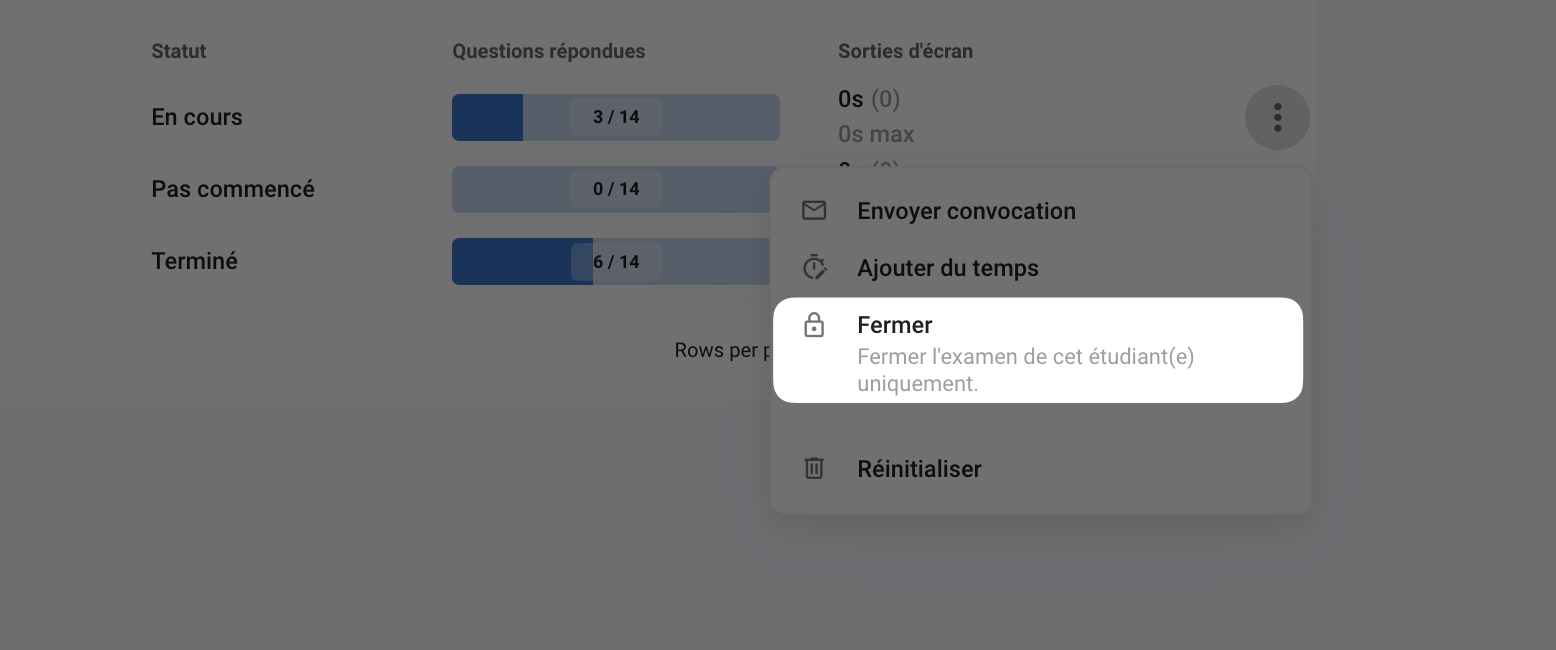
If the participant is
In progress, click⁝and thenClose.
Reopen participant access in live
If the participant has a status of
Completed, click⁝and thenReopen.If the participant has
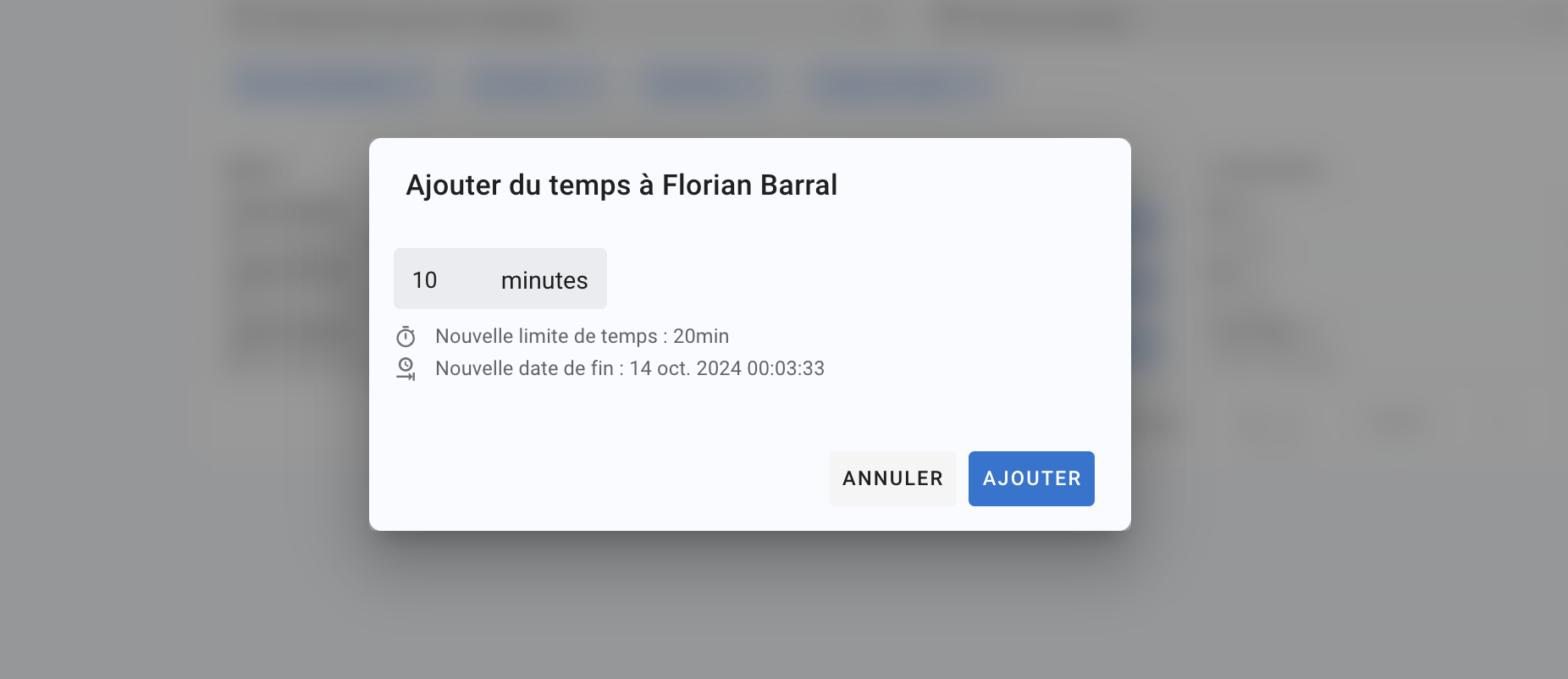
Completed - Time finishedas their status, click⁝and then:Add time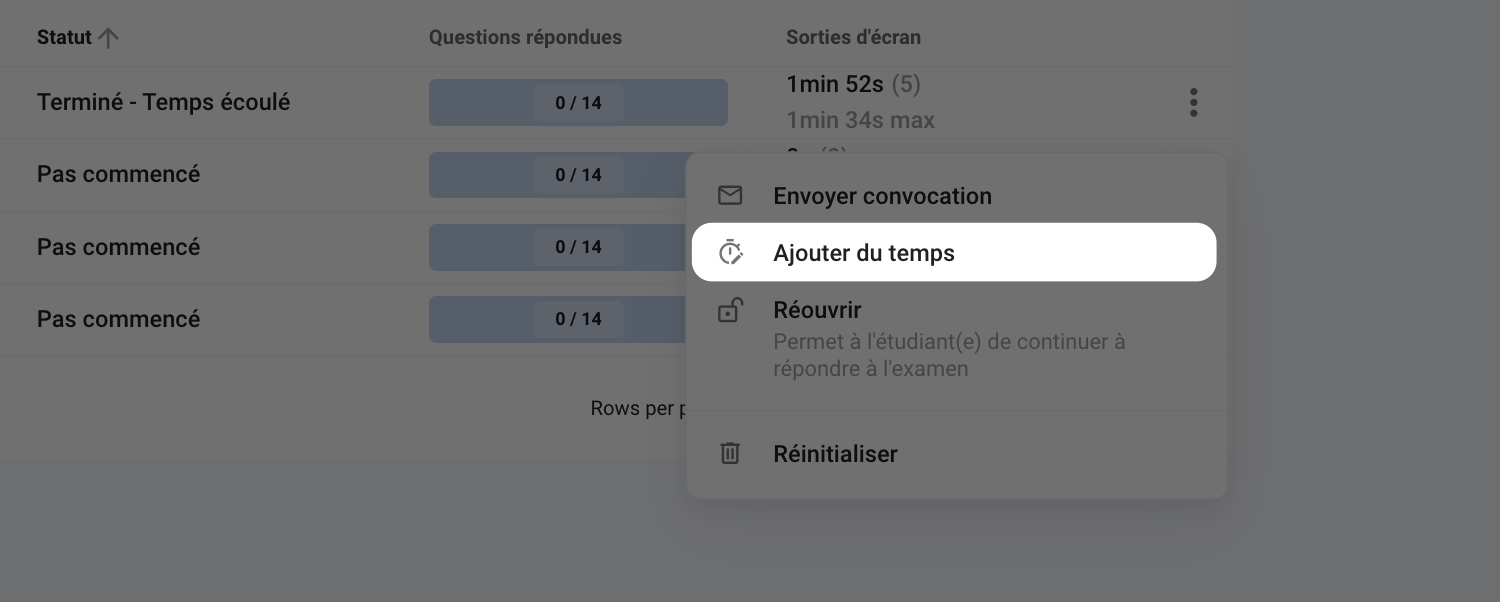
Reopen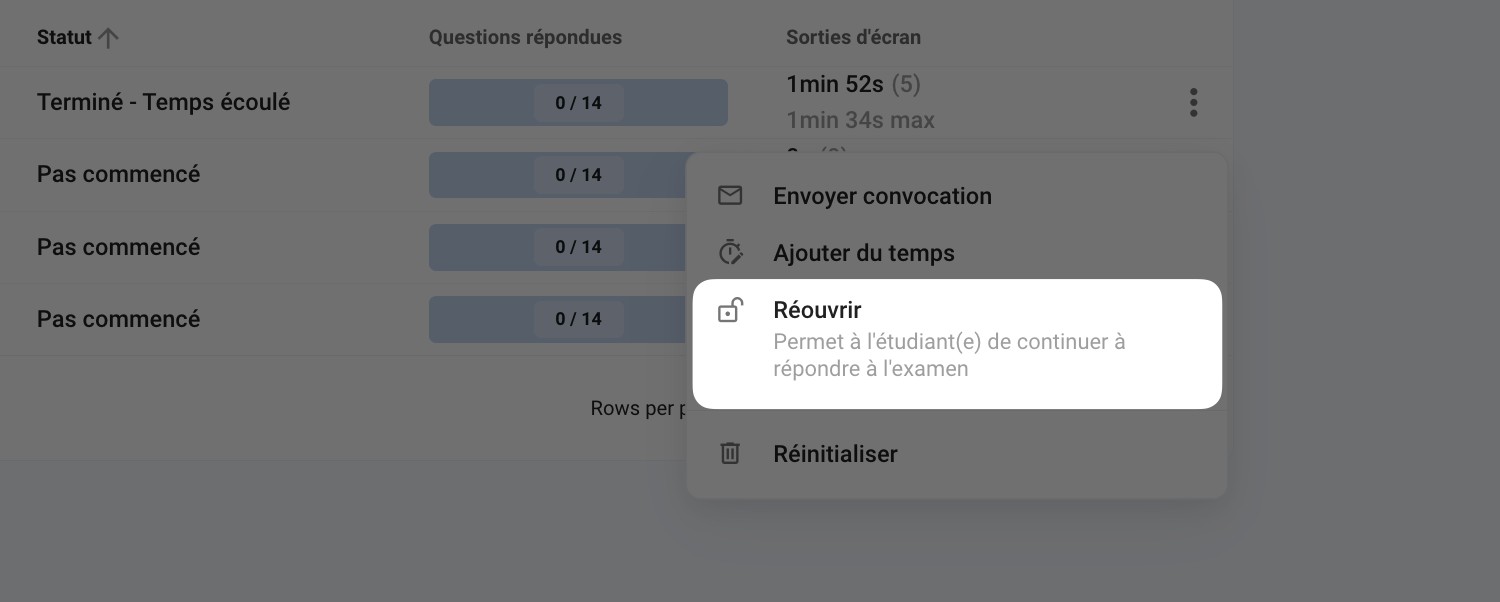
Example
When an exam is reopened for an examinee, their remaining exam time is calculated based on their exam start time. For example, an examinee has 3 hours to complete the exam and starts at 9:10 a.m. They finish the exam at 10:10 a.m. and validate all of their answers. If you reopen their exam at 10:40, they will have 1 hour and 30 minutes of exam time remaining: from 10:40 to 12:10 (if there is no overall exam closing time before 12:10).