Changelog

Follow new updates and improvements to Evalmee.

Evalmee AI hosted in Europe, emails from your own address

Choose the AI model that works for you while keeping your data in Europe, and send your emails from your own address.

Choose your AI, hosted in Europe
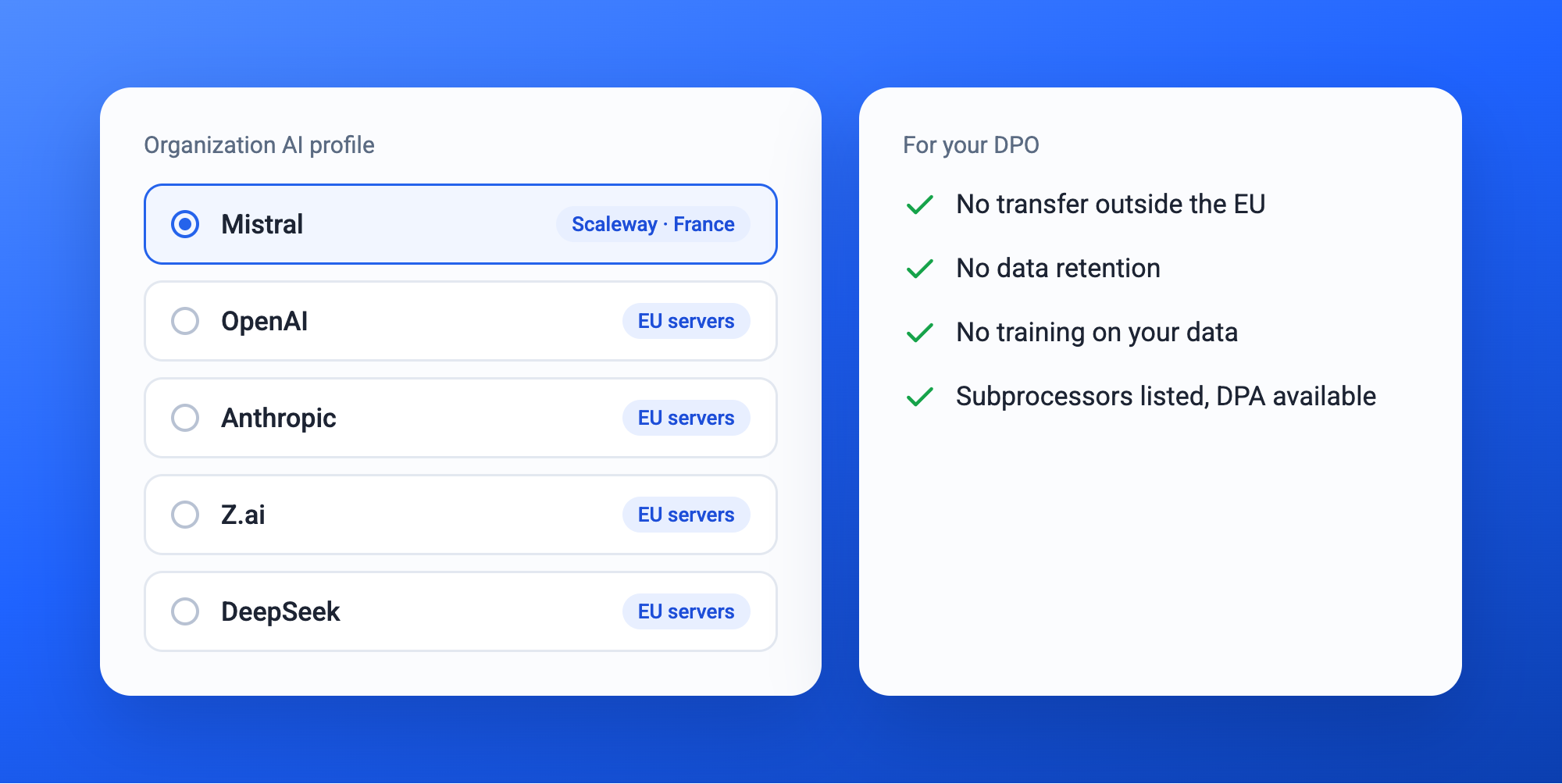
Mistral, OpenAI, Anthropic, Z.ai or DeepSeek: you choose the family of models behind Evalmee's AI features. Whichever you pick, requests are processed on servers located in the European Union. Mistral, in particular, runs in France.

Your choice applies by default to all new exams in your organization. Your data is never used to train the models.

For your DPO, it's simple: no transfer outside the EU, no data retention, listed subprocessors, a DPA available.

→ Available on request: contact us to set up your organization's AI profile.

Personalize your emails
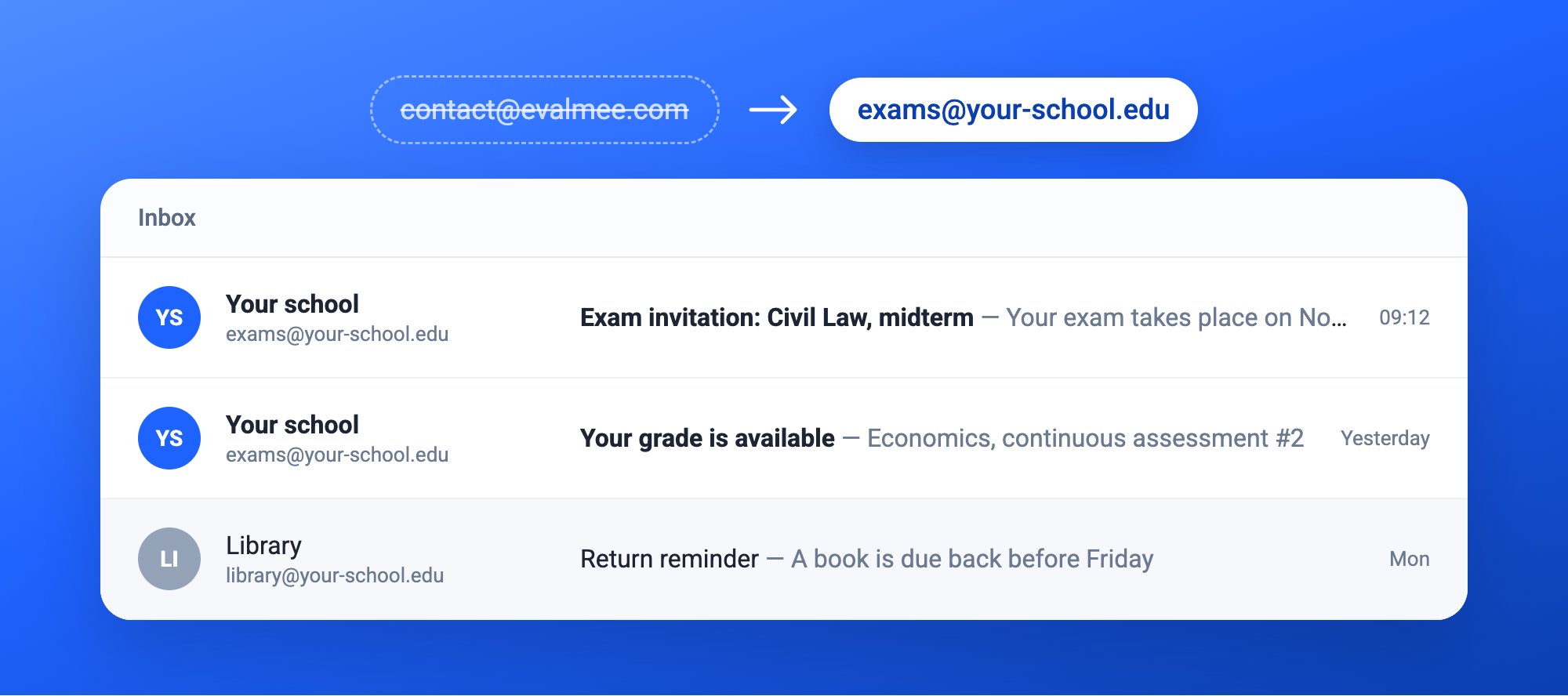
Invitations and grade emails are now sent from your organization's address (e.g. exams@your-school.edu) instead of contact@evalmee.com. Your participants recognize the sender, and your emails get past spam filters more easily.

In Settings › Email, add your address and the DNS records provided, send a test email, then activate the address. Available with the Organization plan, enabled on request by our team.

Your colors, better rendered
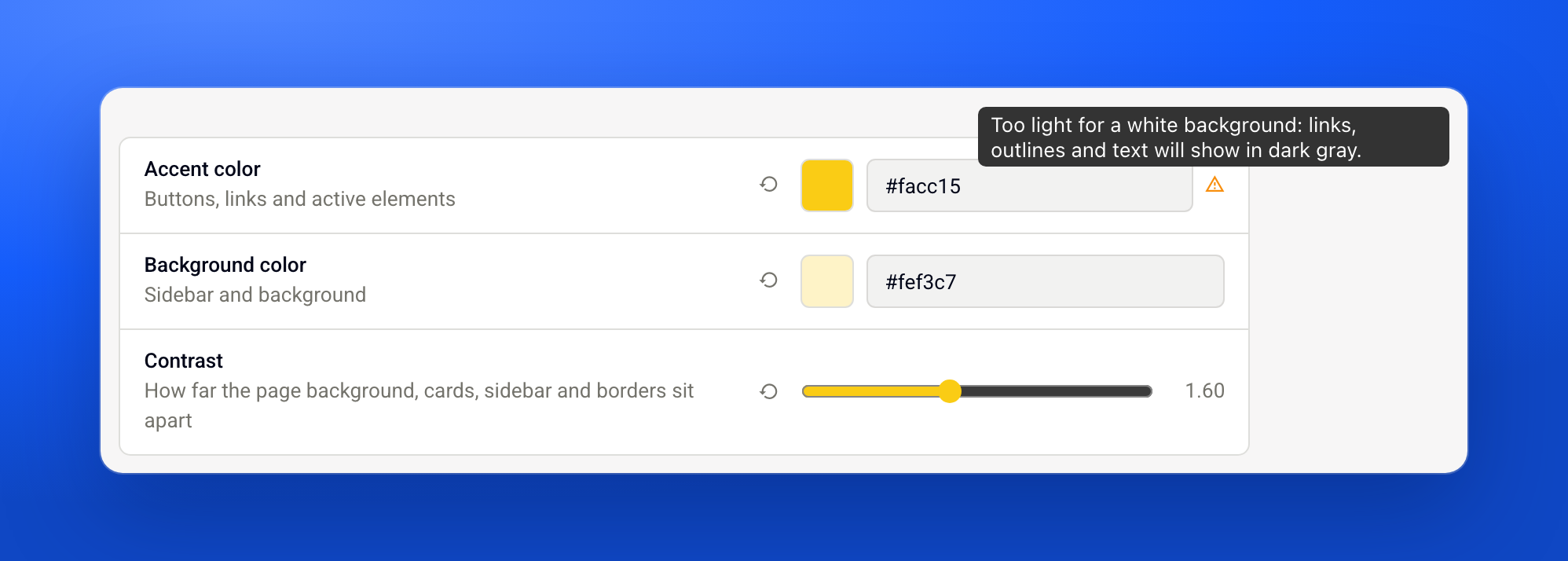
Light colors, such as yellow, now display correctly throughout the interface. Default contrast is stronger, and you can raise it further for accessibility.

✨ Other improvements

  • Fraud analysis: fewer false positives in certain edge cases

  • Help center: available in English, Spanish and Italian, and the support assistant answers in your language

  • Spreadsheet questions: more reliable behavior

  • Subject import: a message clearly states that the current subject will be replaced

  • Exam statistics: faster display

  • Late answers: clearer dates

  • Taking an exam: simpler finish button

🐞 Bug fixes

  • A locked subject displays correctly in the editor

  • Importing an Excel subject works even when a cell contains only a space

New

Matching, file upload, Italiano, Español

Two new question types to vary your exams, an exam welcome page you edit right from the editor, and Evalmee now speaks Italian and Spanish.

Matching question

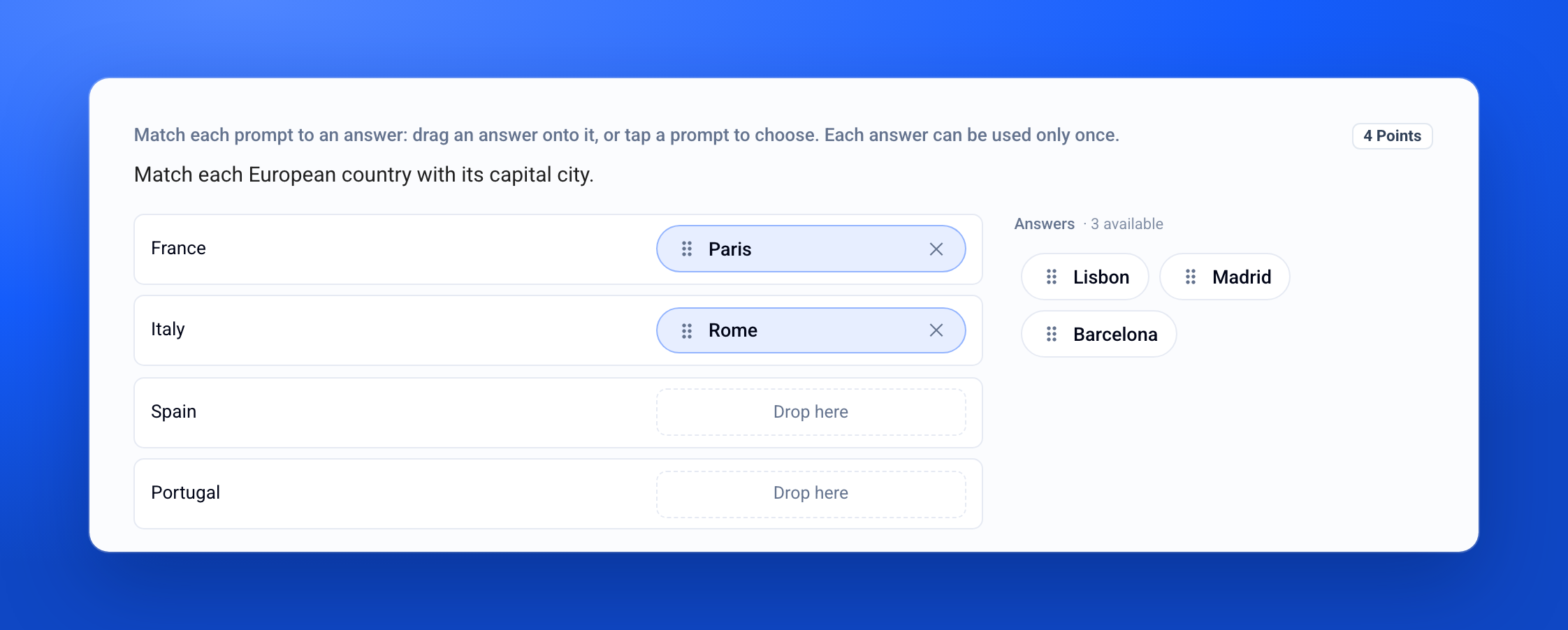
Ask participants to match prompts with answers: a country and its capital, a concept and its definition, a book and its author. They drag each answer onto its prompt, or pick it in two clicks. Add distractors to rule out answering by elimination. Grading is automatic and follows the scoring rules of your multiple-choice questions.

Learn more →

File upload question

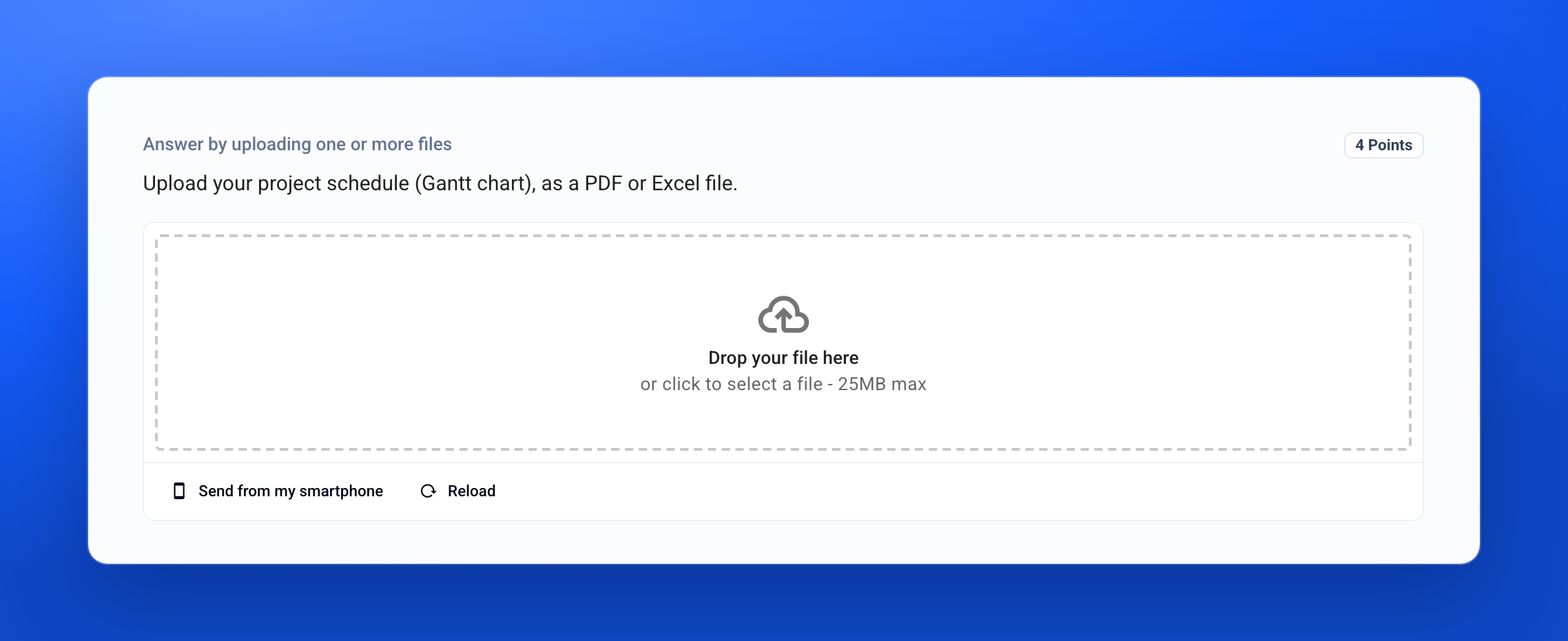
Ask for one or more files as the answer: a report, a spreadsheet, a photo of handwritten work. Participants can also send a photo from their smartphone with a QR code. You then grade each file from the grading tab. Available from the Pro plan.

Learn more →

A welcome page that sounds like you

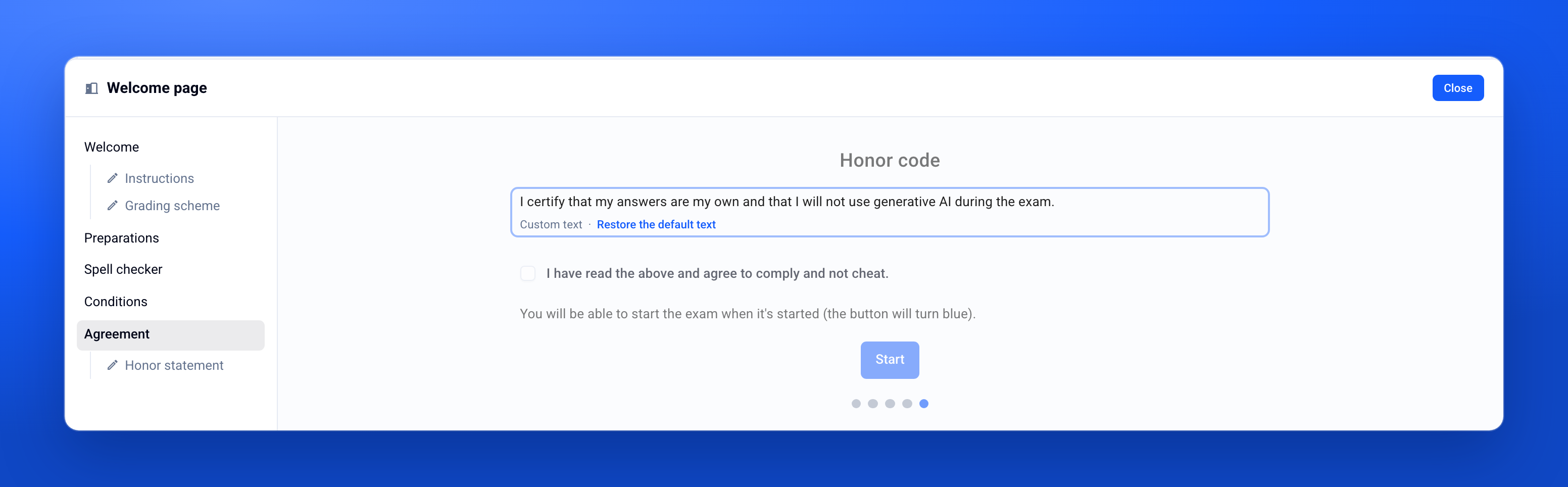
The Welcome page block, at the top of the exam in the editor, gathers everything participants see before they start: instructions, grading scheme and honor code. You can now rewrite the honor code in your own words.

Learn more →

Italiano, Español

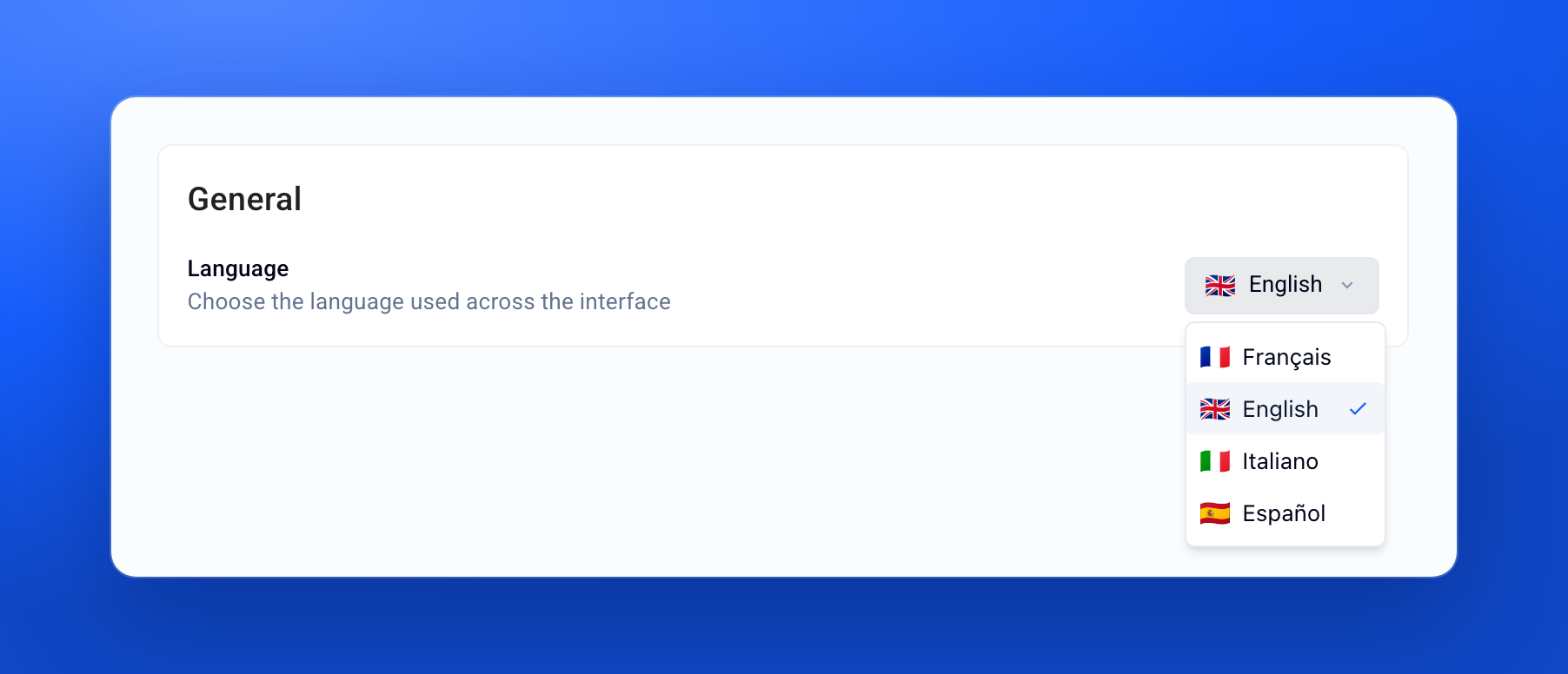
Evalmee's interface is now available in Italian and Spanish, for you and for your participants. Everyone picks their language in Settings › Preferences. Your organization's default language, in Settings › Organization, applies to emails sent to anyone who hasn't chosen one yet.

✨ Other improvements

  • Grading: an answer not graded yet shows "?" instead of 0, and its points stay blank on the graded submission

  • Graded submission: the exam's documents and appendices can now be shown on it

  • Editor: spreadsheet and diagram templates open in a dedicated panel

Your words, your usage

Whether you work solo or as a team, Evalmee now uses your vocabulary, and your credit consumption reads at a glance.

Students, learners, candidates… pick your words

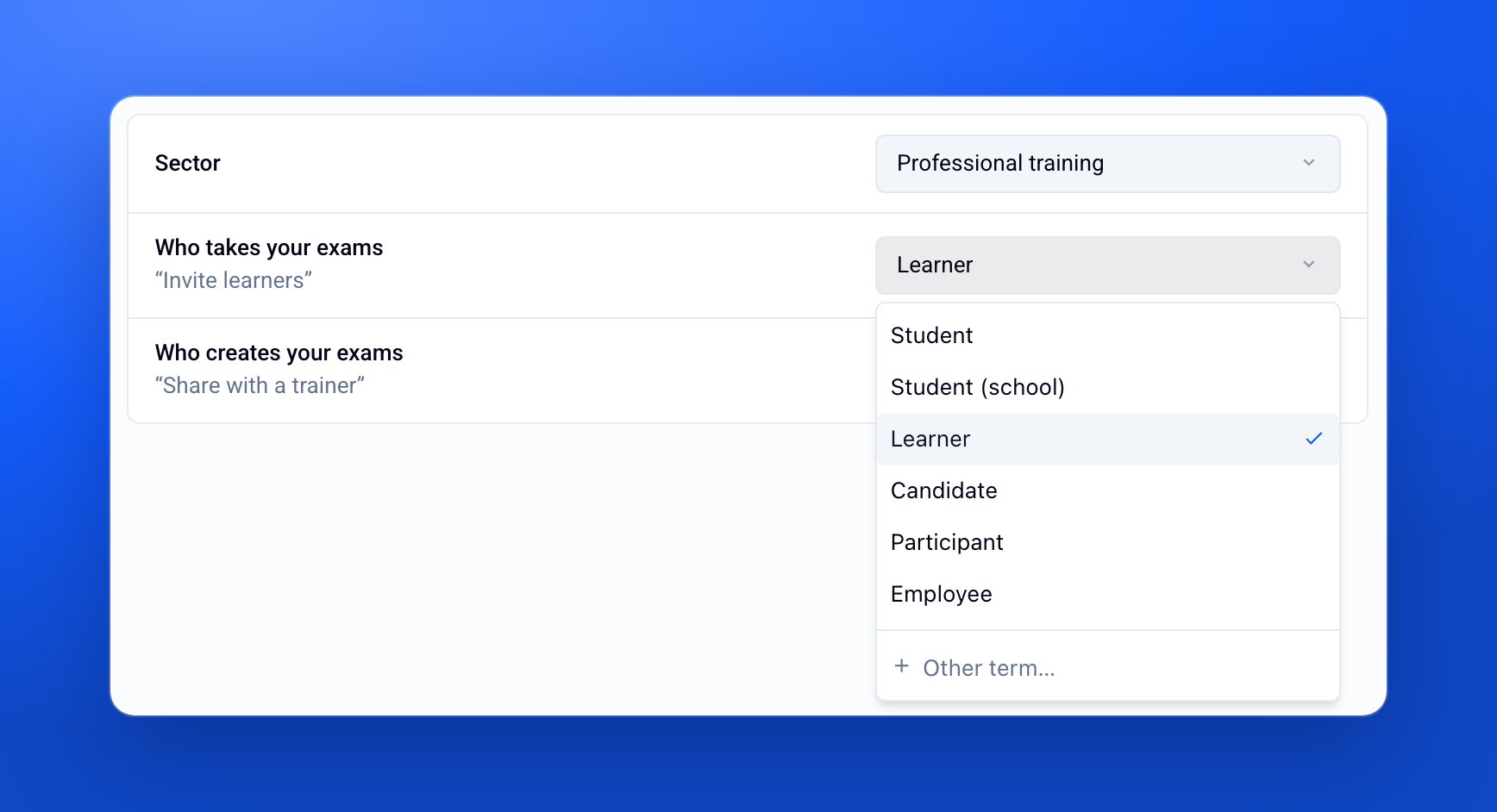
Freelance trainer, recruiter, training center or certification body: not everyone assesses “students”. In Settings › Organization, choose who takes your exams and who creates them: the whole interface follows, exam screen included.

Learn more →

Usage: your consumption at a glance

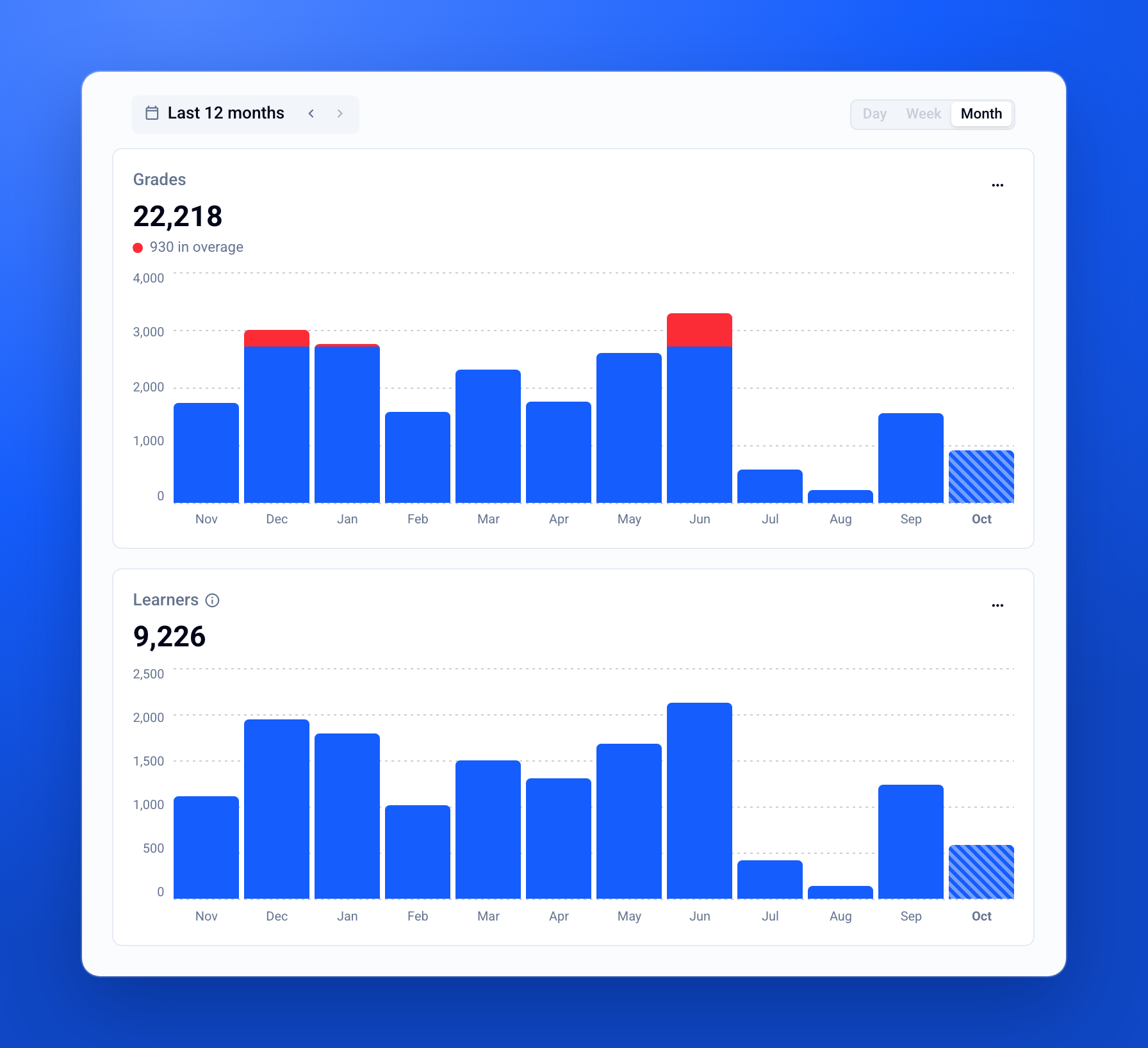
In Settings › Usage, track month by month the grades you issue and the learners you assess, compare with the previous period, and spot a plan overage before the invoice does.

Learn more →

Custom attributes

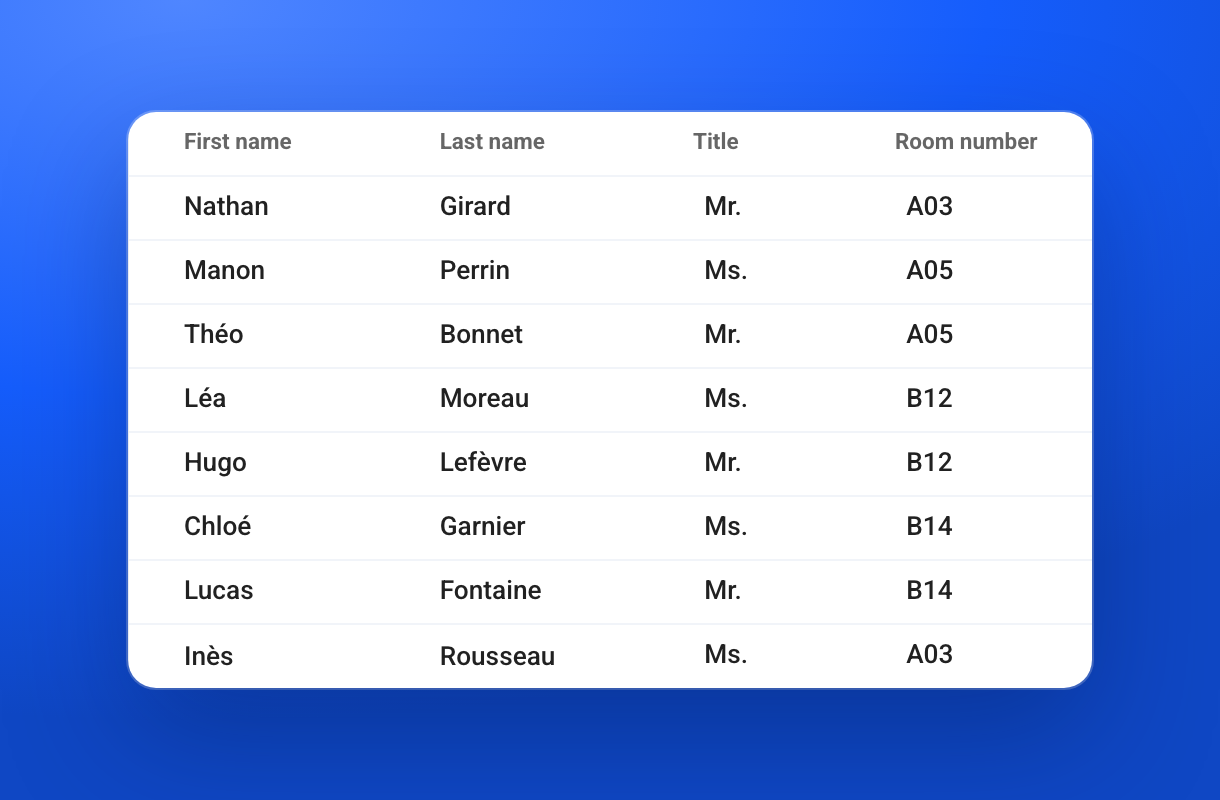
Add your own fields to each participant of an exam (title, room number, etc.) and use them in convocations and in graded submissions exported as PDF.

Learn more →

✨ Other improvements

  • User profile: simpler editing

  • Exam settings: simpler anti-cheating and proctoring options

  • Privacy: data retention for proctoring and identity verification data is now set from the settings

  • Support chat: improved display

  • Grading criteria: a new criterion is worth 1 point by default

New

Earlier updates