Add extra time
Add extra time to a participant before or during the event
Written By Florian Barral
Last updated 10 months ago
Identify the participant and click
⁝Click on
Add time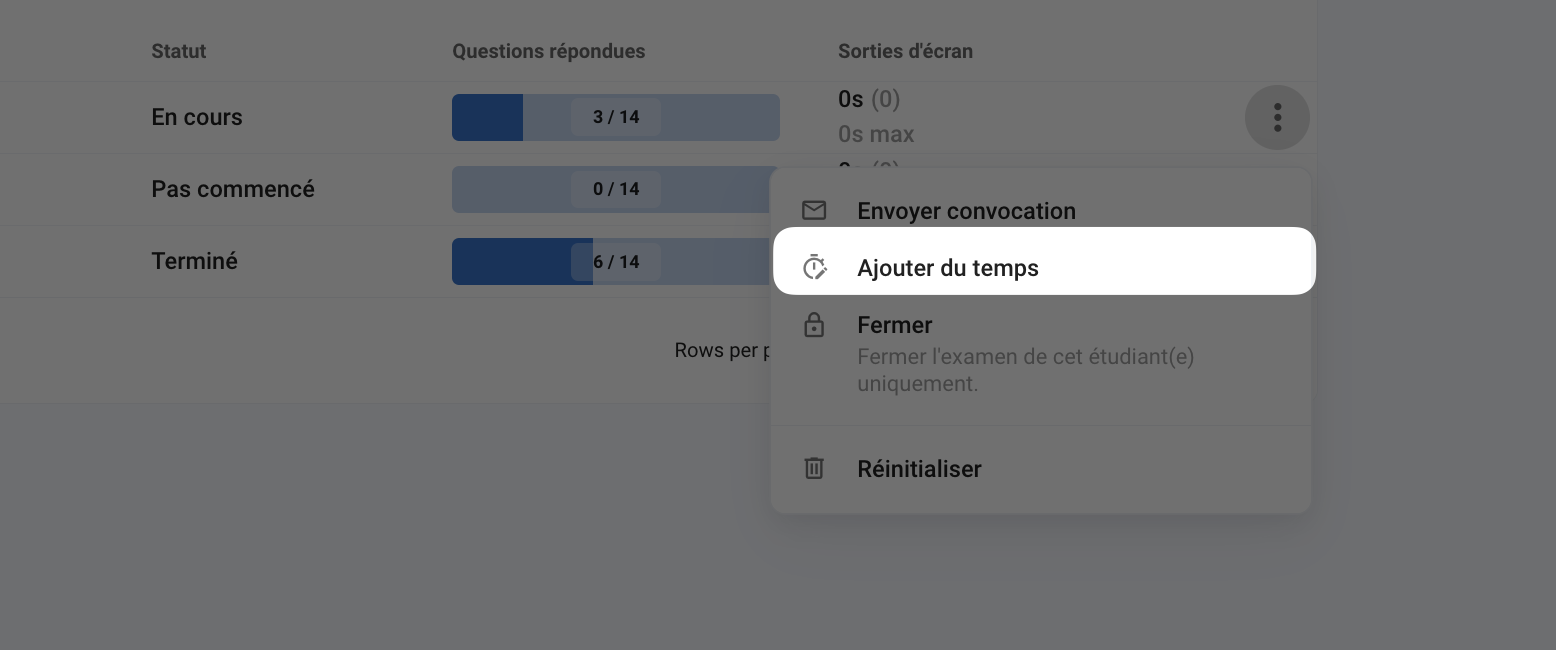
Define the extra time to be added. This will be added to the default time limit.
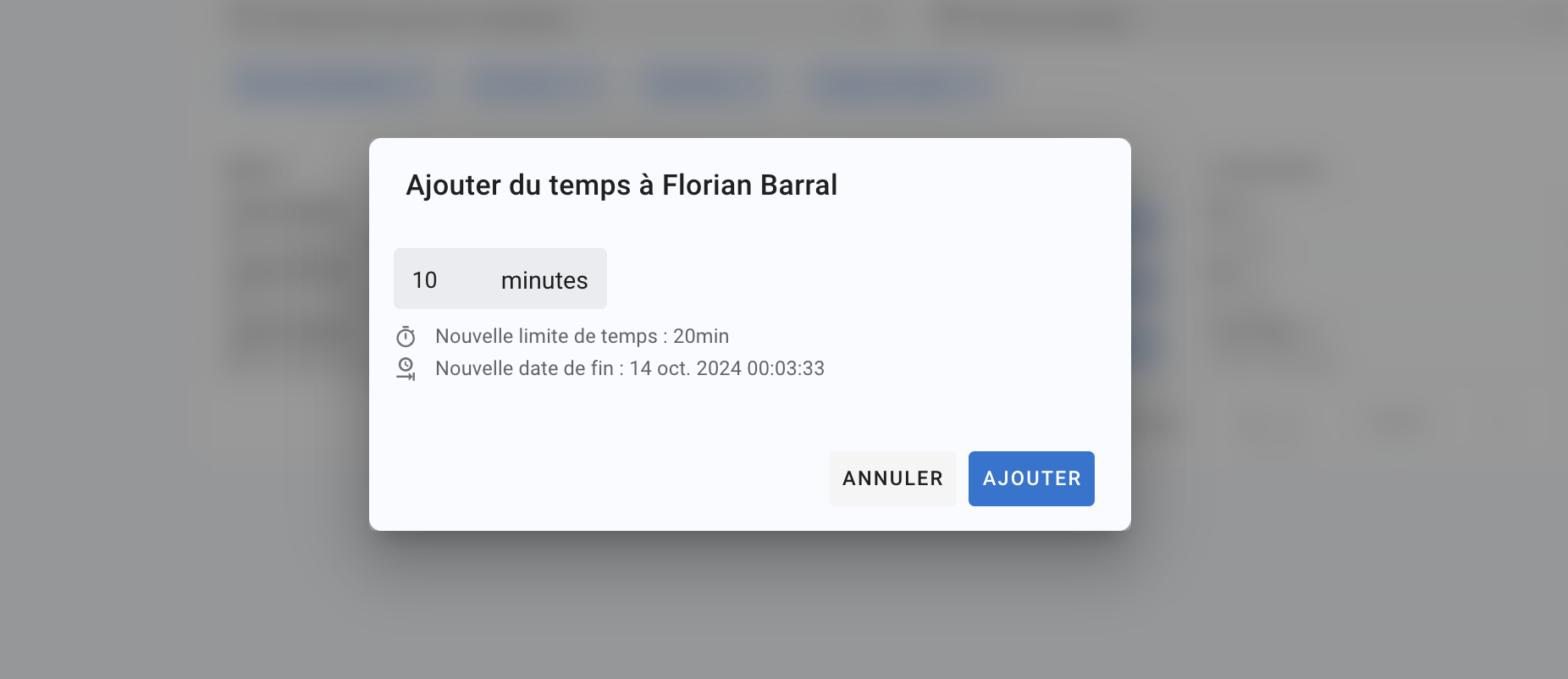
💡 If you add time to a participant for whom you want to reopen the exam (see Close or reopen a participant's examination), add extra time taking into account the new end date and ensuring that it corresponds to what you want. For security reasons, the time added is actually based on the scheduled end date.
❗Please note that the exam must remain open for the examinee to benefit from the additional time added. Ensure that the scheduled closing date of the exam is well beyond the new end date for the examinee.