Export graded submissions as PDF
Written By Florian Barral
Last updated 19 days ago
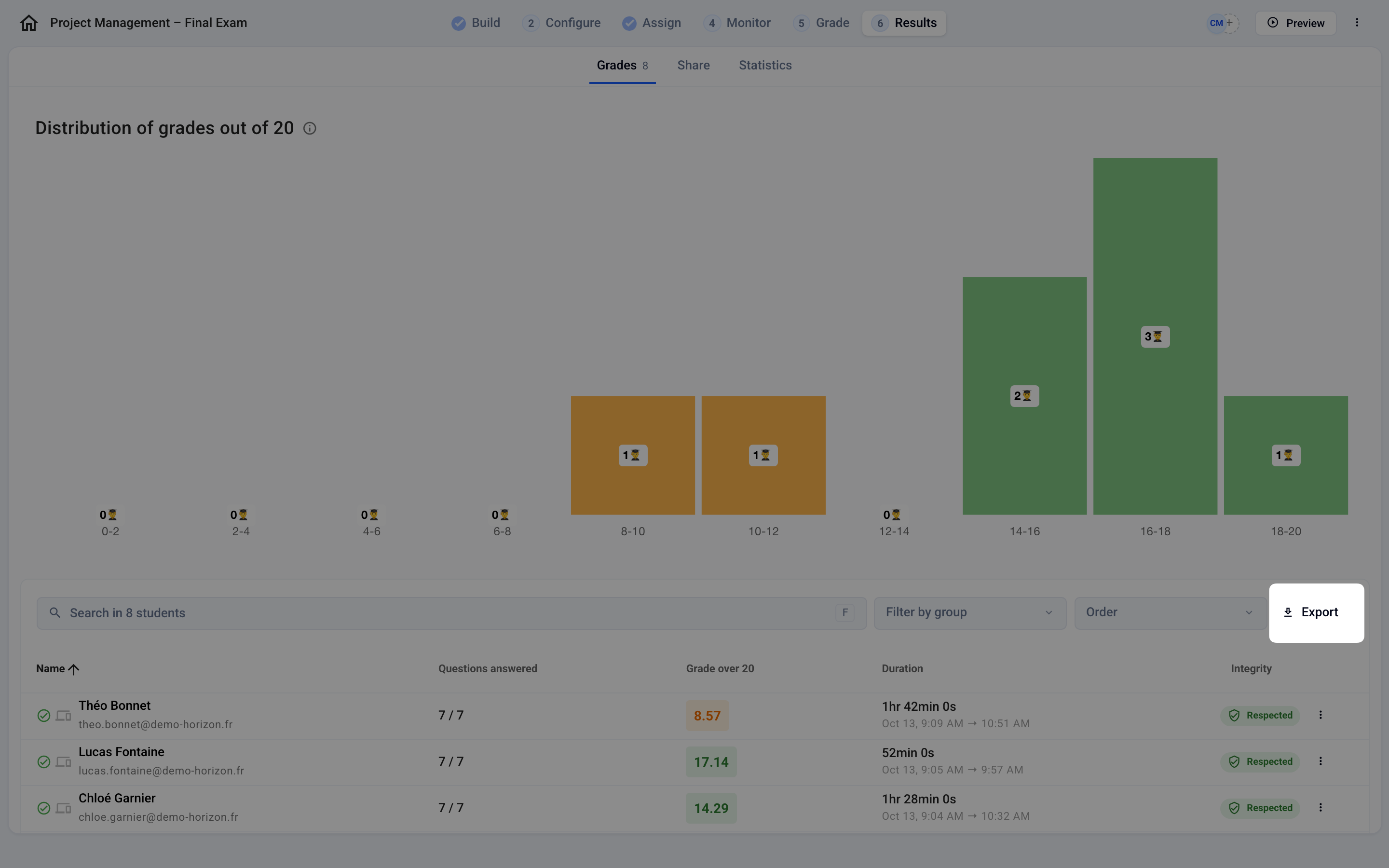
In Results › Grades, click Export at the top right:
In the Submissions section, you can export the graded submissions in 2 formats. Both files are sent to you by email.
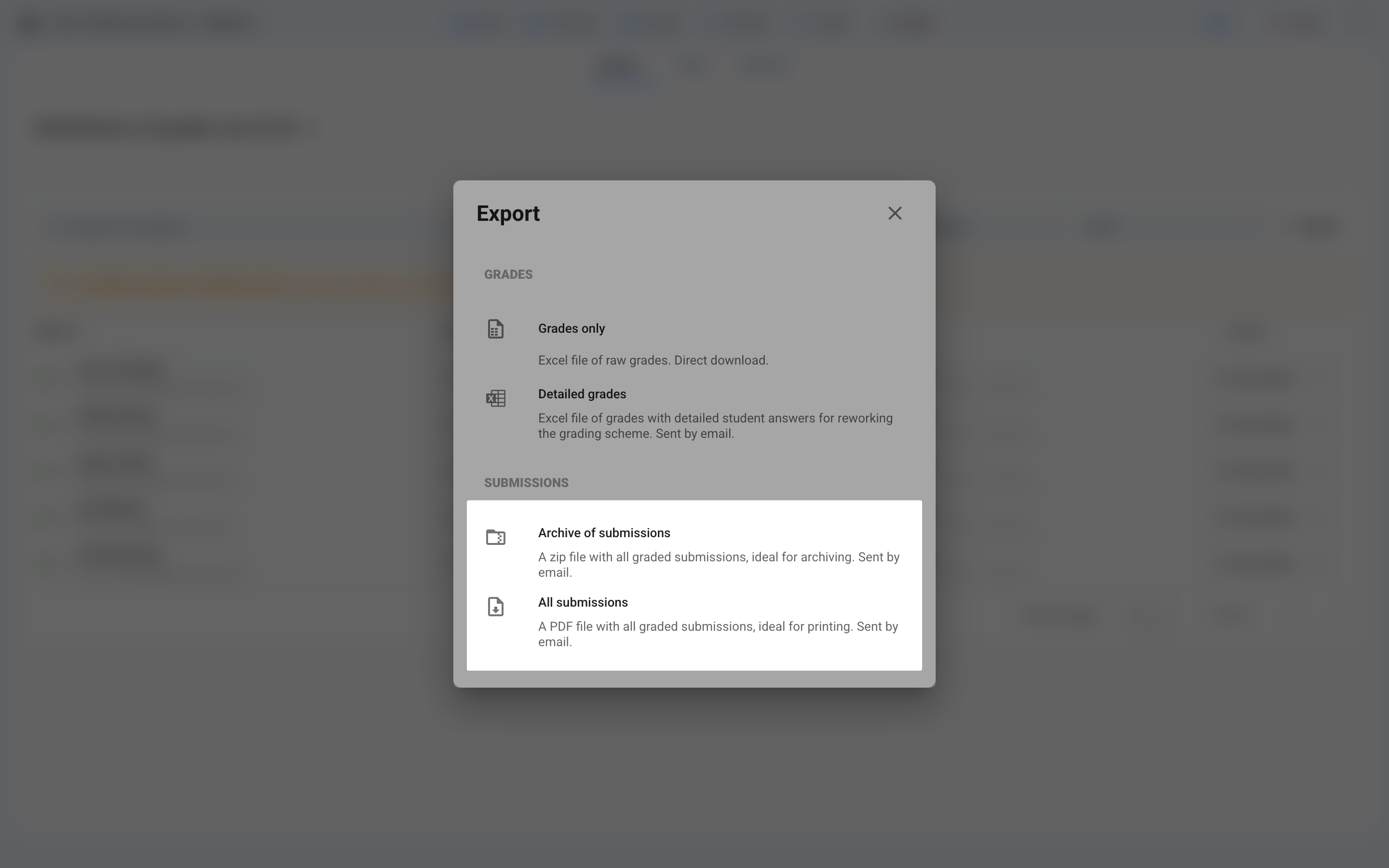
Archive of submissions: A
.zipfile containing one.pdffile for each participant. Ideal for archiving and for quickly finding a specific participant’s graded submissions.All submissions: A single
.pdffile containing all the graded submissions. Ideal for printing everything at once.
FAQ
I changed the grading scheme, but the exported graded submission PDFs still show the old total. Why?
I changed the grading scheme, but the exported graded submission PDFs still show the old total. Why?
Evalmee regenerates the graded submission PDFs on every export, from the grades saved at that moment. A PDF showing the old total therefore has one of these two causes:
The file predates the change: an export downloaded or received by email earlier is never updated. Run a new export to get up-to-date graded submissions.
The grades themselves have not been recalculated: check in the Grades tab that the participant’s grade is the new one. If the exam has been opened and you changed the exam subject (points, correct choices), click Update grades in the exam subject editor to save the changes and update the grades, then run the export again.
Was this helpful?
Still need help? Ask the team