Export & share grades
Here's how to export grades and email the export file to someone
Written By Florian Barral
Last updated 10 months ago
In the Grades tab, click EXPORT in the top right corner:
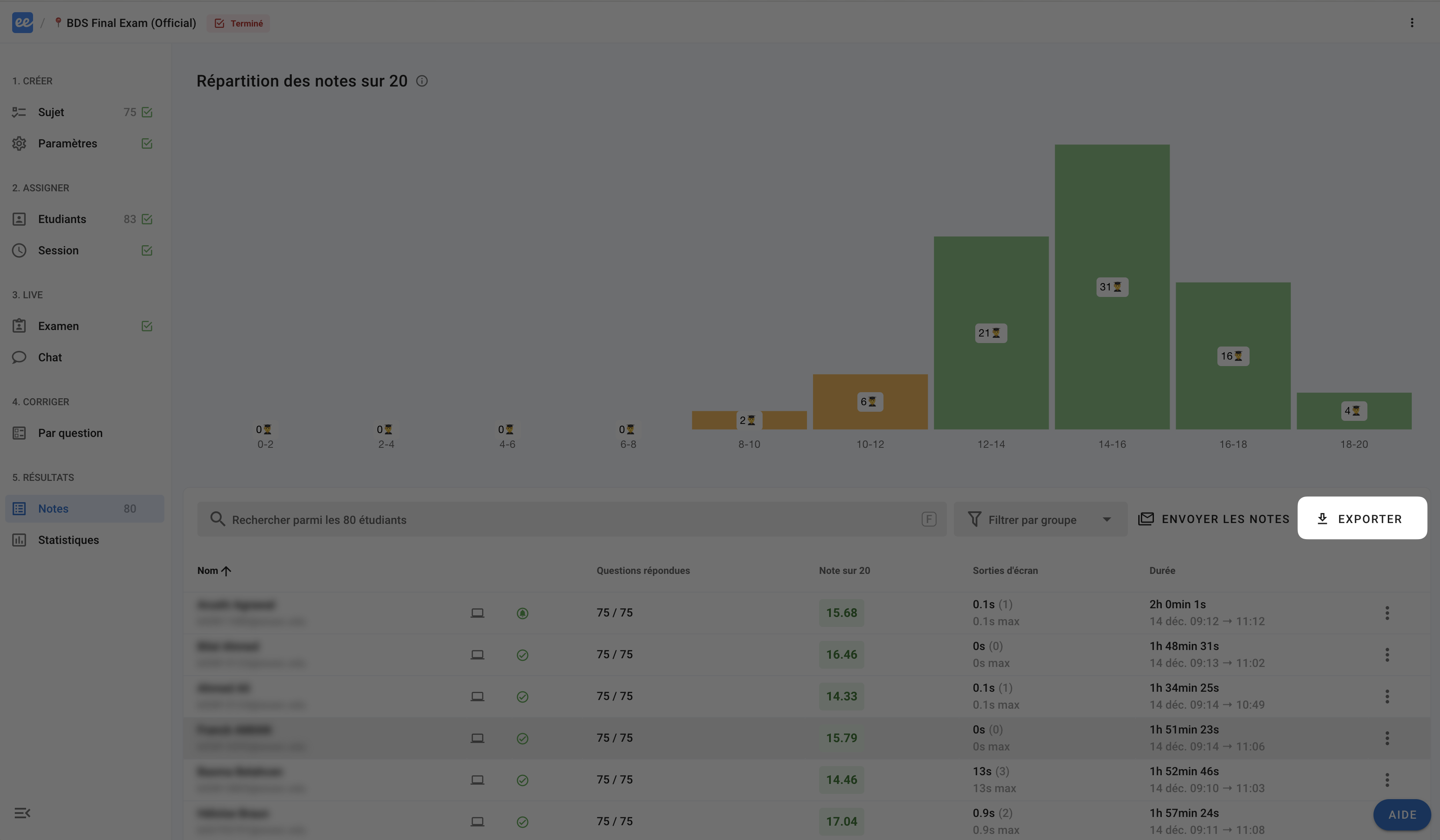
You can then export the grades to Excel in two formats:
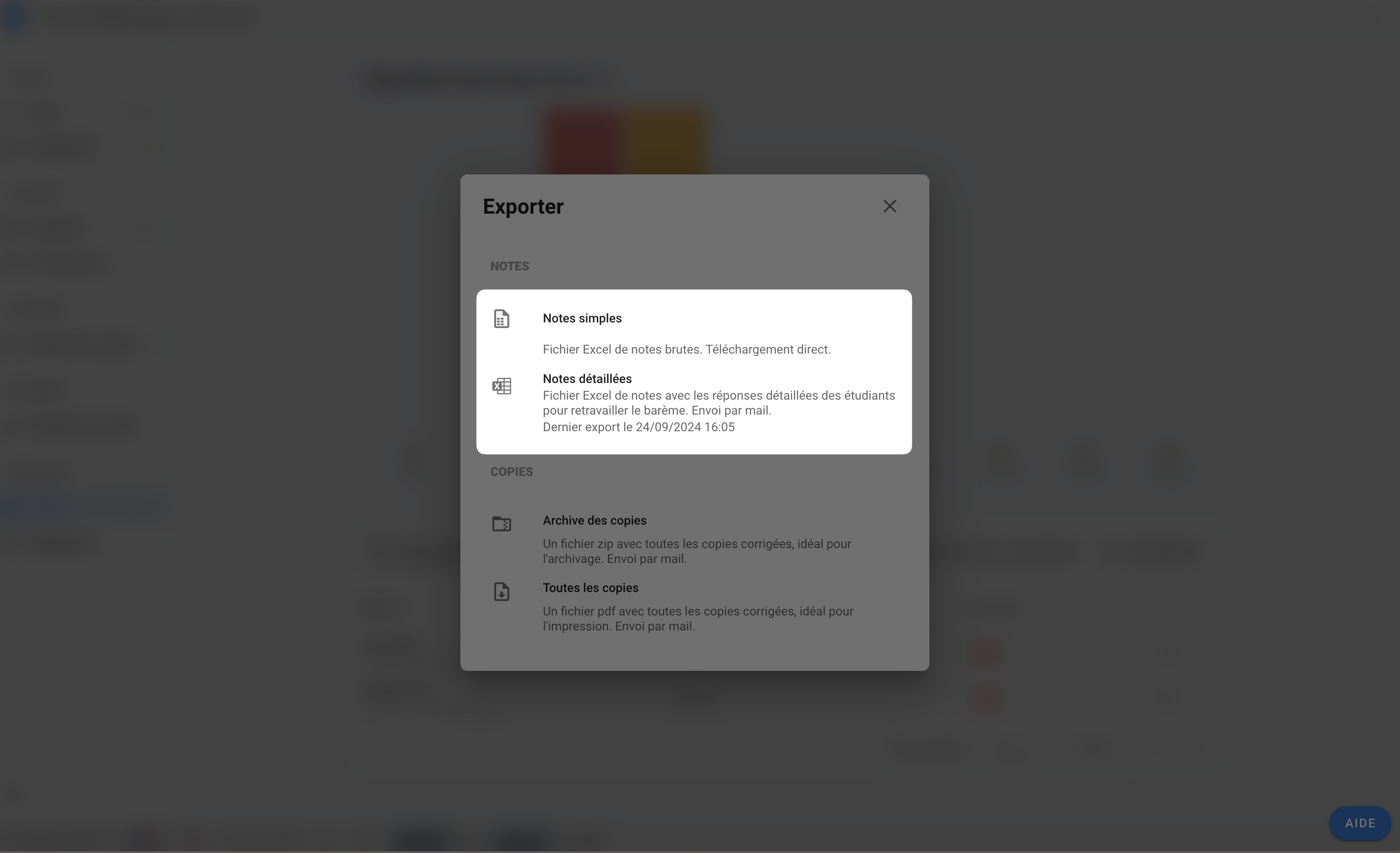
Simple grades. Excel file (
.xlsx) available for direct download, containing participants' grades and key information.Detailed grades. Excel file (
.xlsx) sent by email containing much more information (details of question weightings, raw results question by question, etc.) and Excel formulas for quickly reprocessing the results on a computer.💡 This file will be sent by email. You will be asked to confirm the email address to which the file should be sent, so you can enter another email address if you wish to send it to a colleague or the person responsible for centralising your participants' grades.