Edit & style content
Customize the content of the questions
Written By Florian Barral
Last updated 10 months ago
Change the text style
To enrich the text, you can select the text to be styled and a pop-up menu will appear:
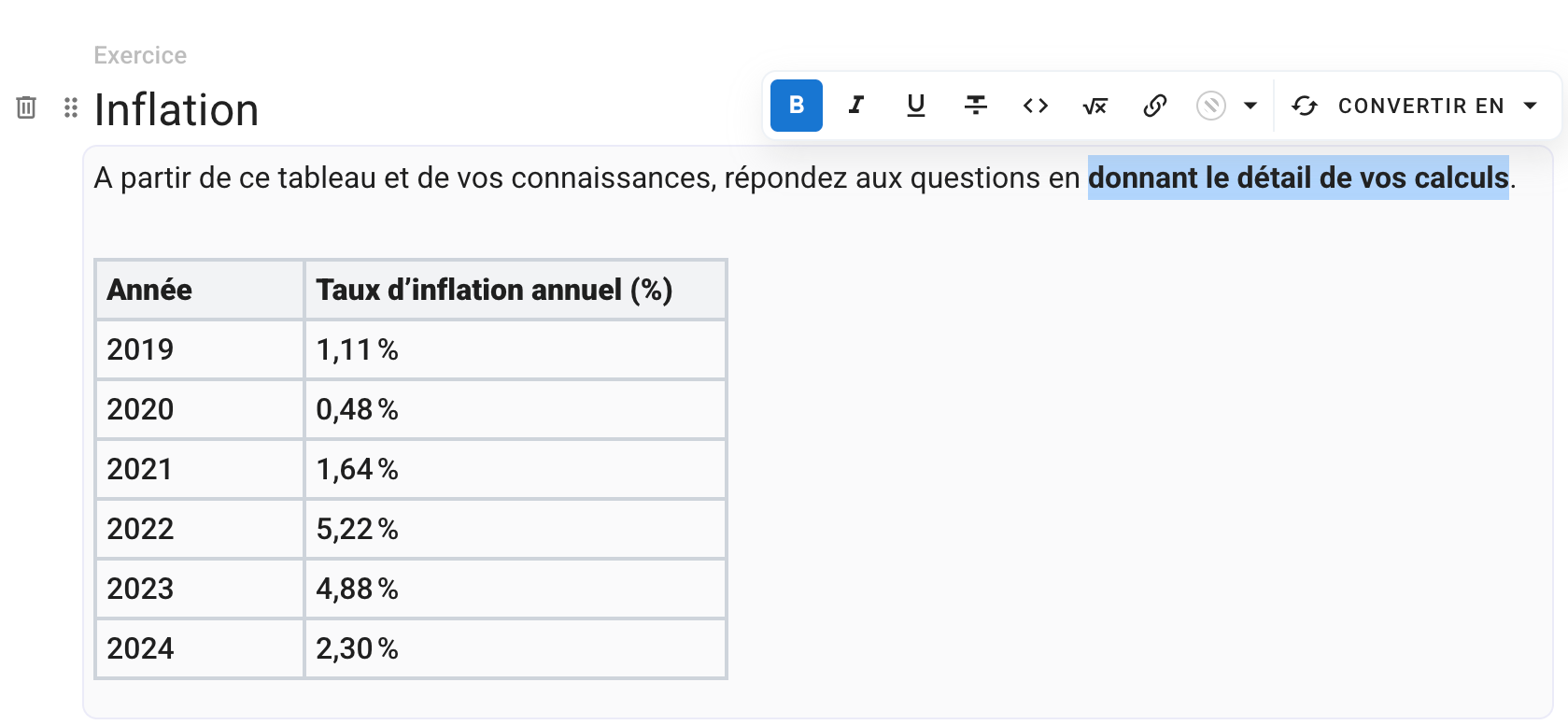
The editor now displays the formatting directly as it will appear to examinees: bold text, colors, titles, mathematical formulas, code blocks—everything is visible in real time.
Insert an element
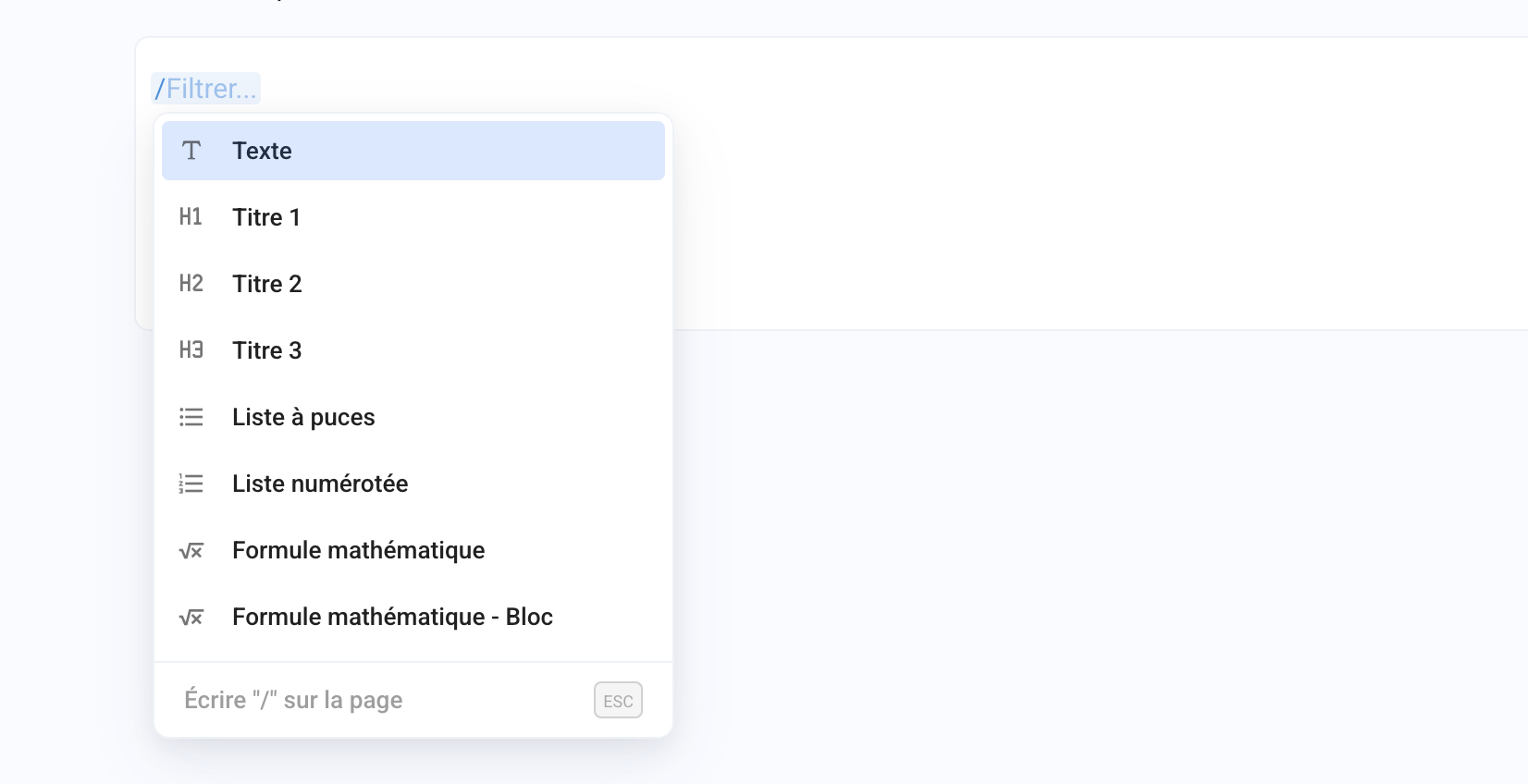
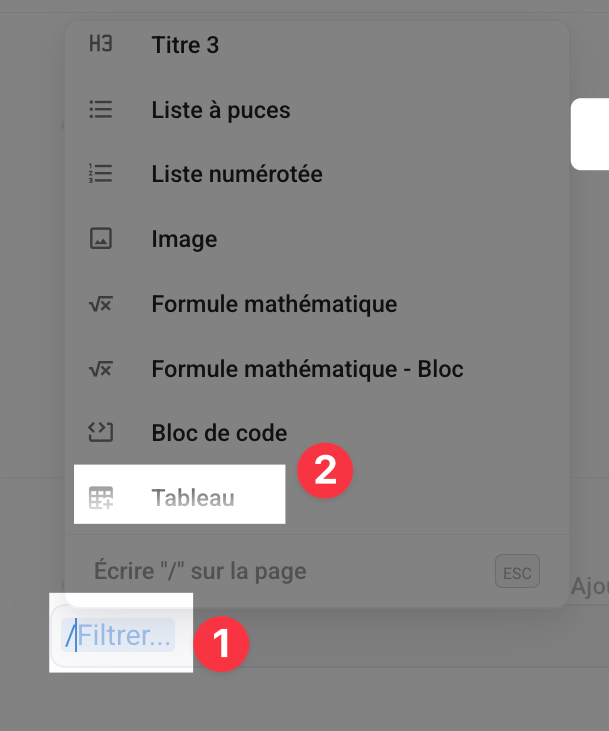
You can type / to display a list of items to insert into your topic, including images, mathematical formulas, tables, or code blocks.
You can search for an item by typing the first few letters of its name after the /, for example /im to insert an image.
Insert an image
You can import one or more images into a question (or multiple-choice question) in three ways by clicking on the image icon to upload an image directly into a question or multiple-choice question
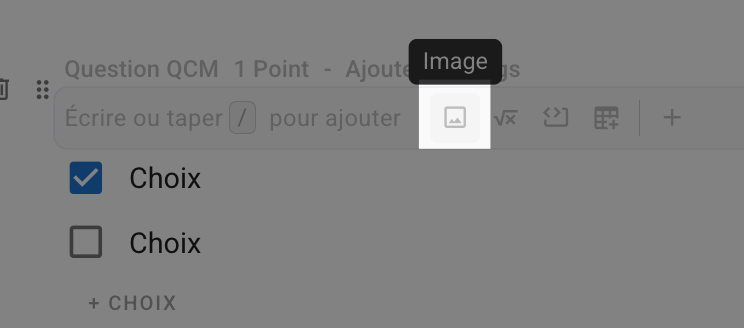
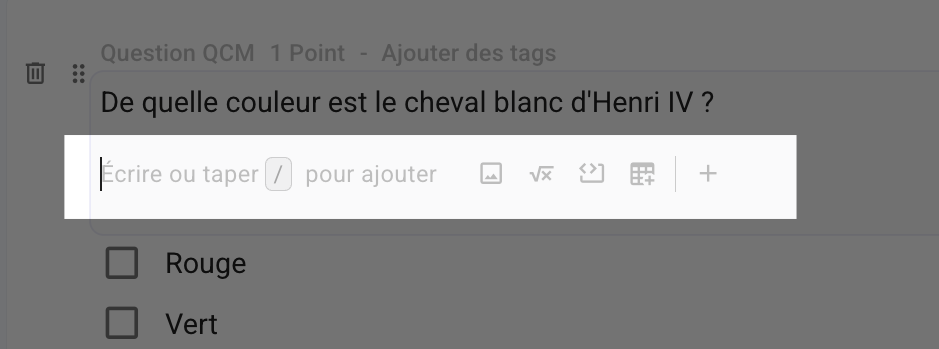
Note: If you already have content in the text field, remember to skip a line (Enter) to display this image insertion option.
Resize an image
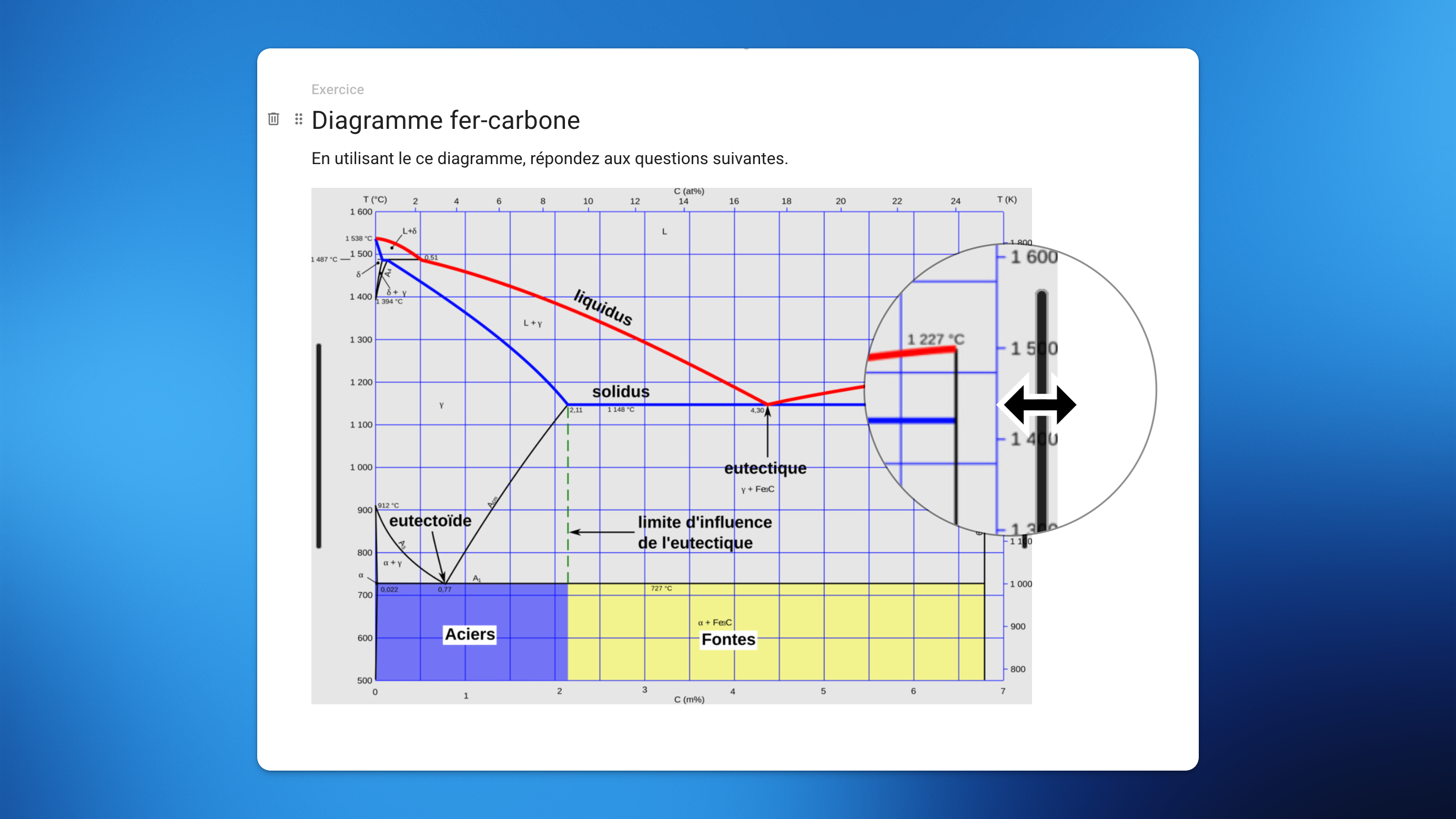
You can easily resize images you have added to your topic by selecting them and moving the bar on the sides of the image.
Insert a video
It is not currently possible to add videos directly to Evalmee, but you can embed videos hosted on a web platform (YouTube, Vimeo, etc.). 👍
To embed a YouTube video:
Go to the YouTube page for the video in question.
In the bar below the video, click on
Share.Click on
Embed.At the bottom right of the window that appears, click on
Copy.Paste the code into Evalmee, in the relevant question.
Your video will be displayed 👌.
Insert a mathematical formula
You can insert mathematical formulas:
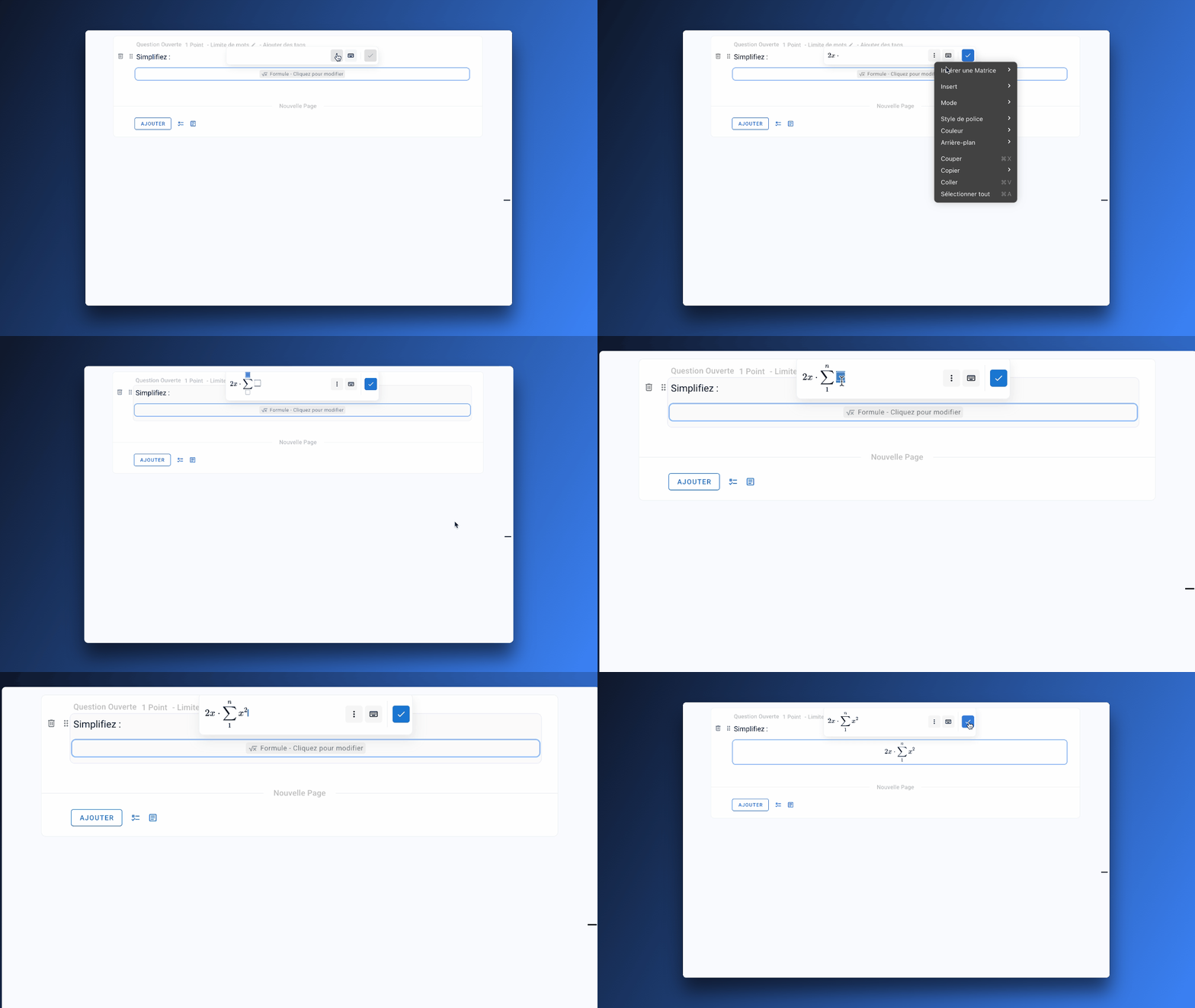
Via the formula editor
In LaTeX
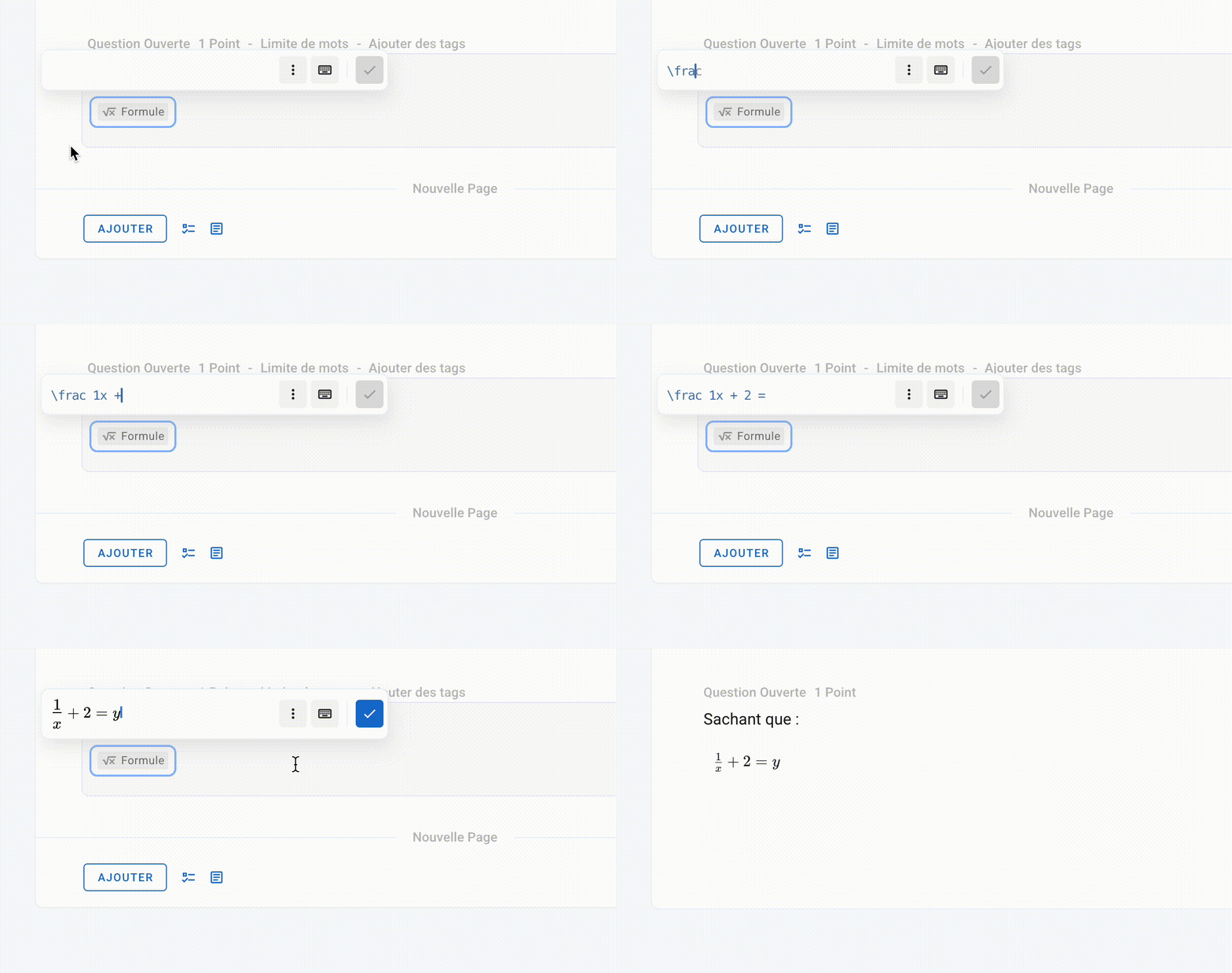
Write directly in LaTeX with auto-completion or paste your existing formulas
👉 How to write in LaTeX?Inserting images 👉 How do I insert images?
💡 Participants can insert mathematical formulas:
using the same mathematical formula editor
by uploading scans of their handwritten notes. See Questions ouvertes WIP
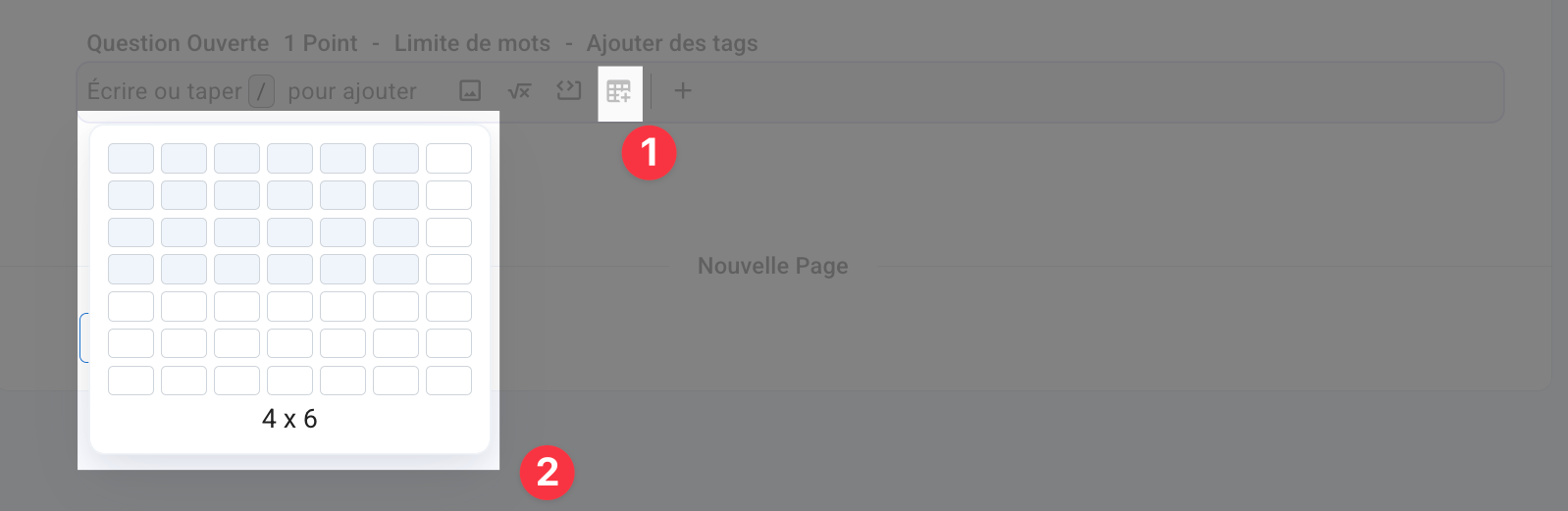
Insert a table
You can import an spreadsheet:
From a table to be inserted
From the icon visible in the default text field
From the shortcut
/
From an image 👉 How do I insert an image?