Spreadsheets: faster to use, simpler to prepare
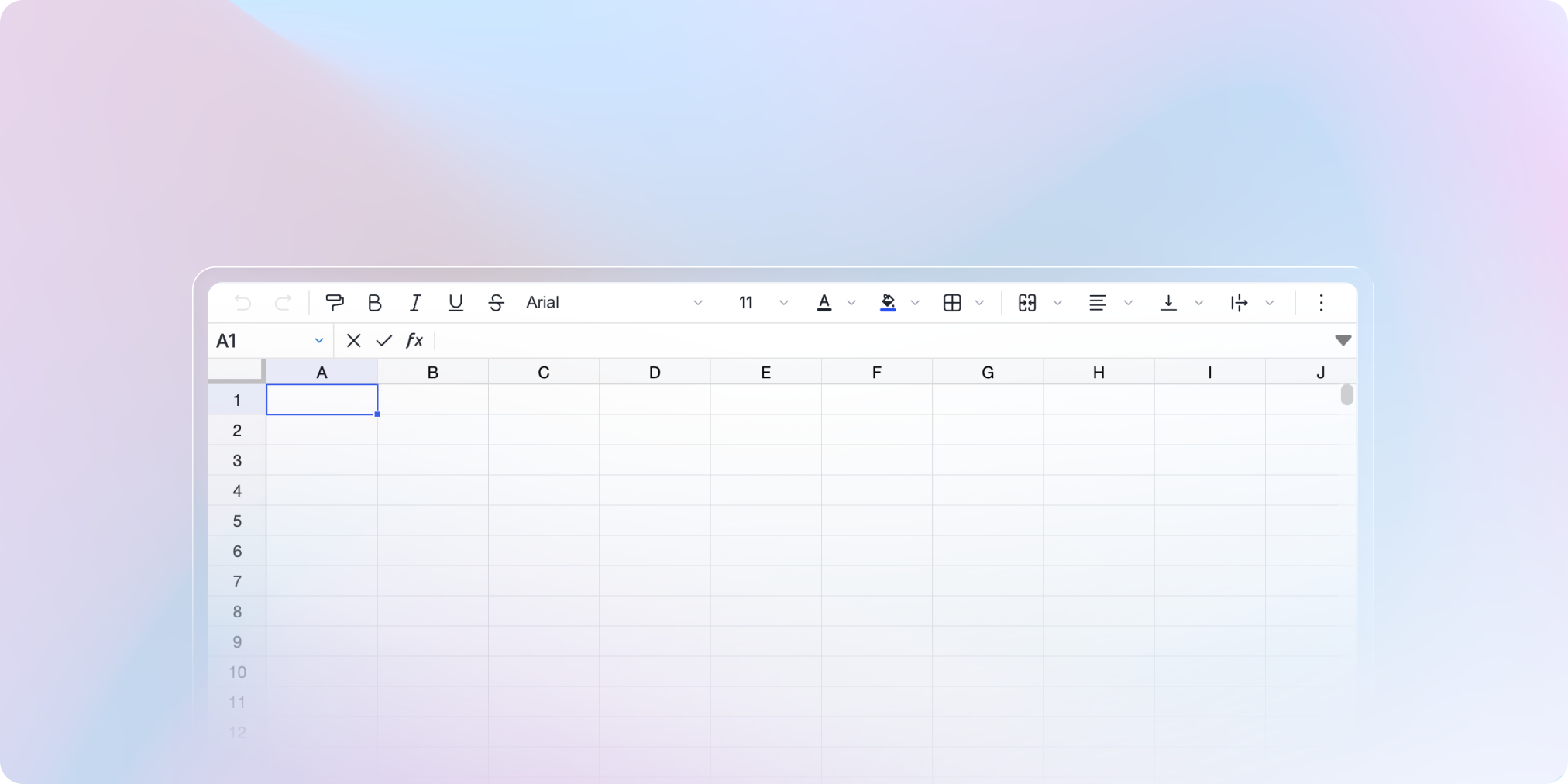
Spreadsheets are now smoother to use during the exam: instant switching between exercises, continuous saving, faster display.
Instant switching between spreadsheets
When several exercises use a spreadsheet, switching between them is now instant.
The panel holding the spreadsheet also stays open when a test-taker moves to another exercise that uses a spreadsheet, a diagram or a document.
No input lost
If a test-taker switches page or spreadsheet while editing a cell, that cell is now saved automatically.
Spreadsheet questions are also faster, even when moving intensively between several exercises.
Reuse your spreadsheet templates
Build a spreadsheet once, use it everywhere. From the exam editor, you can now import and export your spreadsheet templates.
✨ Other improvements
Browser: the exam name appears in the tab title, so you find the right tab at a glance
Exam editor: images can be aligned left, right or centered
True/False questions: exam exports now follow the user's language
🐞 Bug fixes
A running task that doesn't complete is now removed from the list after a delay
After deleting an exam, you are redirected to the home page
Monitoring > Live: the list's sort order is kept when you open a test-taker's details