Assign graders
Written By Florian Barral
Last updated 1 day ago
If you have invited colleagues to your exam, you can share the grading between you.
Haven’t invited a colleague to your exam yet? See Share exams with colleagues
Question by question
Open your exam
Go to the
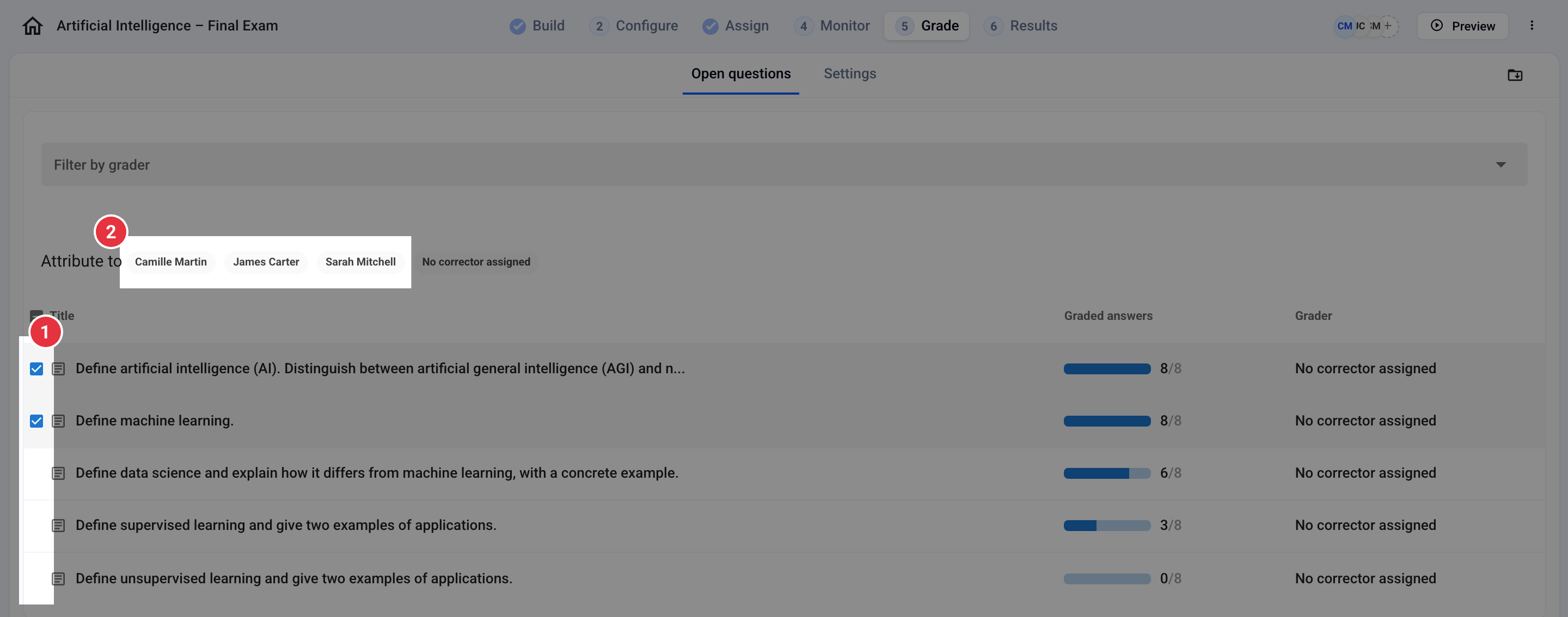
Grade/By questionpageSelect one or more questions by checking their boxes
Click the name of the grader you want to assign the selected questions to
FAQ
How do I replace a grader?
How do I replace a grader?
Each question has only one grader: assigning its questions to another grader replaces the previous one.
Invite the new grader to the exam if they are not already on it.
Go to the
Grade/By questionpage. The Filter by grader field lets you keep only the former grader’s questions.Check these questions.
Under Attribute to, click the new grader’s name.
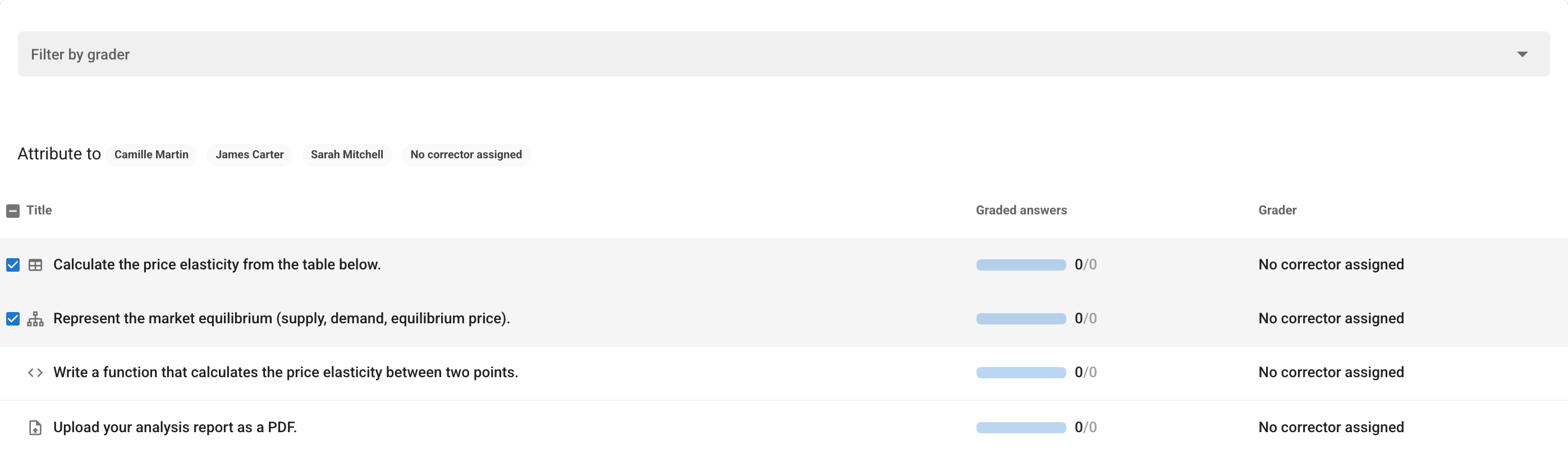
Questions without a grader show “No corrector assigned”.
Was this helpful?
Still need help? Ask the team