Spreadsheet Questions – Embed Spreadsheets Directly into Your Exams
You asked, we delivered! 🚀
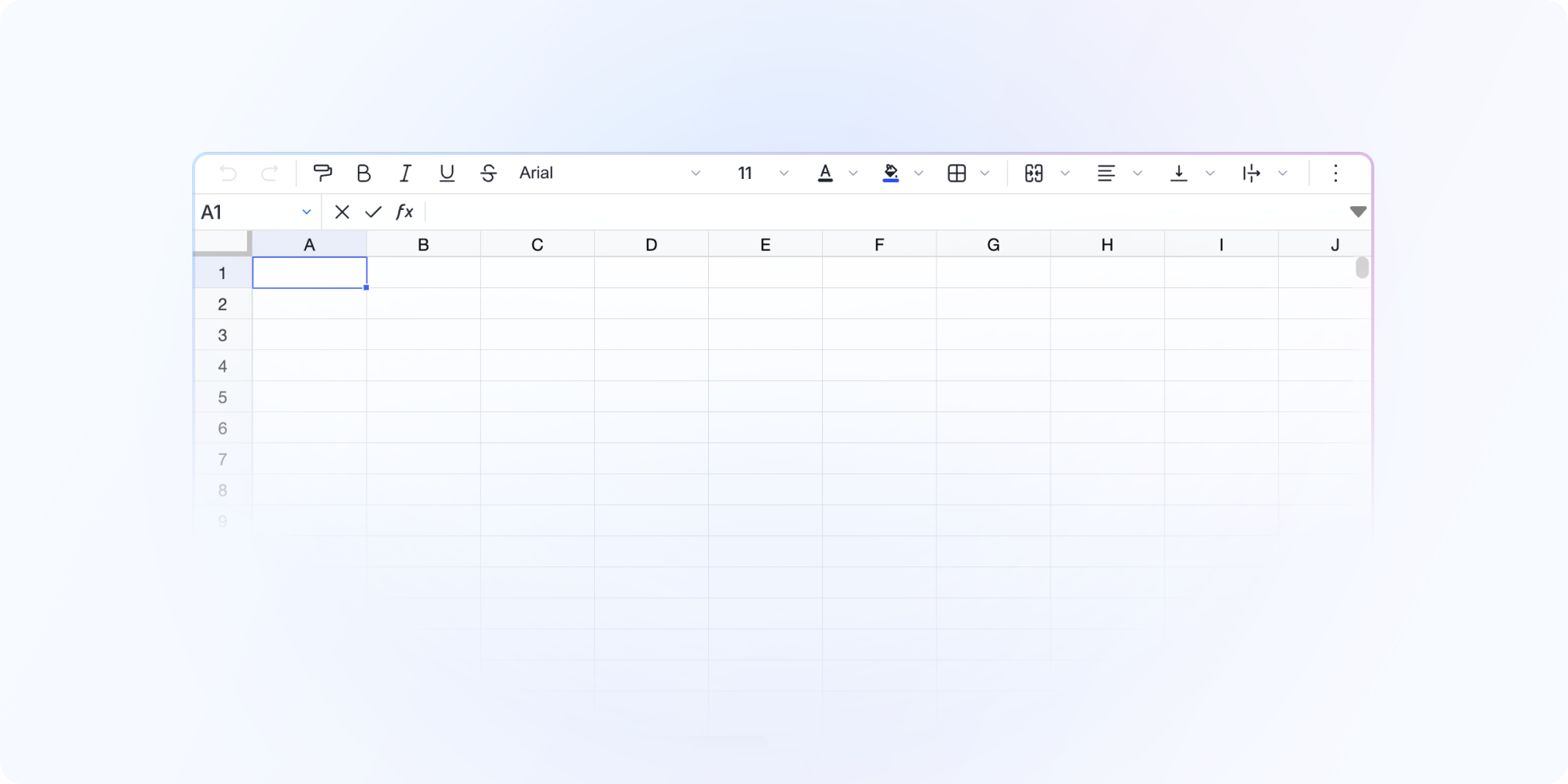
After an extended Beta phase, spreadsheet questions are now available to everyone! You can now add spreadsheet-style tasks directly into your exams, allowing students to work in an integrated Excel/Google Sheets-style environment without ever leaving Evalmee.
📑 A real spreadsheet, built into the exam
Students fill out a spreadsheet directly inside Evalmee
Supports standard Excel formulas (
SUM,AVERAGE, cell references, etc.)No installation required – everything runs online, no external software needed
🔐 Secure & 100% Closed-Book
The exam remains
fully locked– no need to open external spreadsheet toolsNo file transfers – no more downloading or uploading Excel files
Full traceability – all spreadsheet activity is logged just like any other answer
Offline ready – works even if the student loses their internet connection
🪄 Simplified Grading
Responses are instantly viewable in Evalmee
No file juggling – no more downloading and opening hundreds of Excel files
Optimized interface for quick comparison across student submissions
This is a game-changer for exams in Finance, Accounting, or any case-based scenario that involves calculations, data analysis, or structured spreadsheet inputs.
Try out Spreadsheet Questions now and simplify your assessments! 🚀
✨ Other Improvements
New offline indicator visible to students during the exam
Improved help window descriptions for a clearer student experience
🐞 Bug Fixes
Fixed a bug where the remaining time wasn’t correctly displayed in the confirmation window before exiting an exam