November 28th, 2025
Improved

The new editor made writing mathematical formulas accessible to everyone — without needing LaTeX.
But many of you also wanted to bring back the classic LaTeX workflow.
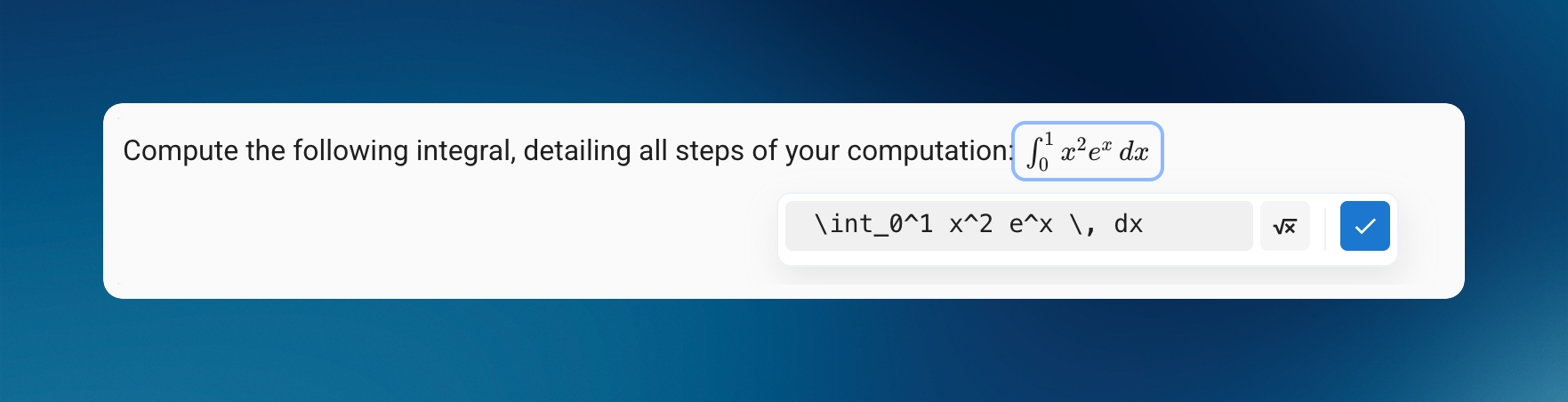
In addition to the Visual mode, a dedicated Code mode is now back, designed for those who prefer writing formulas directly in LaTeX.
Available to all users.

A dedicated LaTeX Code mode is now available: you type your LaTeX code in a separate field, and the rendered preview appears alongside it.
With no real-time interpretation inside the text field, it becomes much easier to adjust or correct a formula.
The last mode you used (LaTeX Code or Visual) is automatically remembered for your next formulas.
You can once again write formulas between $.
The editor will automatically suggest converting them into a math block.
Need to paste content containing formulas between $ or $$?
It is now correctly interpreted as mathematical notation.
You can also convert any selected text into a formula using the keyboard shortcut Ctrl + Shift + E (or Cmd + Shift + E on Mac).
Added additional guidance when screen recording permissions are missing on Mac
The calculator button is now easier to spot
Subject Editor
New “YouTube Video” block available in subjects
Re-added the correction preview option
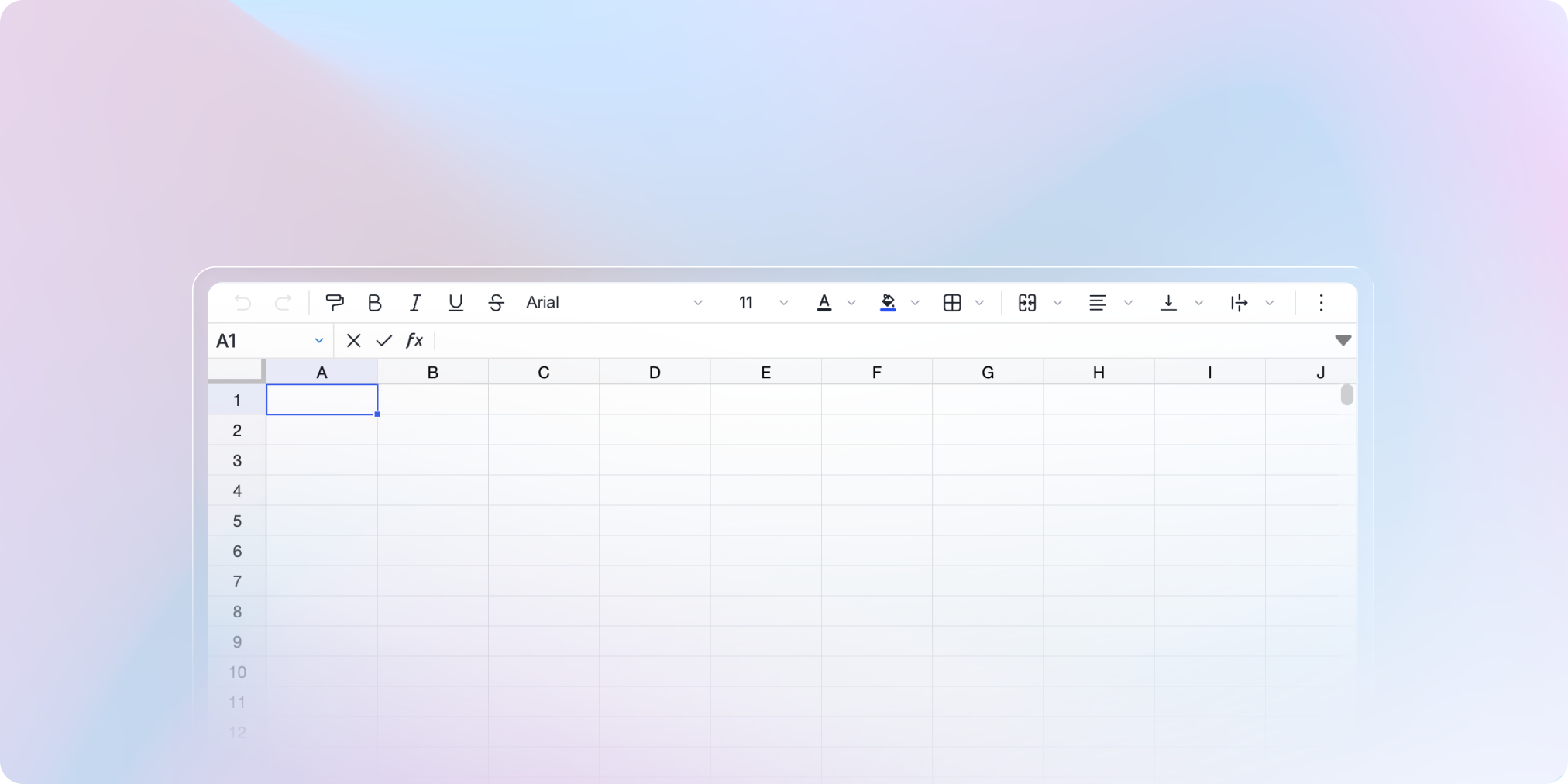
Limited to two spreadsheet questions per exercise to ensure smoother performance
Improved error display
Improved accuracy of AI correction suggestions for new exams
Detection of new AI-powered browser extensions
Simplified result display options
One-click access to the Help Center and the Suggestions page
Grade export: separation of columns related to durations of suspicious behaviors
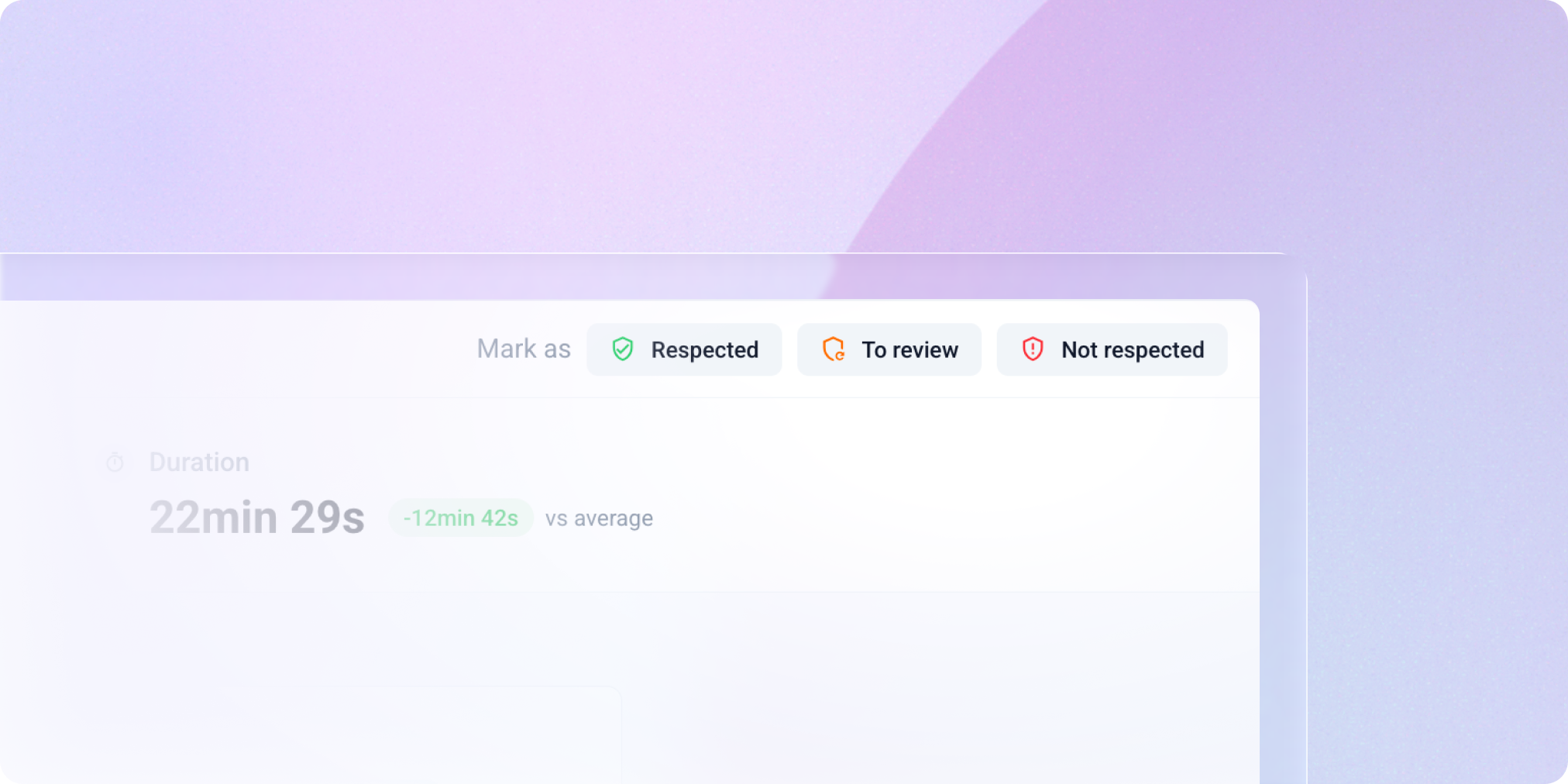
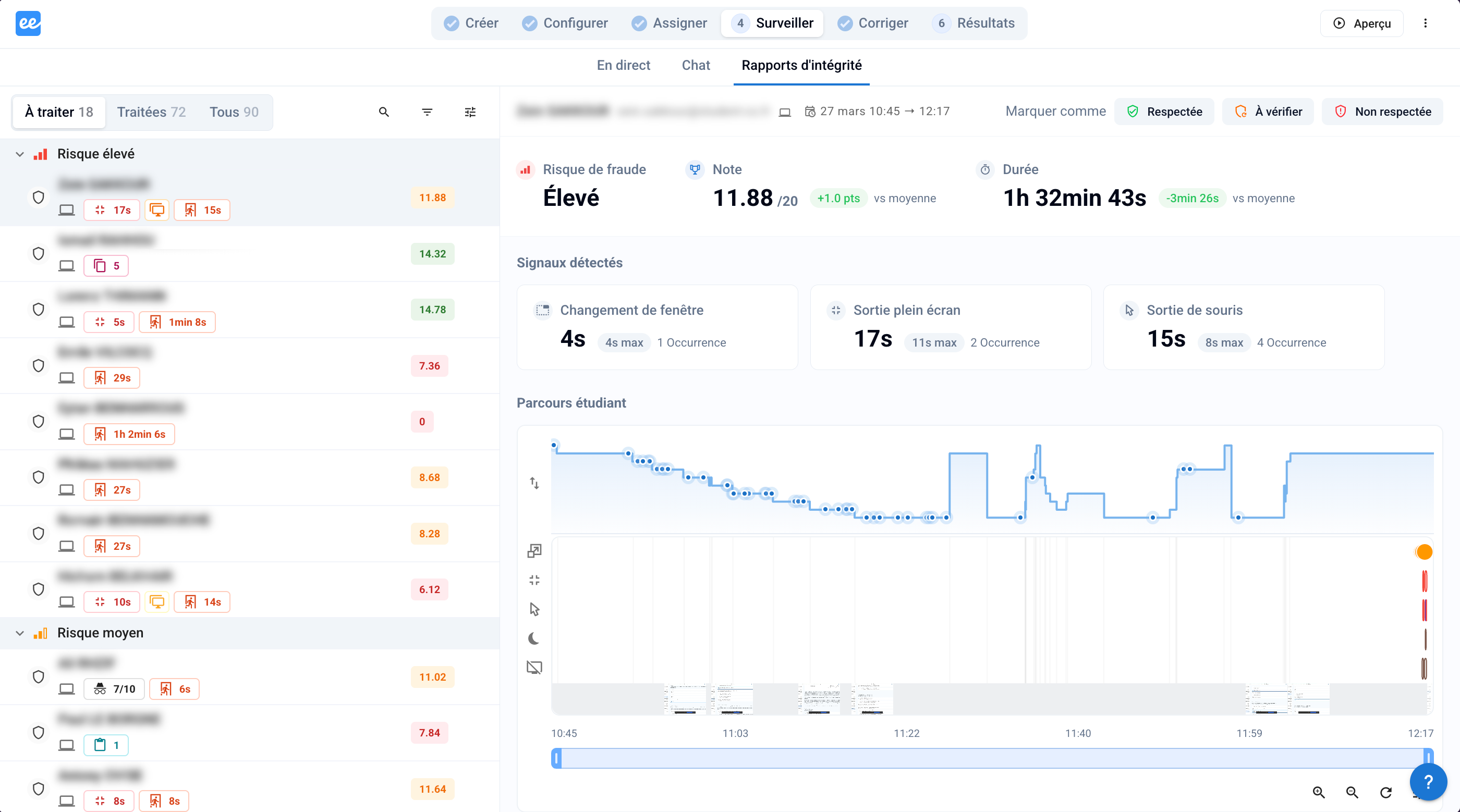
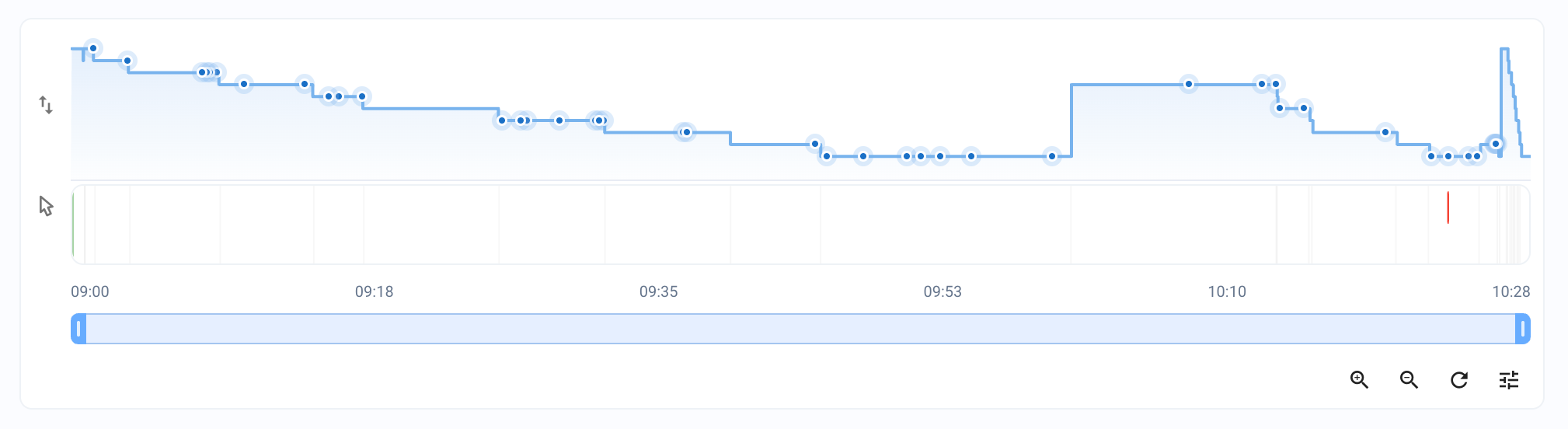
Added a button to refresh the examinee timeline during an exam
Subject editor
Fixed display issues for certain images in subjects duplicated before October 2025
Fixed “jumping” when scrolling in the editor when many code blocks were present
Subjects are no longer editable while an exam is being opened
Fixed a bug preventing modification of certain duplicated exams
Fixed subject imports containing quotes inside descriptions or code blocks
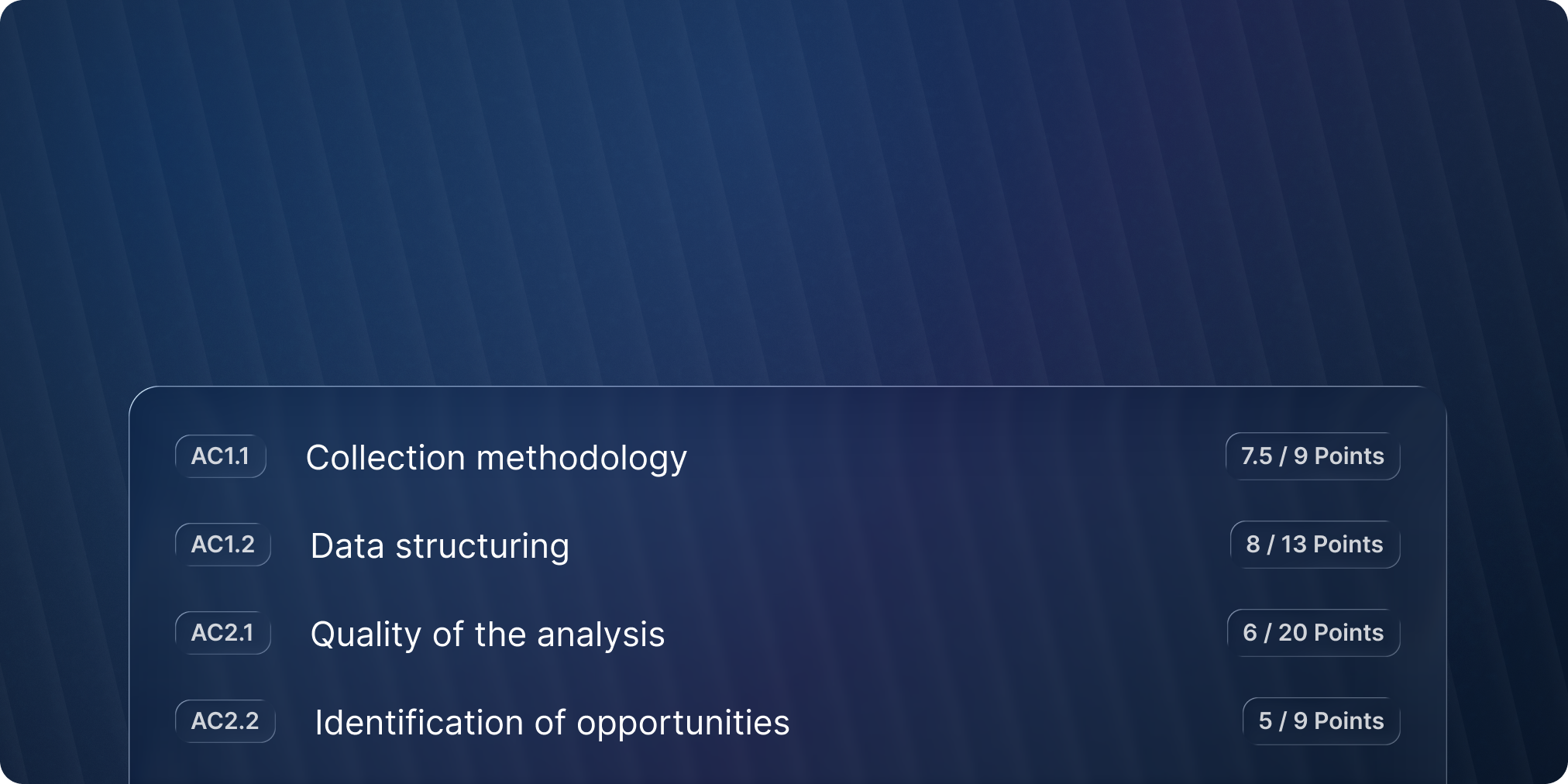
Fixed grading-by-criterion suggestions that could exceed the maximum score in rare cases
Fixed a bug preventing the “minimum grade” option from appearing on some exams
Fixed an issue blocking screen recording on some Safari versions
Fixed the “number of questions” scale when question banks are used
Fixed table rendering in blank and corrected PDF subjects
Fixed an issue where certain exam invitation emails appeared as “sending” even though they were already “received”
October 23rd, 2025
New

Simpler, Faster, More Reliable, and Collaborative
We’ve rebuilt the Evalmee exam editor from the ground up to help you save even more time, whether you’re creating a quick 5-MCQ quiz or a large exam with hundreds of questions drawn from question pools.
And whether you’re working alone or as a team.

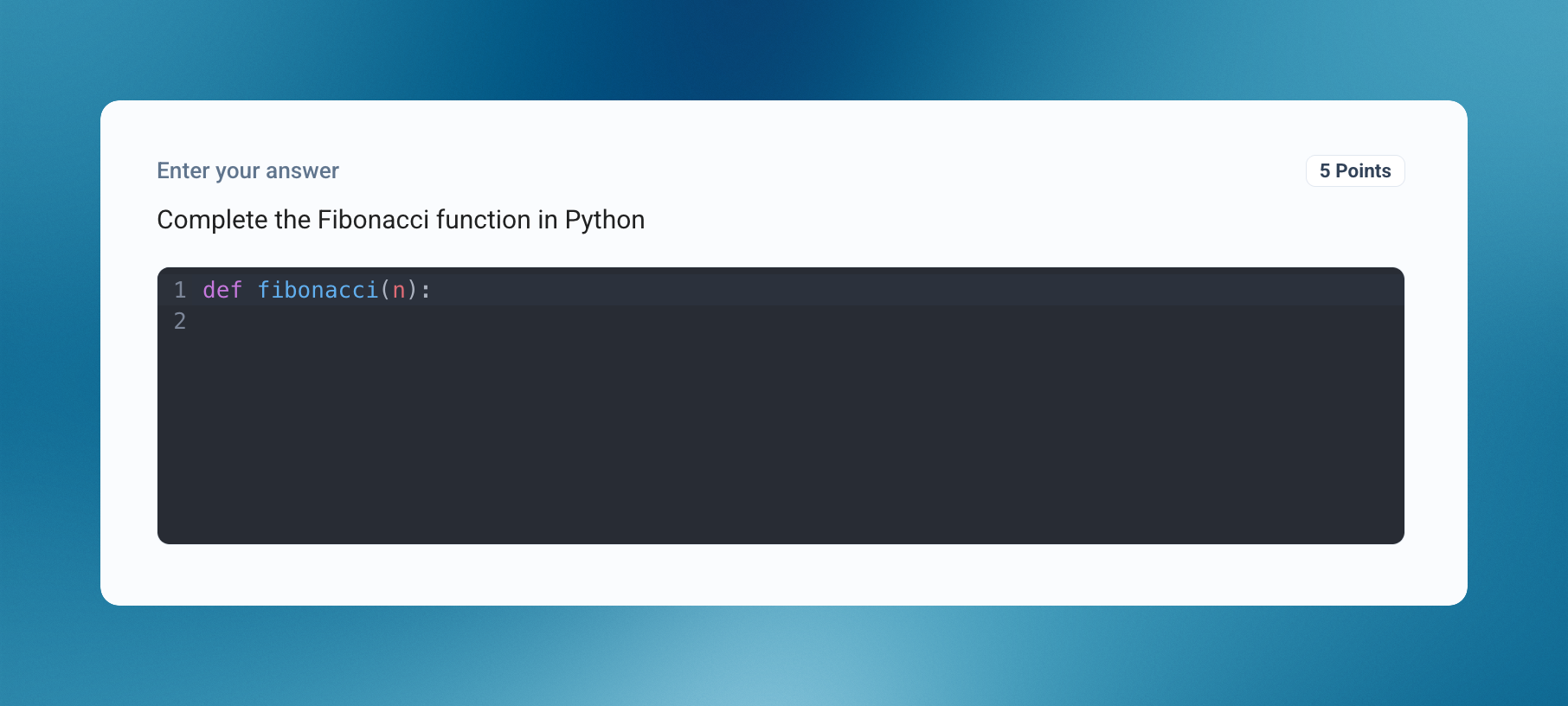
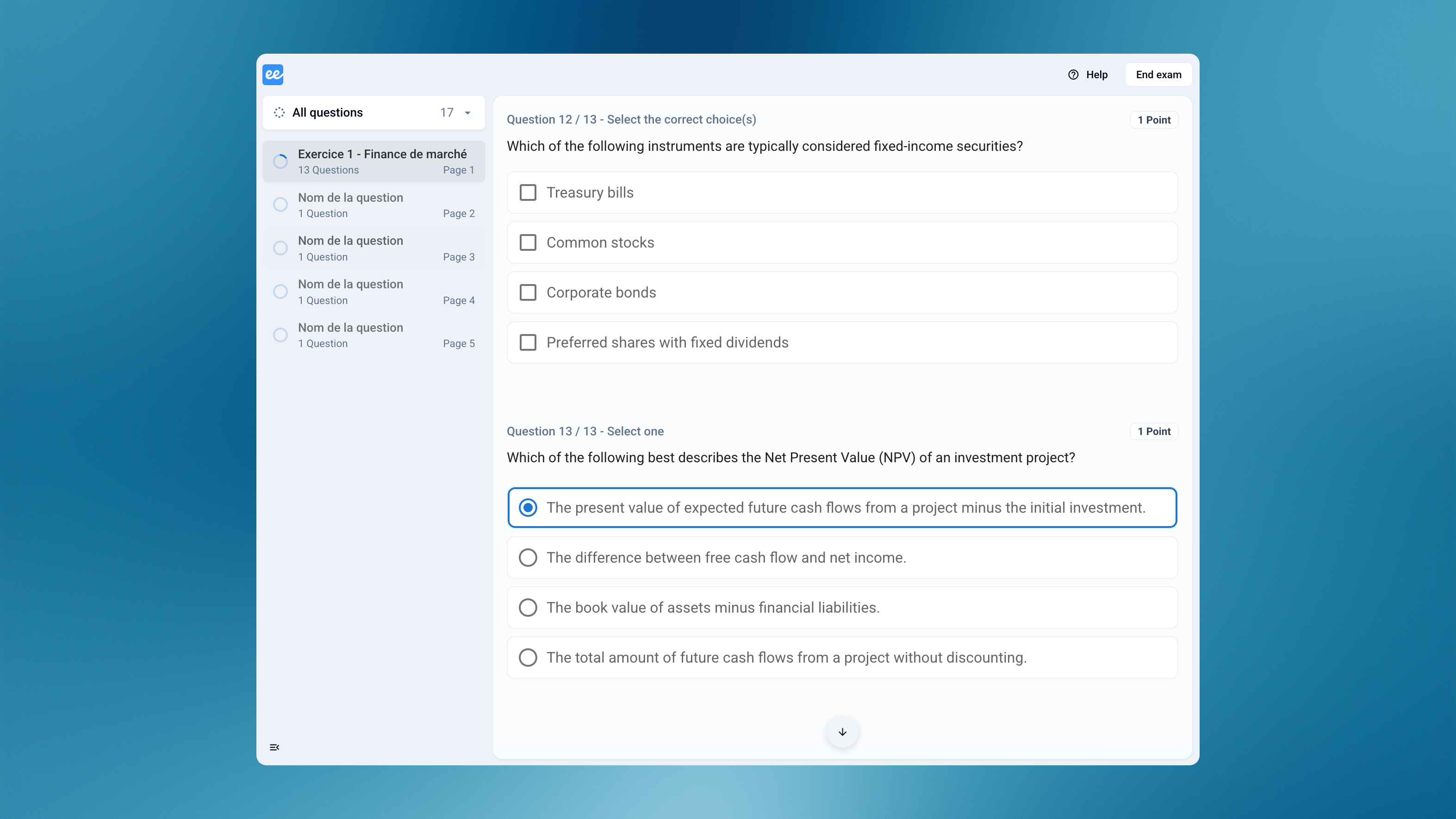
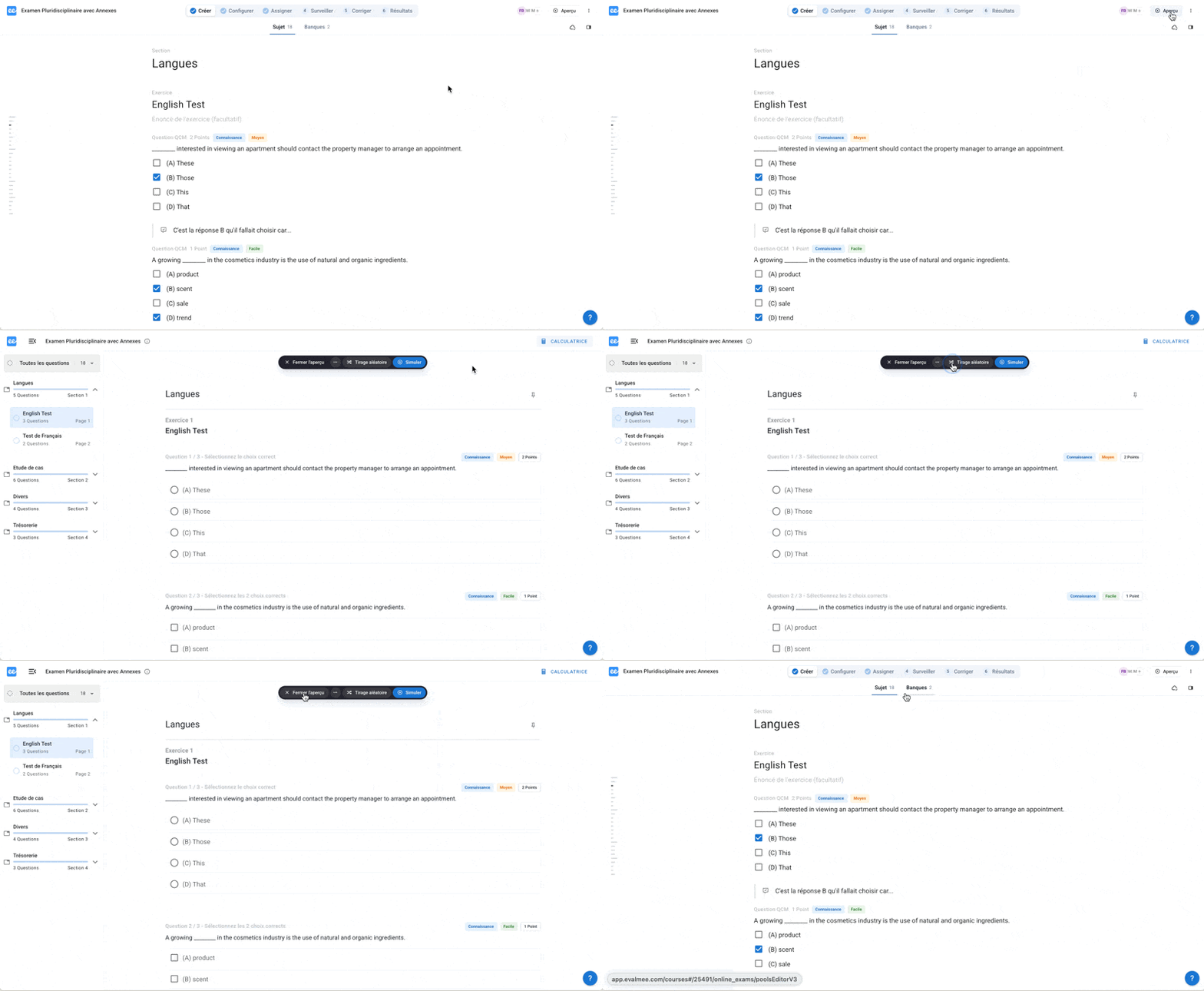
The editor now displays the formatting exactly as it will appear to participants: bold text, colors, headings, math formulas, code blocks — everything is live.
No more hard-coded Markdown or HTML to preview separately.

You can now resize images directly in your exam subject — easily and without any code.

You can now write math formulas effortlessly thanks to our new visual formula editor that has been available for several weeks on the examinee interface for open-ended exam questions.
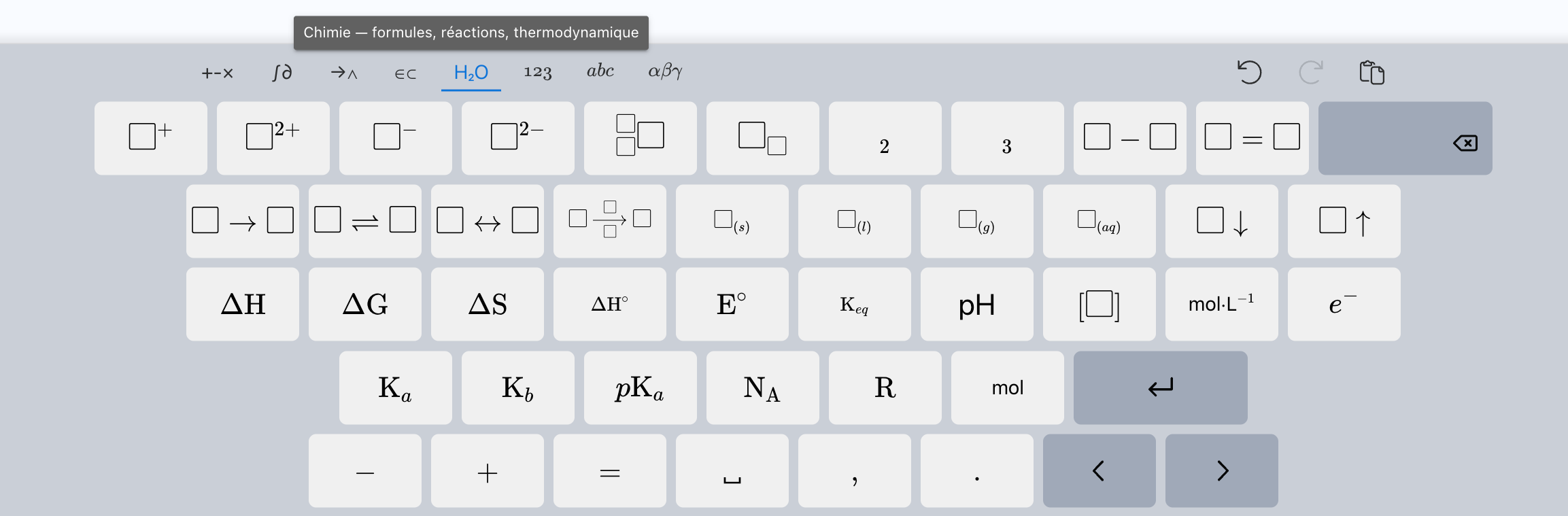
A math keyboard is also available to insert symbols (fractions, powers, roots, integrals, etc.) without needing to know LaTeX.
Typing in LaTeX is of course still possible — and even more enjoyable now with auto-completion.

Type / to open a quick insert menu, allowing you to easily add elements such as images, math formulas, tables, or code blocks to your subject.

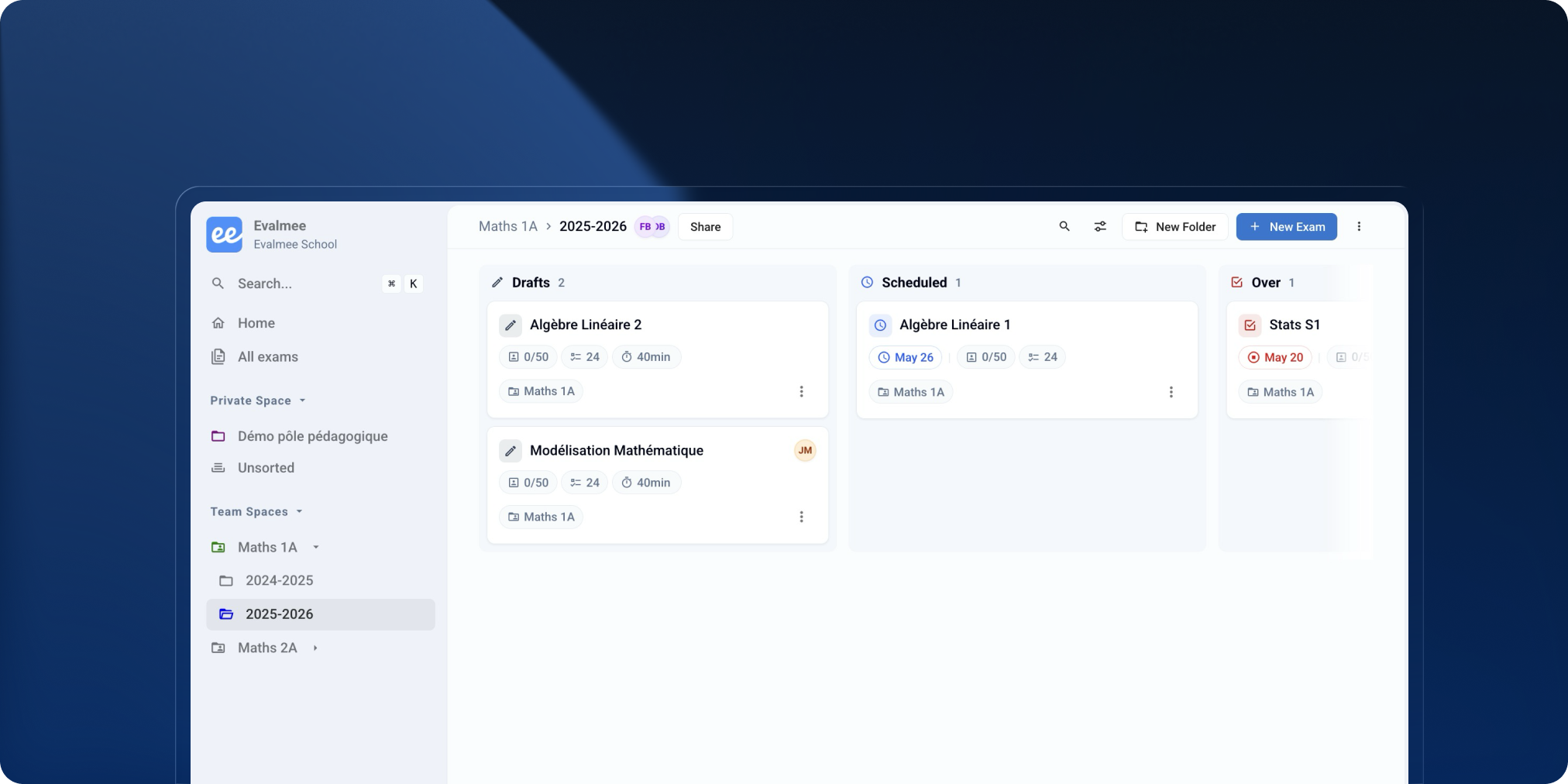
You can now work simultaneously on the same subject with your teammates.
You’ll see an indicator when another person is editing, and their changes are instantly saved and synchronized for everyone in real time.
Working on exam subjects is now significantly smoother:
Faster loading and navigation, even with hundred of questions
More responsive editing on subjects with 500+ questions
Instant saves
Up to 50× faster subject duplication

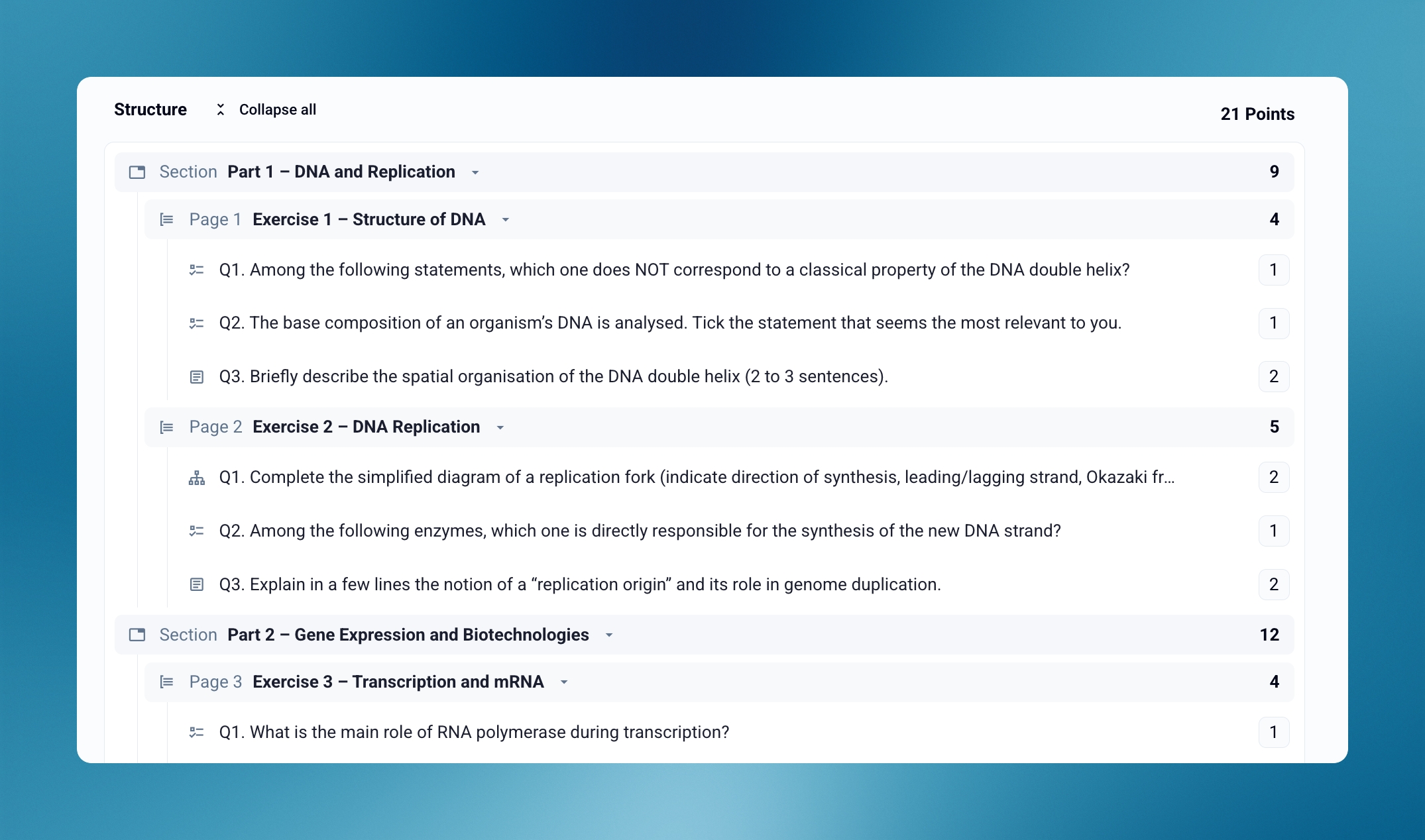
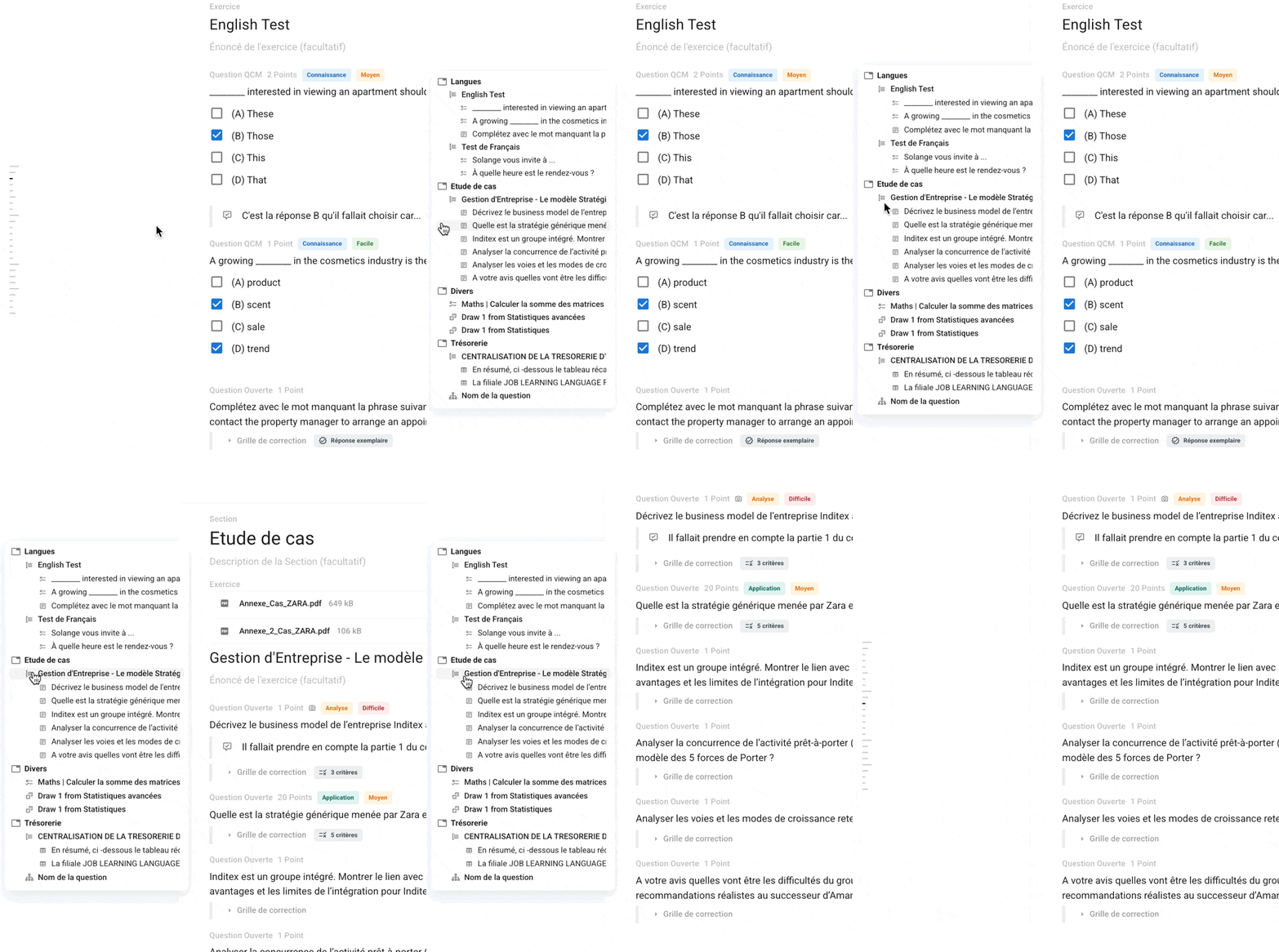
Quickly browse through your sections, exercises, and questions with the new Table of Contents.
It also highlights elements containing errors for easier access.
The editor interface has been redesigned for focus and efficiency:
New shortcuts to create questions faster
Ability to duplicate any element (section, exercise, question, choice)
Easier drag-and-drop and reordering via option menus
Convert a question into an exercise (and vice versa)
Last modified dates now visible on every element
Improved error detection and handling
A smoother, safer, and faster experience overall
This new editor helps you save time, reduce errors, and create complex exams more confidently.
It’s available right now for all your new exam subjects. 🚀
The minimum supported versions of web browsers have been updated to take advantage of more modern technologies.
Browsers released before October 2022 are no longer supported.
The countdown timer is now visible when a spreadsheet or document is in full-screen mode
Added support for WebP image format
Fixed a display issue when switching between two exercises containing spreadsheet questions
Fixed an issue where the timeline could display screen exits that occurred after the exam had ended
Fixed a display issue with archive file names when opened on Windows
October 16th, 2025
Improved

The exam interface has been redesigned to give more space to spreadsheets and documents.
Spreadsheet-type questions are now displayed in a right-hand side panel, allowing participants to:
View other questions from the same exercise while working in the spreadsheet
Enjoy a larger and more comfortable workspace with the new full-screen mode
The document display panel can now be resized for a more comfortable experience.
The new split-screen mode also allows participants to view a document and a spreadsheet side by side.
Fixed a display issue when clicking very quickly on the zoom buttons of a document
Fixed a bug where the exam exit alert could appear when clicking inside a spreadsheet on Safari
Screen exits detected after the end of the exam passage by another browser where the same exam is open are no longer taken into account
October 2nd, 2025
New

Participants can now write mathematical formulas more easily in their open question answers, thanks to a new built-in visual editor.

A math keyboard is also available to insert symbols (fractions, exponents, roots, integrals, etc.) without needing to know LaTeX.
And for advanced users, typing in LaTeX is of course still possible — now with auto-completion to make it even smoother and more efficient.

Participants can also type / to open a small quick menu that lets them instantly add elements to their answer (formula, table, code block, etc.).
Exam Sessions: improved suggestions in the schedule selector
Simulation: it is now possible to reopen an exam attempt from a simulation
Embedded calculator: fixed an issue with decimal commas in the French interface
Exam Sessions: fixed redirection when a participant was already enrolled in a completed session
Exam Sessions: fixed a bug that prevented typing a custom time when using the English interface
September 15th, 2025
New

You’ve asked for it many times: participants now have access to a built-in calculator in Evalmee.
No more leaving the platform or switching between multiple tools.

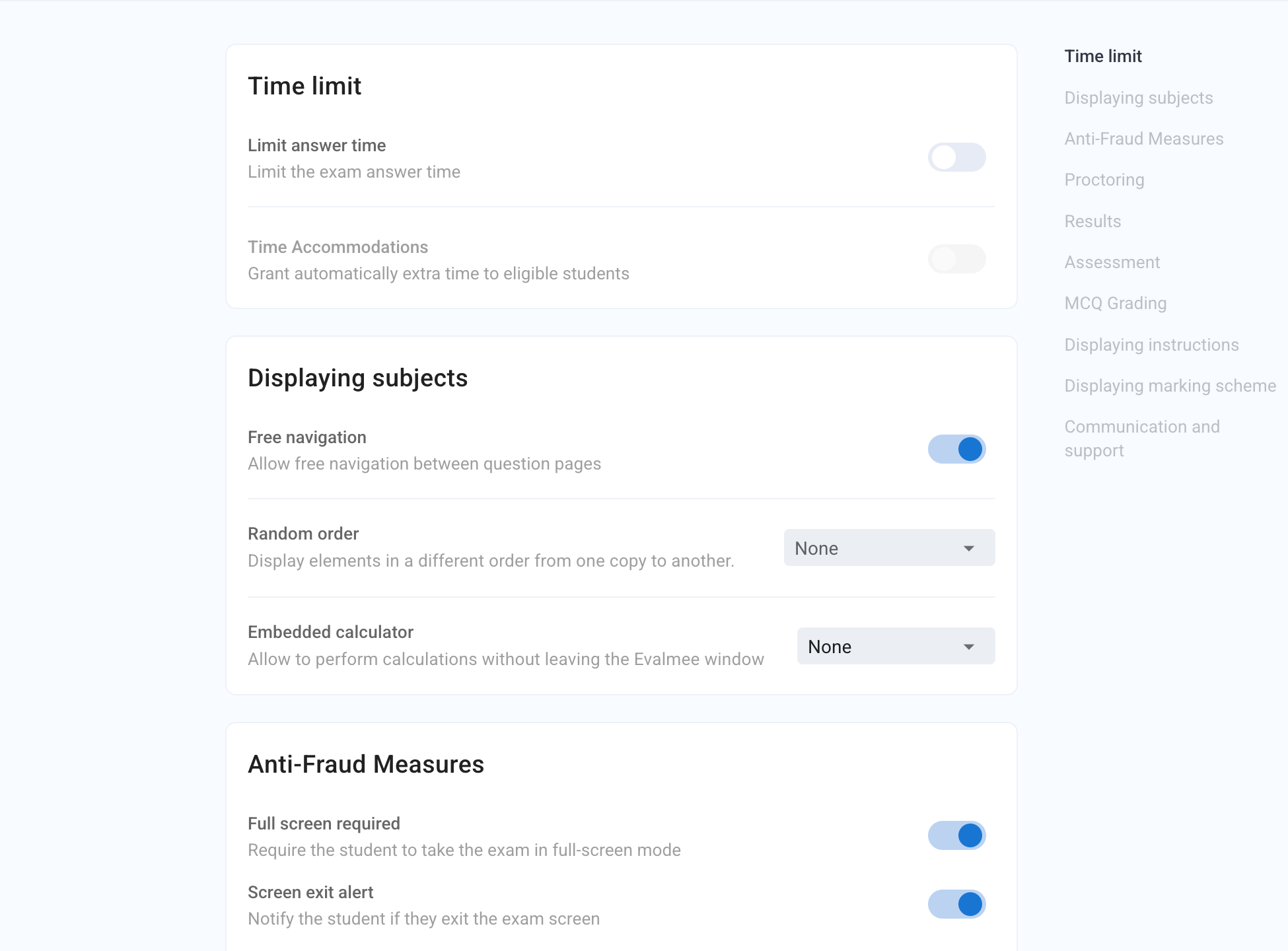
Enable the calculator in the exam settings
Choose the calculator mode: basic or scientific
The calculator can be displayed at any time during the exam
A calculation history is saved
Results can be copied and pasted
Improved screen exit detection on Firefox
Support for Chrome OS when configuring screen sharing
Fixed a bug that could hide grade display for some participants
August 28th, 2025
Improved

Evalmee is now hosted exclusively in France, in datacenters powered by renewable energy.
Servers and databases hosted by Scaleway and AWS France
All providers fully GDPR-compliant and ISO/IEC 27001 certified
Improved performance for exams with 2500+ simultaneous students
Redundant infrastructure across multiple providers to reduce risks during incidents
Stronger protection against DDoS attacks
Servers powered by over 75% renewable energy
Less data transit (ok, not enough to save the planet… but every little bit counts 🙃)
Designed to meet sovereign hosting requirements
Compatible with public procurement security and compliance policies
A solution built for demanding institutions, public sector clients, and responsible organizations.
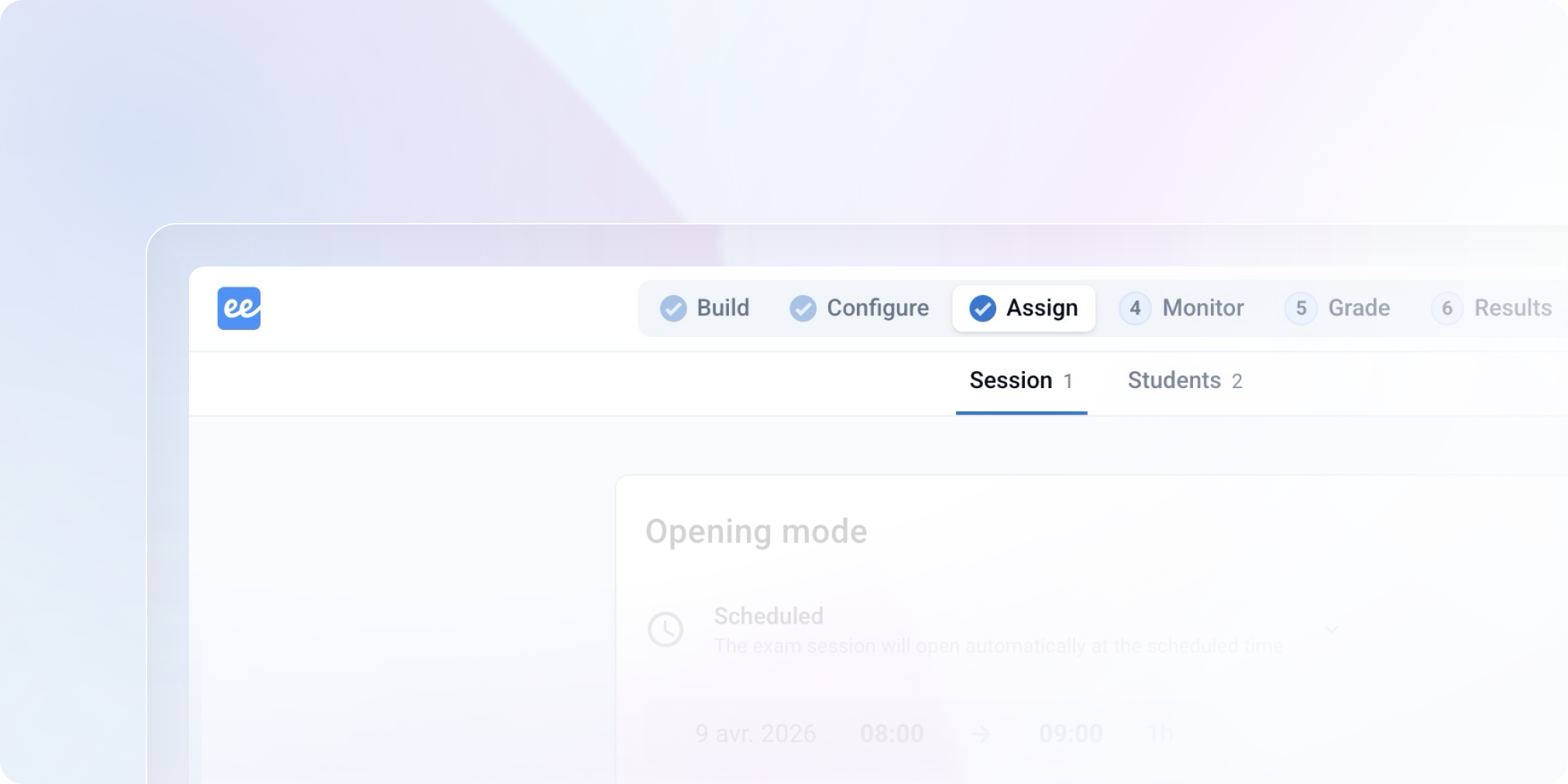
You can now rename an exam directly from the exam interface by clicking on its title
Exam names are now limited to 80 characters
Fixed a bug that caused the proctoring data submission message to appear in a loop at the end of some exams
Fixed a bug that prevented redirection to the correction page for exams with multiple sessions when accessed via LMS
July 10th, 2025
New


You can now connect Evalmee to your favorite tools (Google Sheets, Monday, Notion, Airtable, etc.) using Make, the no-code automation platform!
You’ll be able to:
Create an Evalmee exam from a Notion database
Import a subject from Google Drive
Enroll your students or candidates from a Google Sheet
Schedule an exam session directly from Monday
Send grades to Airtable
And so much more — hundreds of automations are possible to streamline your internal processes!
Find more ideas and ready-made templates in the documentation Make integration
Save time when setting up exams connected to your LMS!
When creating an Evalmee exam from your LMS, you can now choose between:
Starting from scratch
Reusing the subject and settings from an existing exam
🪄 Bonus: if you duplicate an Evalmee exam from your LMS (or clone an entire course for a new cohort), Evalmee will suggest reusing the original exam — currently available for Brightspace and Blackboard only.
You can import in an existing exam the subject, settings, and students from another exam
Navigation between question pages is now enabled by default
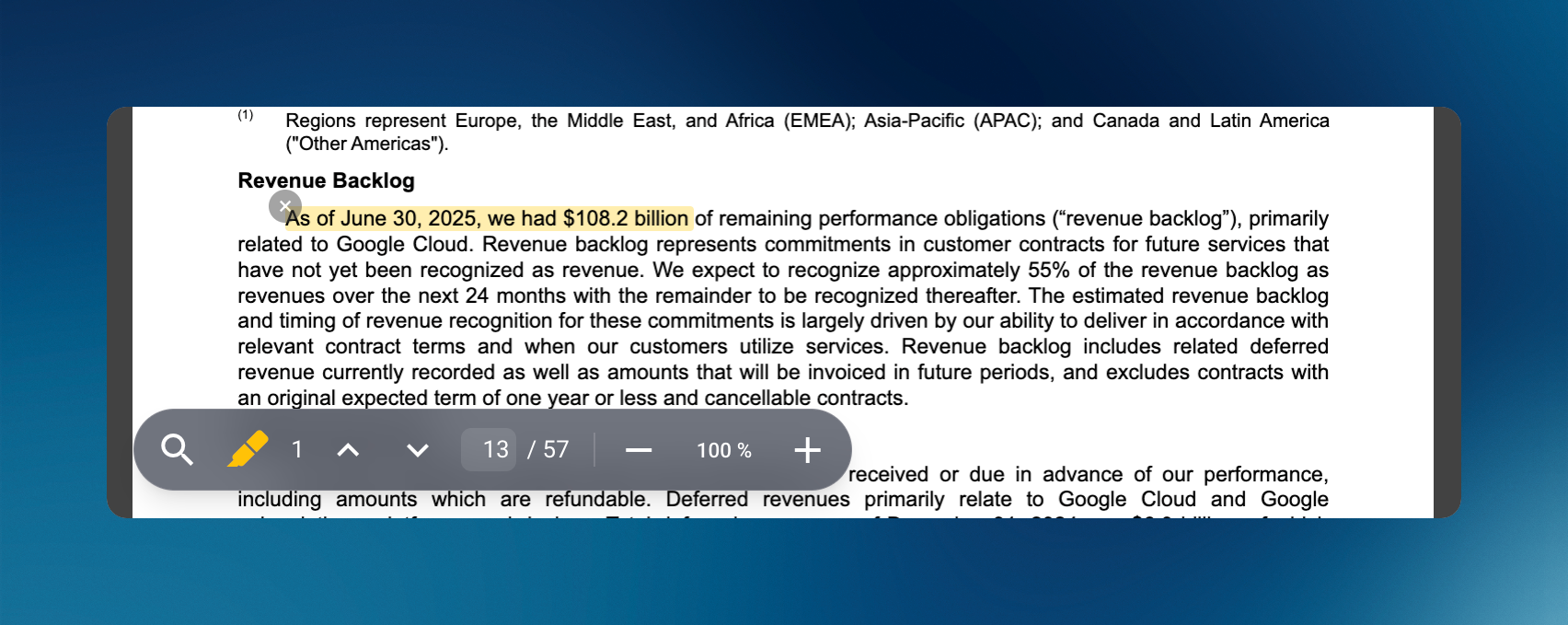
Text selection is enabled by default on attached PDF documents (including PDF text search)
Improved interface design for students
Confetti removed once the exam is submitted
Fixed an issue where the subject generation indicator could appear twice when manually opening an exam session
Fixed an issue in the session invitation menu when more than 20 sessions are listed in a single exam
June 18th, 2025
New

Evalmee now integrates with the Brightspace LMS. You can create your Evalmee exam directly from Brightspace, sync your learners and their grades.
On the learner side, students can access the exam directly from Brightspace, no need to log into Evalmee — everything works automatically!
→ See Brightspace integration for more details.
Evalmee also integrates with the Aurion ERP by Auriga to import students registered for exams in Aurion.
→ See Aurion (Auriga) integration for more details.

Smoother login “school less”: you no longer need to specify your school, sign in directly with your credentials or a login email.
OTP code: login emails now include a One Time Password (OTP), handy if you check your email on another device (e.g., smartphone) while logging into Evalmee on an external exam computer.
→ Useful if your students use dedicated exam devices.

You can now add a video as a supporting document to a question or exercise.
Ideal for:
Illustrating a practical case
Sharing a clip for analysis
Enriching your exam materials

When duplicating an exam, you can now choose what to duplicate: the subject, settings, students, or any combination of the three.
Audio document: it’s now possible to allow pausing and scrubbing through the audio
Minimum grade: fixed a bug where the previous minimum grade remained active after switching to a fixed penalty
Exam: fixed a bug that displayed the subject generation progress bar twice during manual opening
June 10th, 2025
New

Evalmee strengthens even more exam integrity, especially for language tests and open-ended questions.
You can now disable browser-based spell checkers and writing assistants on the student side.
A new option allows you to block:
The browser’s native spell checker (Edge, Chrome, etc.)
Writing assistance extensions like Grammarly, DeepL, and LanguageTool
🎯 Perfect for language exams or any test where spelling, syntax, and language accuracy are being evaluated.
Evalmee now also detects popular AI-powered extensions (e.g., Monica.ai) that could suggest or auto-generate responses during the exam.

Spreadsheet questions: improved scrolling behavior
Student lists renamed to School Groups
Better performance for students on exams with large PDF files
Fixed a bug that miscounted answers when a copy contained only file uploads
Fixed an issue that prevented access to certain reopened older exams
Fixed a display issue in grading when section names had more than 5 lines
Fixed a bug that prevented setting time slots accurate to the minute
Fixed an issue where some events in the student’s activity timeline weren’t visible if the first answer was a file upload only
Fixed a bug preventing email invitations from being sent when the sender’s email address contained a space
May 6th, 2025
New

No more collecting email addresses or dealing with Excel files at the last minute. Whether in class, over Zoom, in a training session, or in open practice mode, you can now let participants self-enroll into an exam session in just one click.
You can now activate a self-enrollment link for any of your exam sessions.
Open to everyone or restricted to your organization’s members
Share it via email, on your slides or in the chat of Zoom/Teams
The participant opens the link and starts the exam. Simple as that.
Open-access practice test with candidates not yet identified
Live training webinar with no email list and hundreds of participants
Quick in-class or remote quiz without importing anything on Evalmee
Open-access exam for self-training or screening test available year-round
“I wish it worked like Wooclap/Mentimeter/Kahoot… Just a link on the screen, and done.”
“We wanted a self-paced training quiz, without reopening a session every time.”
“It’s always a hassle to collect email addresses from the Zoom or Teams chat.”
Teachers who want to move fast
Pedagogical teams in training & live demo
Candidates who need access in just two clicks
Learn more : Share self-enrollment link .
Now available on all your exam sessions.
Try it and simplify your enrollments! 🚀
Spreadsheet Question: added support for Filters
Documents attached to a question/exercise:
New button to download documents from the subject editor (even after the exam is over)
Option to allow text selection in PDF documents
Corrected copies: you can now view comments left by Evalmee support team if the student contacted them during the exam
Fixed a bug that sometimes prevented exams from closing automatically on the student side under specific conditions