Math Formula Editor
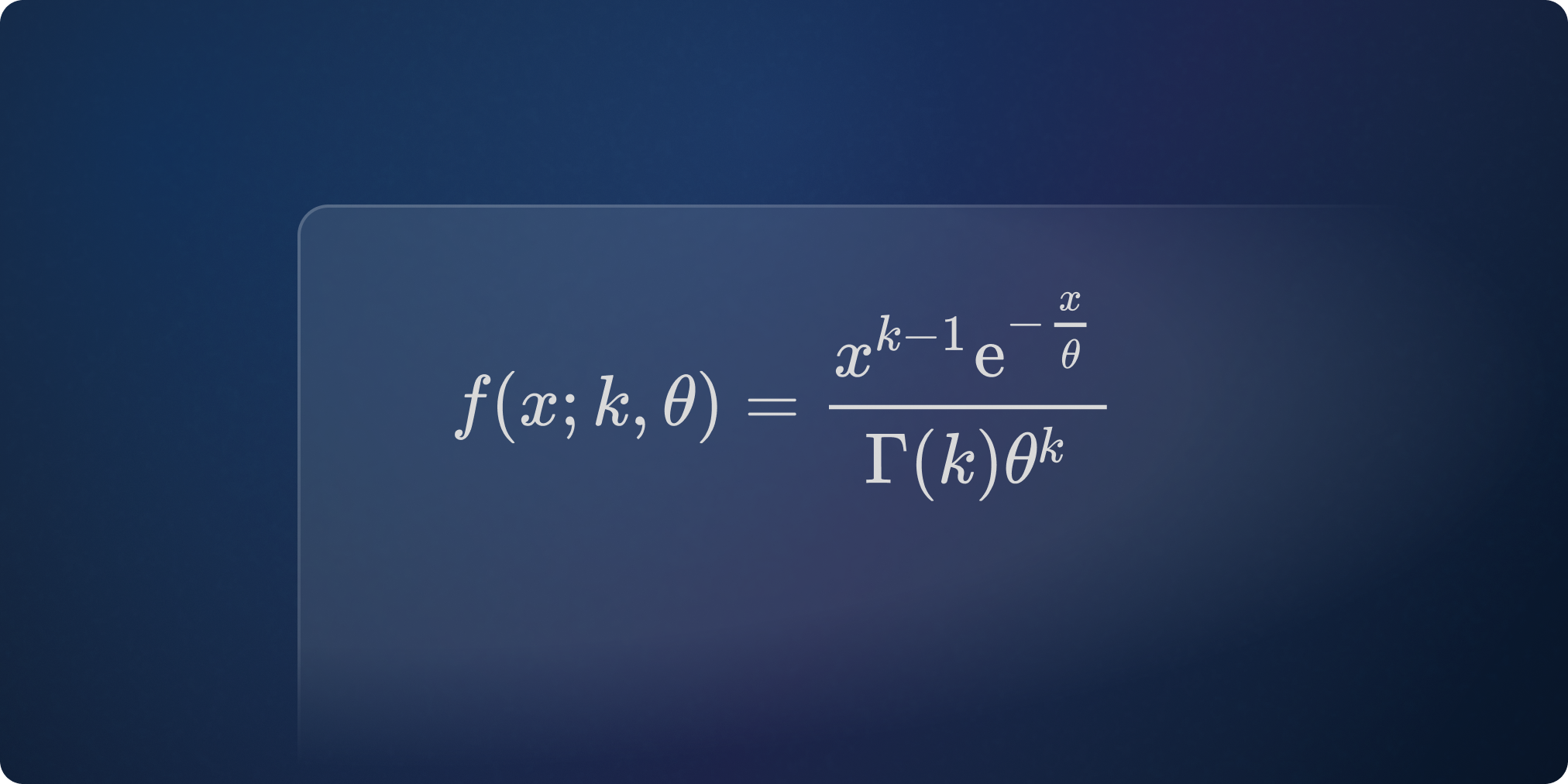
Formulas made easier to write
Participants can now write mathematical formulas more easily in their open question answers, thanks to a new built-in visual editor.

A math keyboard is also available to insert symbols (fractions, exponents, roots, integrals, etc.) without needing to know LaTeX.
And for advanced users, typing in LaTeX is of course still possible — now with auto-completion to make it even smoother and more efficient.
Quick menu for easier structuring

Participants can also type / to open a small quick menu that lets them instantly add elements to their answer (formula, table, code block, etc.).
✨ Other Improvements
Exam Sessions: improved suggestions in the schedule selector
Simulation: it is now possible to reopen an exam attempt from a simulation
🐞 Bug Fixes
Embedded calculator: fixed an issue with decimal commas in the French interface
Exam Sessions: fixed redirection when a participant was already enrolled in a completed session
Exam Sessions: fixed a bug that prevented typing a custom time when using the English interface