Grading criteria and new support chat
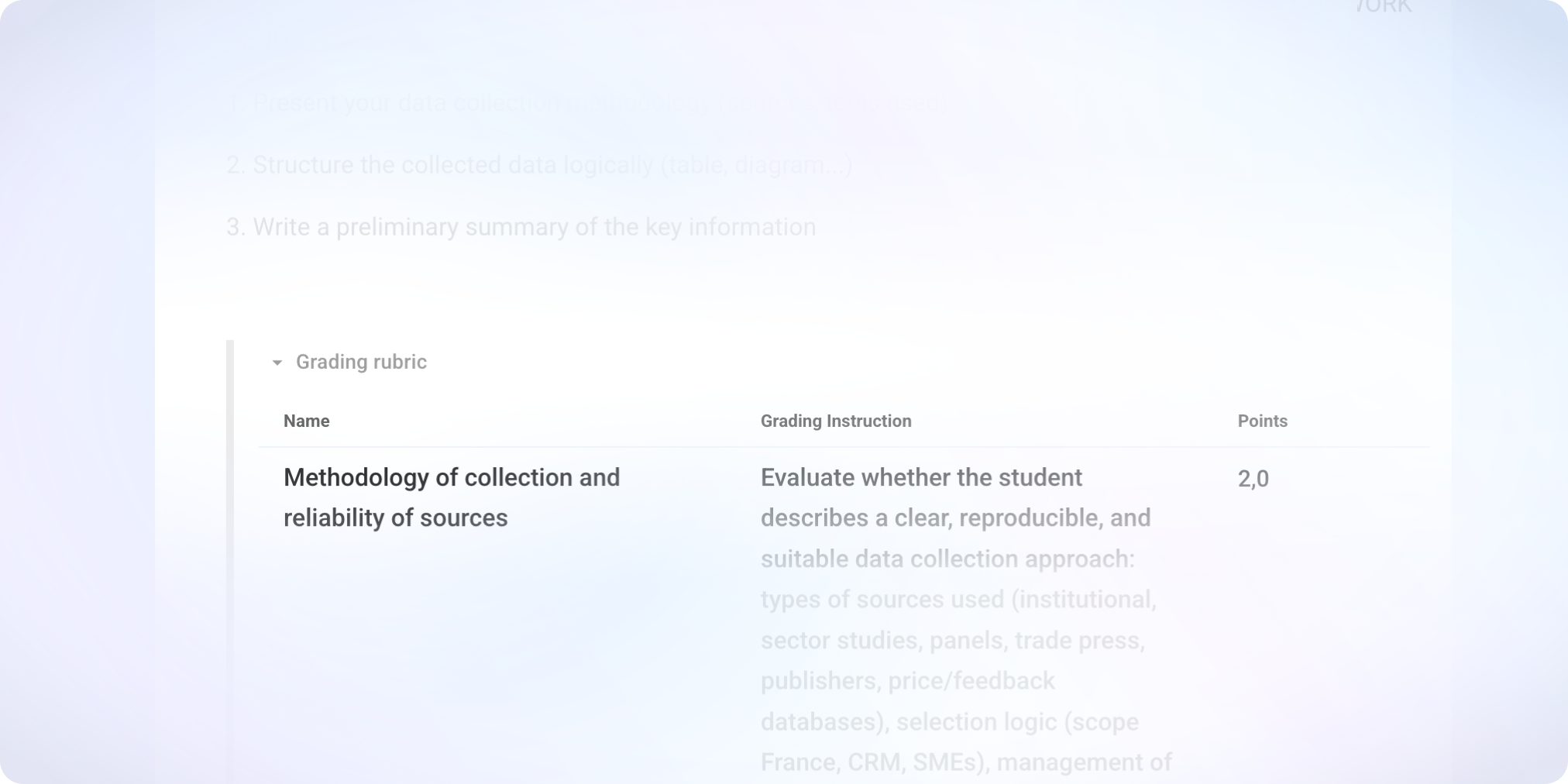
Evolution of grading criteria
In the subject
Grading open-ended questions gains clarity and flexibility thanks to a complete overhaul of the grading criteria.
Each criterion is now defined in points, and the points for the question are automatically calculated based on these criteria. This logic replaces percentages and simplifies the construction of grading rubrics.
In the grading
Before grading, the rubric must be locked to ensure consistent evaluation for all students.
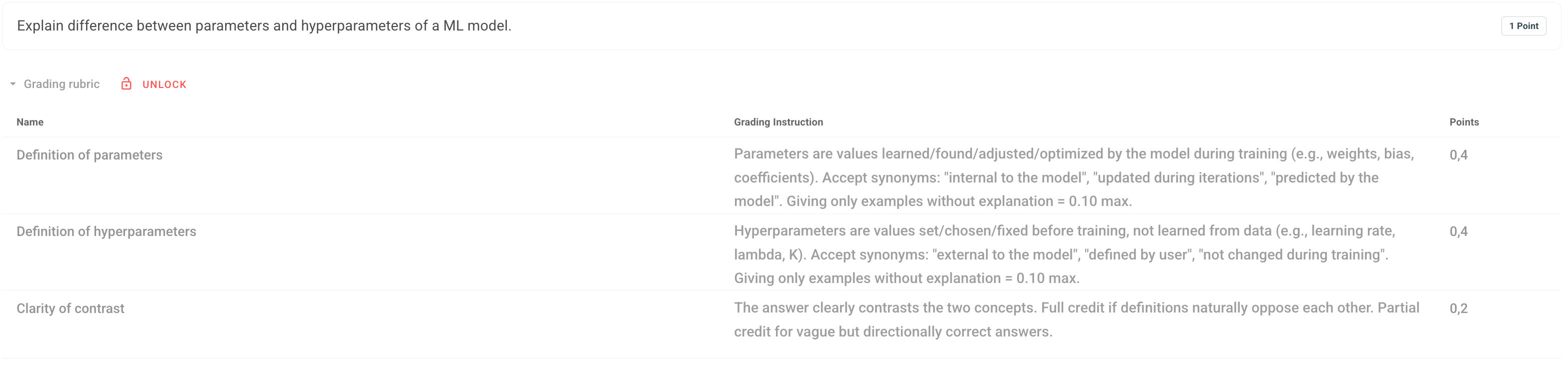
It is now possible to grade manually criterion by criterion for each response. The AI grading assistant still suggests scores by criteria, but the teacher can adjust each criterion individually.
At the same time, the suggestions from the AI grading assistant have become more precise.
Adding time to multiple students in a single action
It is now possible to select multiple students on the "Live" page and apply an action to the entire group.
Adding extra time — the most requested action — can now be done in a single operation. Other individually available adjustments are also accessible in bulk.
More responsive support chat

We have evolved the support chat to immediately respond to the most common questions, relying on our documentation.
The goal is to help you faster in everyday situations. And of course, whenever a more specific exchange is necessary, the Evalmee team remains available to take over.
✨ Other improvements
Dashboard Admin
Improvement of search result sorting for exams
New button to open an exam from a student's page
New option to assign a teacher as a school admin
Subject editor
Optimization of import performance in Evalmee format
Insertion of images via drag-and-drop or copy-paste
Improvement of the “move” subject item
Fraud report
Zoomed screenshots are now displayed above the timeline
Improvement of thumbnail display of screenshots in the timeline
Session
An error message now appears if an attempt is made to open a session while there are errors in the subject
In an open exam, it is now possible to remove a enrolled student who has not started
🐞 Bugs fixes
Import Moodle subject: fix for a bug preventing the import of subjects containing images with special characters in their names
Screen recording: fix for a bug that prevented recording on certain versions of Safari
Fix for a bug that prevented the opening of an exam session if a student was enrolled in multiple groups attached to the same session
Fix for a bug that rounded calculator results for numbers with more than 15 digits
Time accommodations: fix for a bug that could cause the exam to close before the end of the extra time if the student reloaded the page under specific conditions.