Maths LaTeX Editor – Code Mode is back with extra improvements
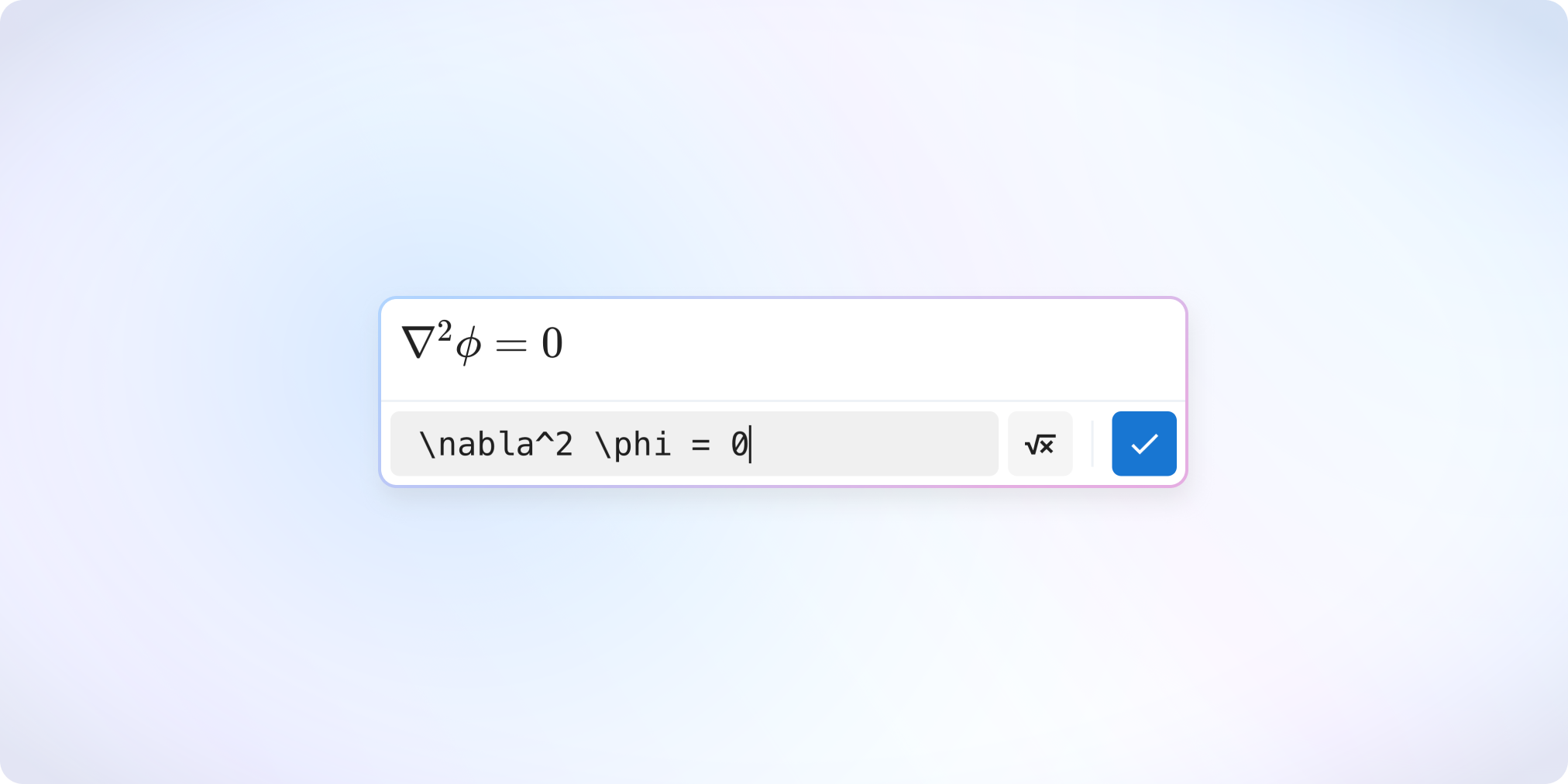
The new editor made writing mathematical formulas accessible to everyone — without needing LaTeX.
But many of you also wanted to bring back the classic LaTeX workflow.
In addition to the Visual mode, a dedicated Code mode is now back, designed for those who prefer writing formulas directly in LaTeX.
Available to all users.
LaTeX Code Mode or Visual Mode
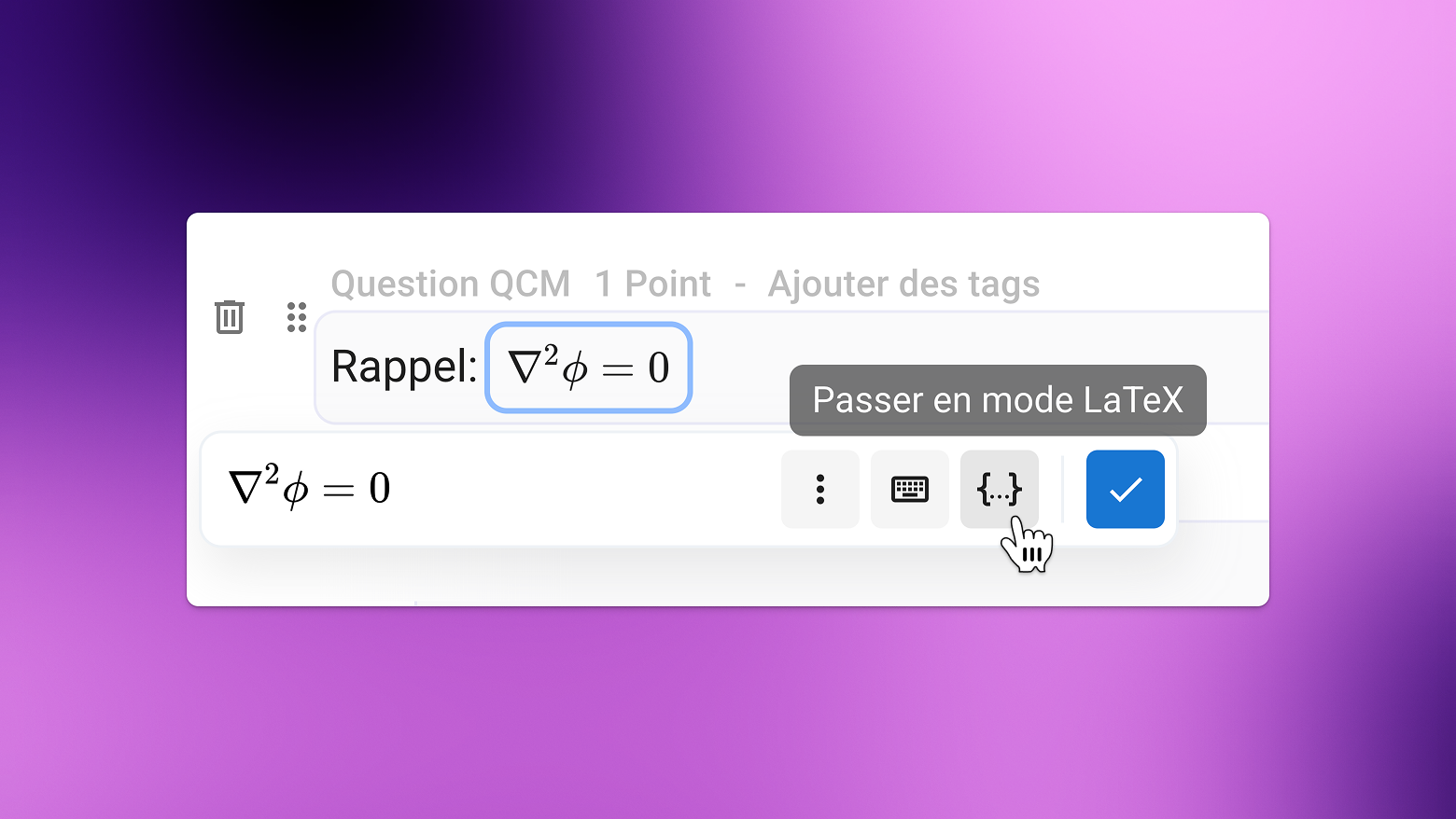
A dedicated LaTeX Code mode is now available: you type your LaTeX code in a separate field, and the rendered preview appears alongside it.
With no real-time interpretation inside the text field, it becomes much easier to adjust or correct a formula.
The last mode you used (LaTeX Code or Visual) is automatically remembered for your next formulas.
Formulas Between “$” — the Classic Workflow Returns
You can once again write formulas between $.
The editor will automatically suggest converting them into a math block.
Need to paste content containing formulas between $ or $$?
It is now correctly interpreted as mathematical notation.
You can also convert any selected text into a formula using the keyboard shortcut Ctrl + Shift + E (or Cmd + Shift + E on Mac).
✨ Other Improvements
Examinee
Added additional guidance when screen recording permissions are missing on Mac
The calculator button is now easier to spot
Examiner
Subject Editor
New “YouTube Video” block available in subjects
Re-added the correction preview option
Limited to two spreadsheet questions per exercise to ensure smoother performance
Improved error display
Improved accuracy of AI correction suggestions for new exams
Detection of new AI-powered browser extensions
Simplified result display options
One-click access to the Help Center and the Suggestions page
Grade export: separation of columns related to durations of suspicious behaviors
Added a button to refresh the examinee timeline during an exam
🐞 Bug fixes
Subject editor
Fixed display issues for certain images in subjects duplicated before October 2025
Fixed “jumping” when scrolling in the editor when many code blocks were present
Subjects are no longer editable while an exam is being opened
Fixed a bug preventing modification of certain duplicated exams
Fixed subject imports containing quotes inside descriptions or code blocks
Fixed grading-by-criterion suggestions that could exceed the maximum score in rare cases
Fixed a bug preventing the “minimum grade” option from appearing on some exams
Fixed an issue blocking screen recording on some Safari versions
Fixed the “number of questions” scale when question banks are used
Fixed table rendering in blank and corrected PDF subjects
Fixed an issue where certain exam invitation emails appeared as “sending” even though they were already “received”