Canvas Integration
Written By Florian Barral
Last updated Almost 2 years ago
Add Evalmee as an external app to your course
❗ Depending on the configuration chosen by your organization, Evalmee might not be available for all the courses of your organization.
It’s usually the case when your organization is experimenting Evalmee.
Consequently, you will have to add manually the Evalmee App in every single course.
👇 Voici une démo :
Create & assign Evalmee exam
👇 Voici une démo :
Assigning an exam to students
Previously, you should have assigned to the exam all the students taking it by leaving
Everyone. See above demo.If not, make sure of it after clicking on
Edit Assignment Settings.You should have something like that:
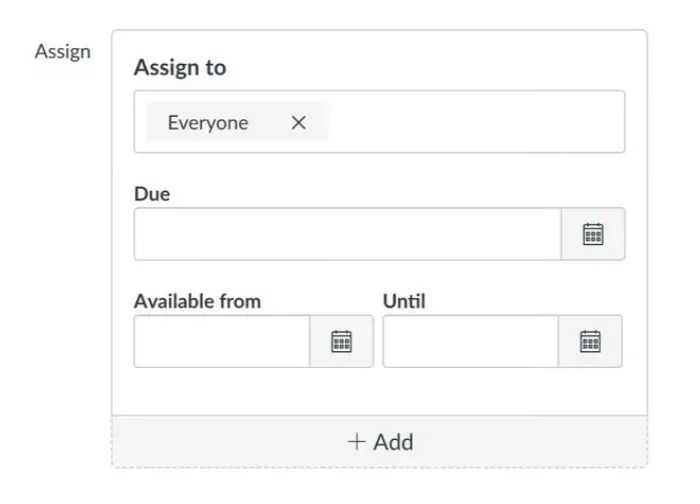
Note that the assignment is visible on Canvas to all the students assigned but the Evalmee exam can be taken only by students synchronized on Evalmee.
❗ By default, all the students from the Canvas course will be synchronized on Evalmee.
So you cannot (yet) assign the Evalmee exam to specific Groups of students of your Canvas. (Coming soon)
❗ The scheduling that matters is the one on Evalmee.
Sync Gradebook to Canvas
You can sync students grades from Evalmee to Canvas.
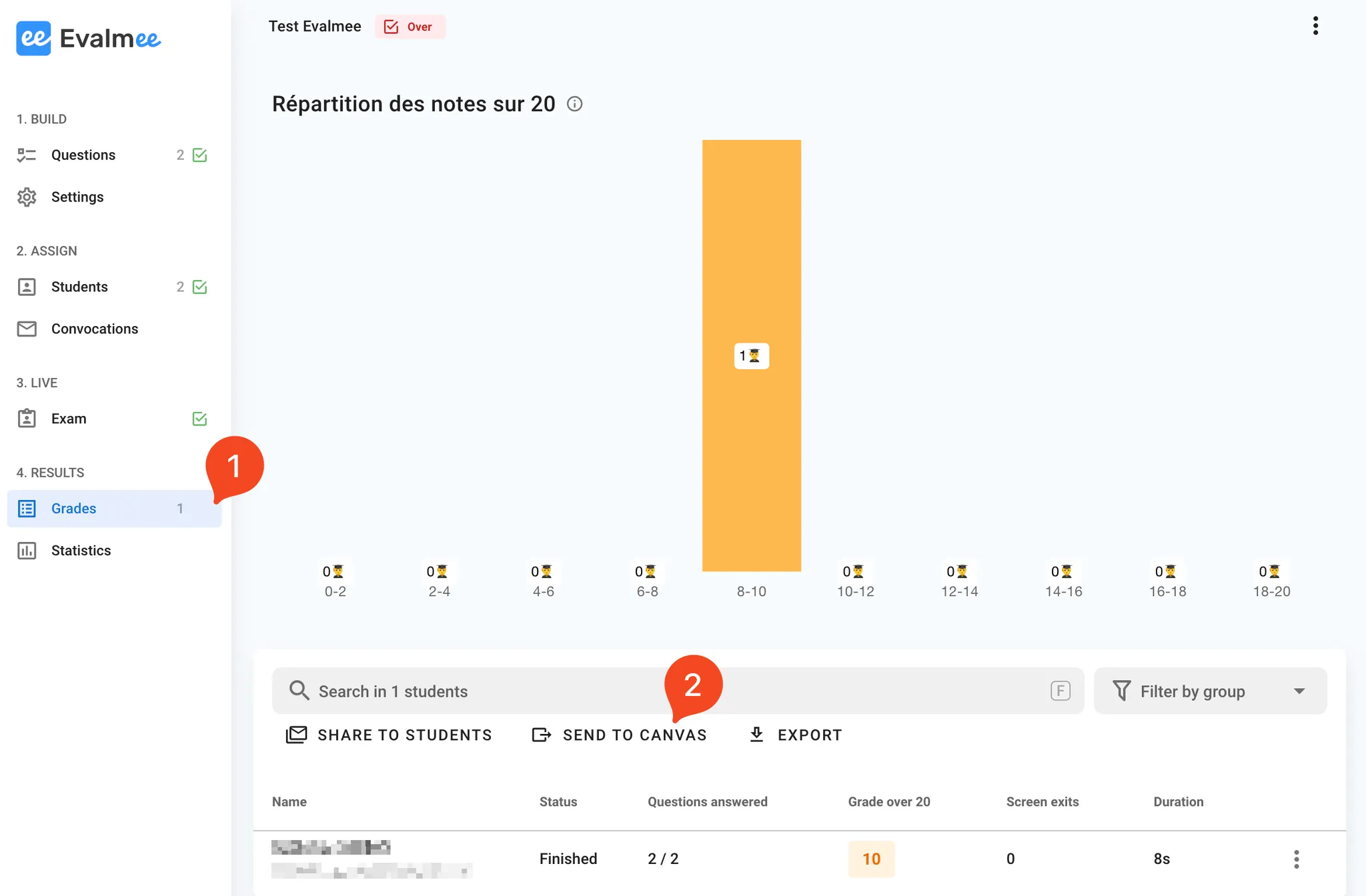
On Evalmee :
Go to
GradesClick on
Send to Canvas