Export graded copies .pdf
Written By Florian Barral
Last updated 10 months ago
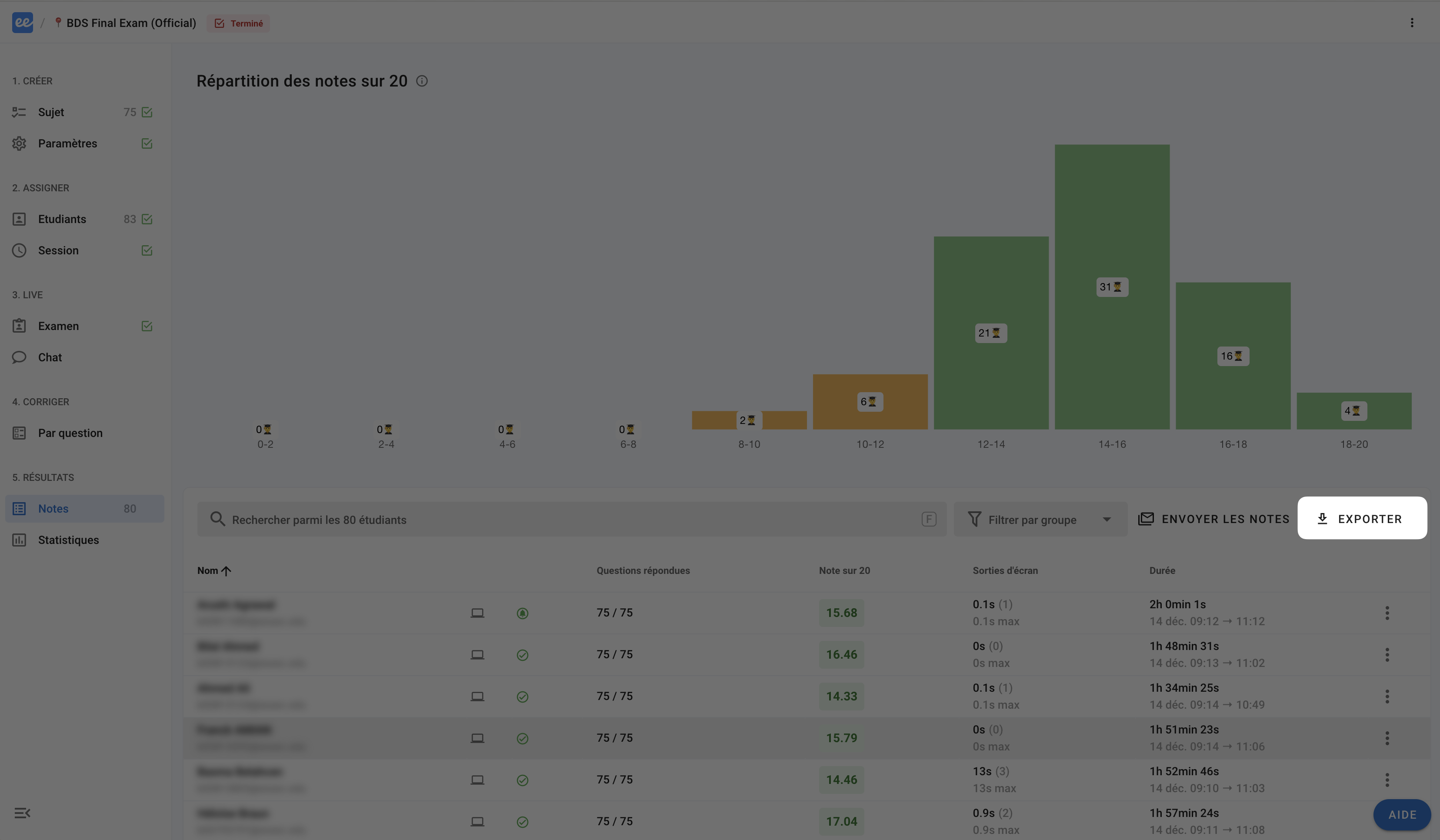
In the Grades tab, click EXPORT in the top right corner:
You can then export the notes to Excel in two formats:
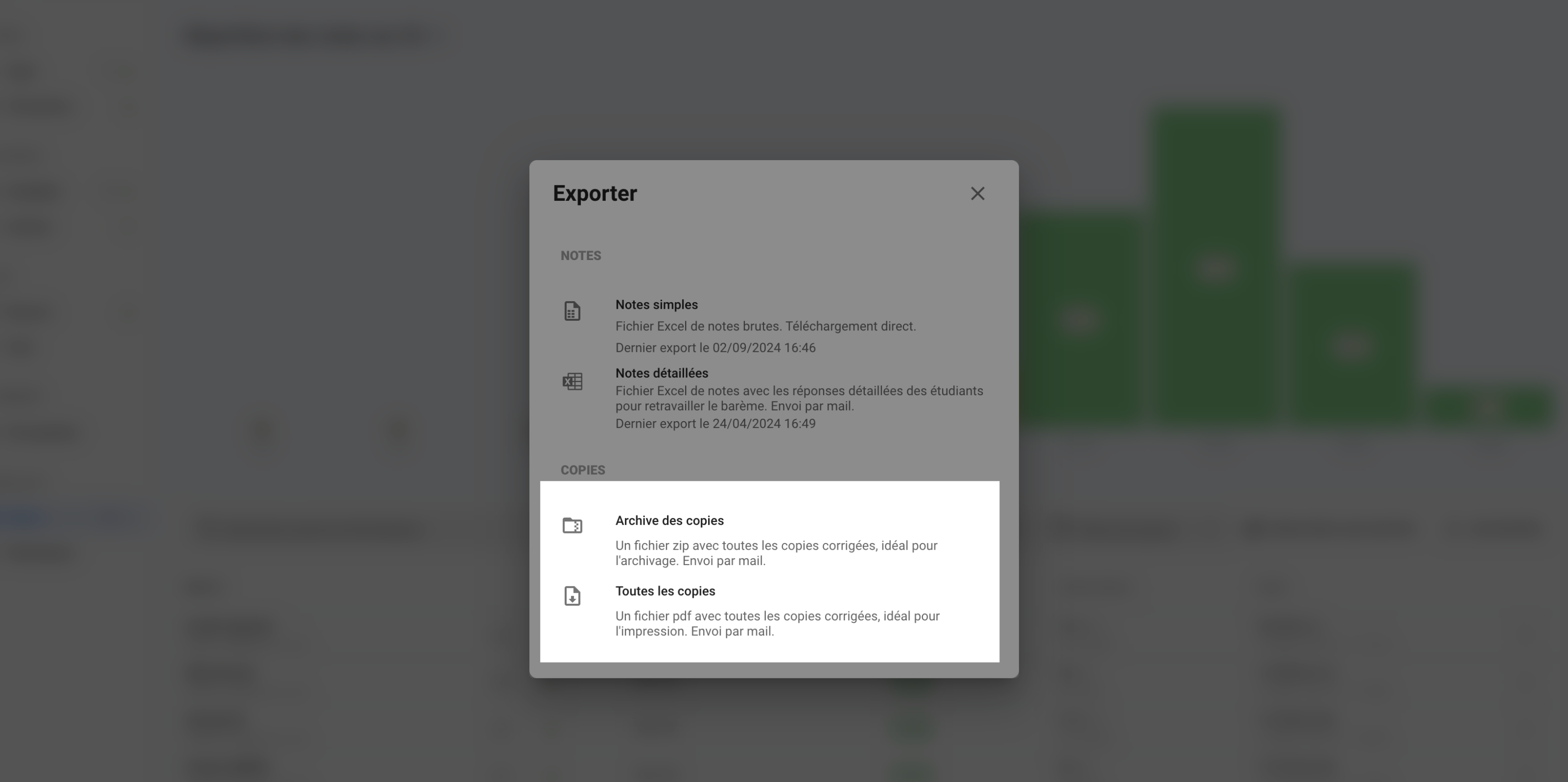
Submissions archive: A
.zipfile containing a.pdffile for each participant. Ideal for archiving and quickly finding submissions for a specific participant.All submissions: A
.pdffile containing all graded submissions. Ideal for printing everything at once.