June 18th, 2025
New
Brightspace & Aurion integrations, Login Portal
🔄 Brightspace & Aurion Integrations
Evalmee now integrates with the Brightspace LMS. You can create your Evalmee exam directly from Brightspace, sync your learners and their grades.
On the learner side, students can access the exam directly from Brightspace, no need to log into Evalmee — everything works automatically!
→ See Brightspace integration for more details.
Evalmee also integrates with the Aurion ERP by Auriga to import students registered for exams in Aurion.
→ See Aurion (Auriga) integration for more details.
🌐 Login Portal – Simpler and faster
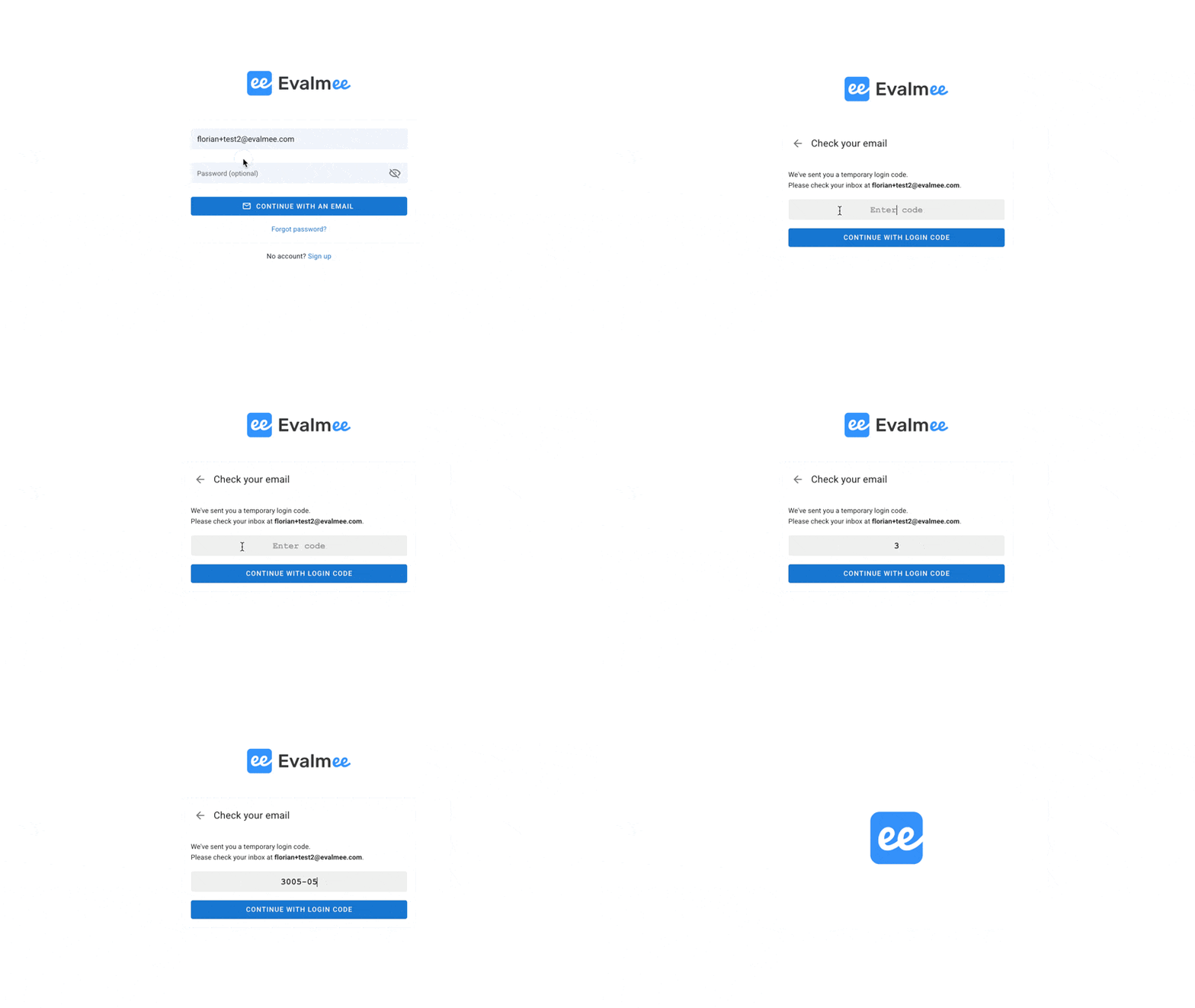
Smoother login “school less”: you no longer need to specify your school, sign in directly with your credentials or a login email.
OTP code: login emails now include a One Time Password (OTP), handy if you check your email on another device (e.g., smartphone) while logging into Evalmee on an external exam computer.
→ Useful if your students use dedicated exam devices.
📺 Video document
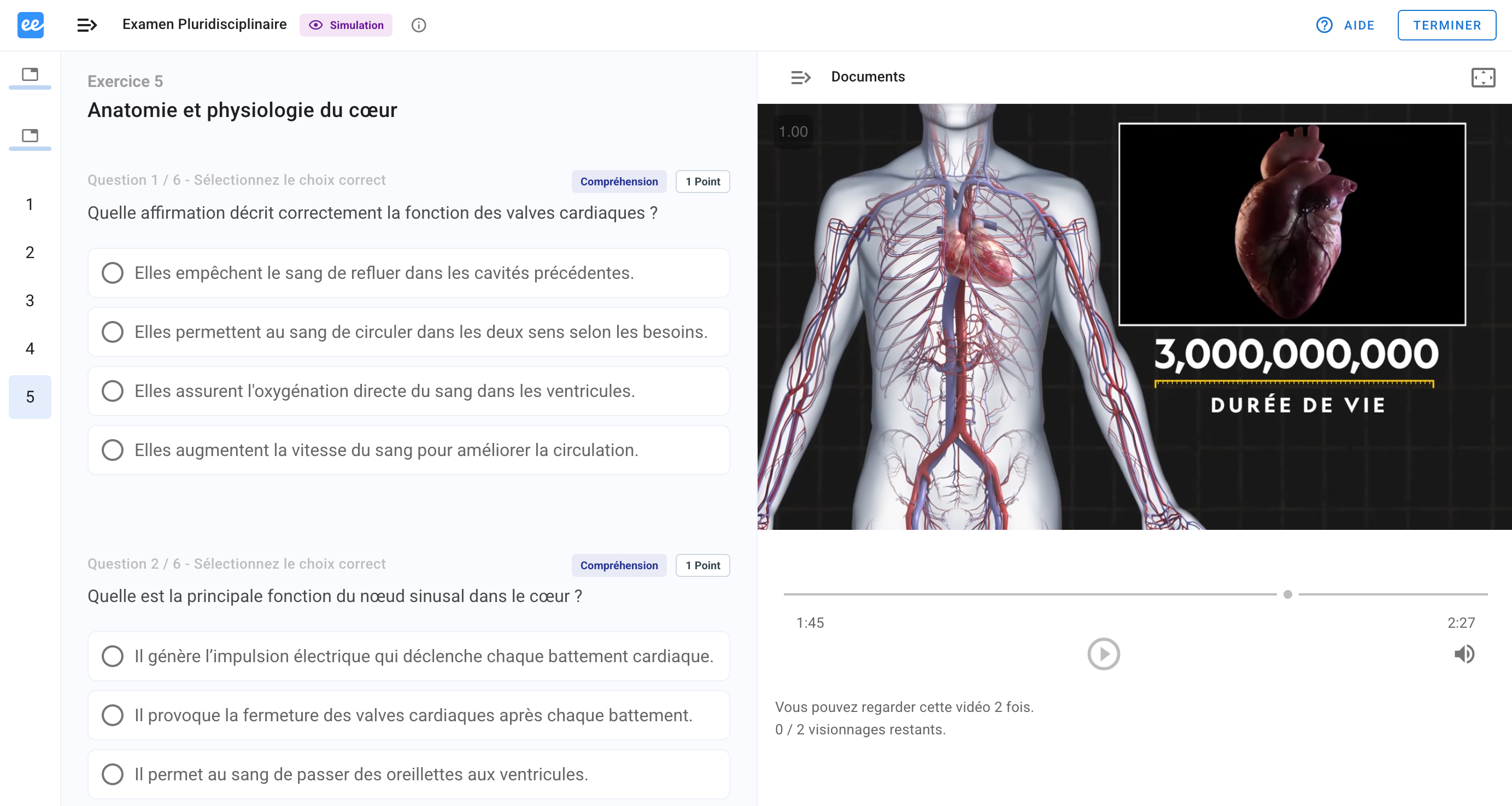
You can now add a video as a supporting document to a question or exercise.
Ideal for:
Illustrating a practical case
Sharing a clip for analysis
Enriching your exam materials
✨ Exam duplication
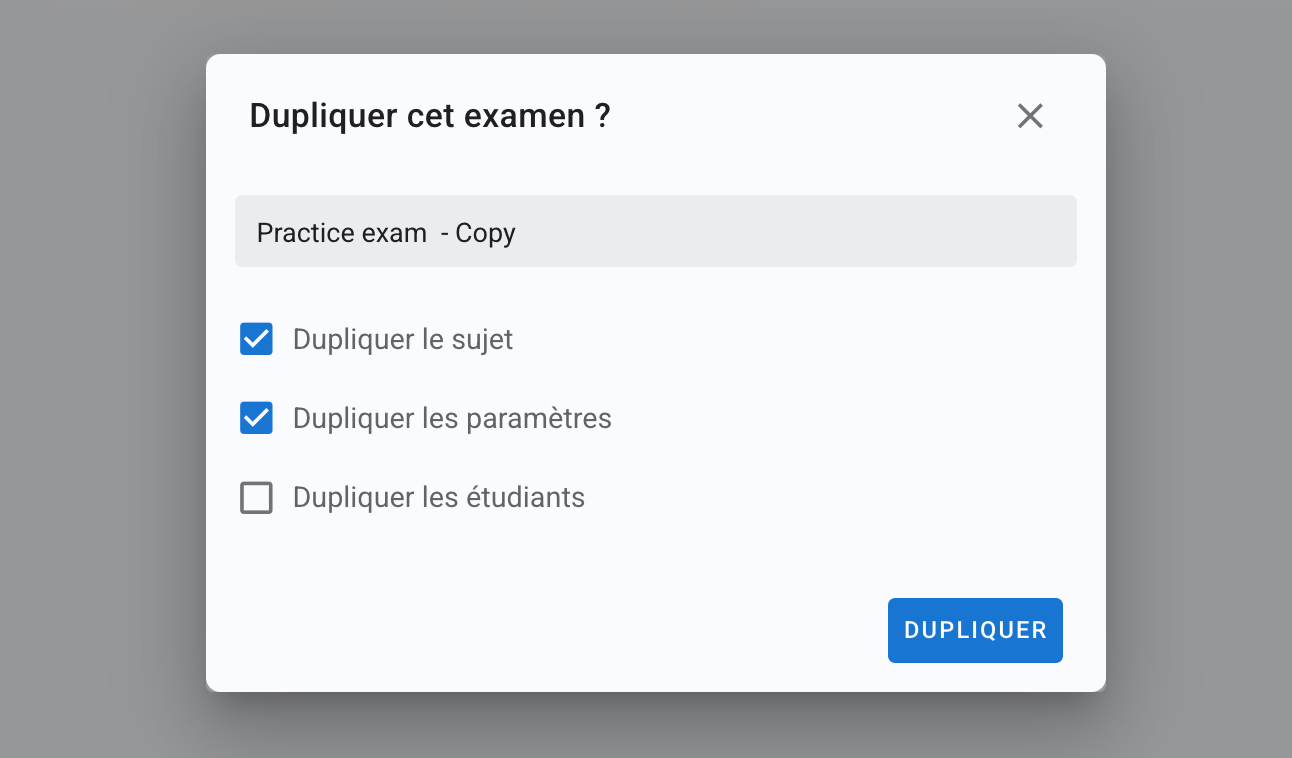
When duplicating an exam, you can now choose what to duplicate: the subject, settings, students, or any combination of the three.
✨Other Improvements
Audio document: it’s now possible to allow pausing and scrubbing through the audio
🐞 Bug Fixes
Minimum grade: fixed a bug where the previous minimum grade remained active after switching to a fixed penalty
Exam: fixed a bug that displayed the subject generation progress bar twice during manual opening