July 10th, 2025
New
Make integration & exam duplication via LMS
Automate your workflows with Make (Beta)
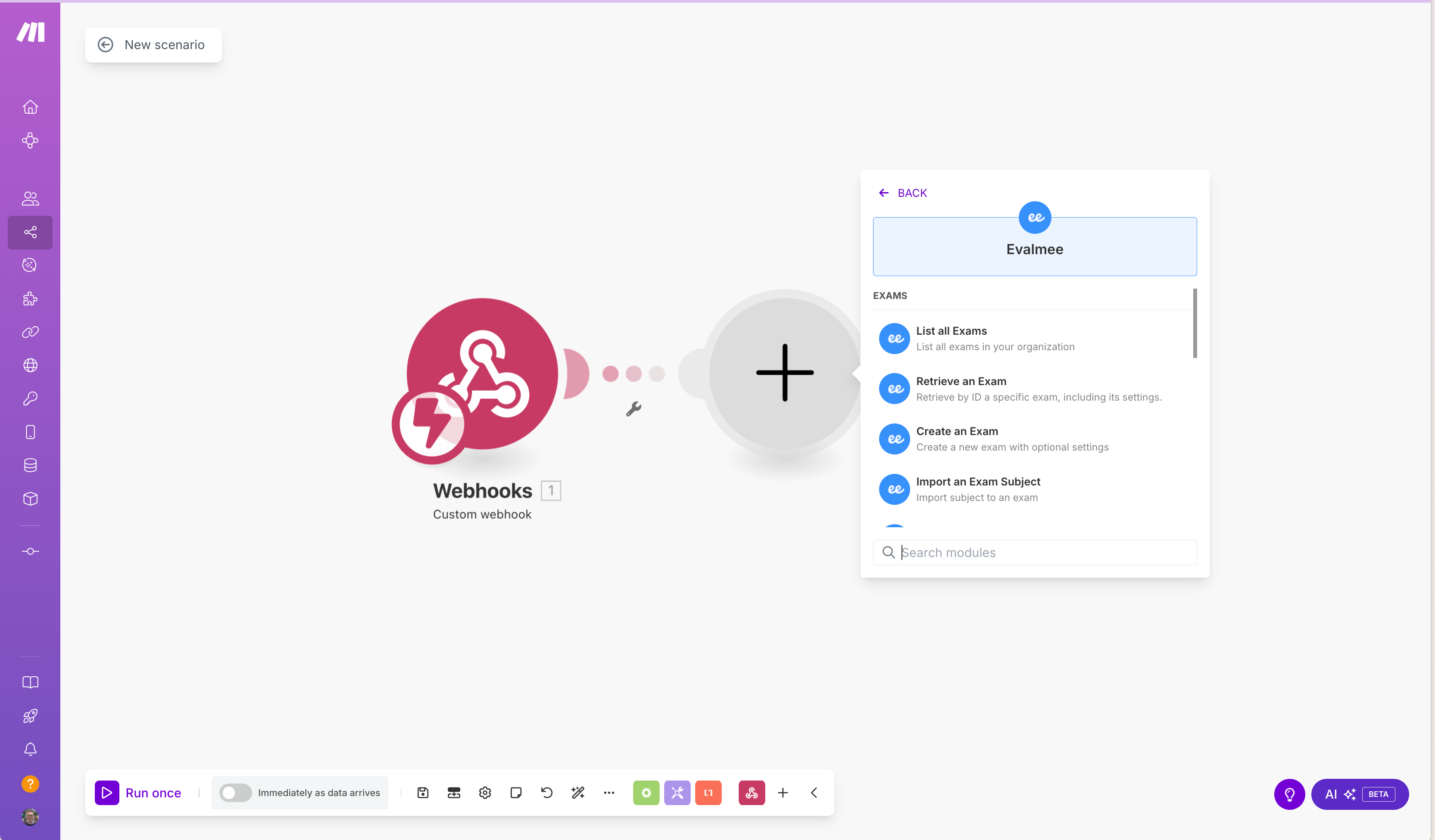
You can now connect Evalmee to your favorite tools (Google Sheets, Monday, Notion, Airtable, etc.) using Make, the no-code automation platform!
You’ll be able to:
Create an Evalmee exam from a Notion database
Import a subject from Google Drive
Enroll your students or candidates from a Google Sheet
Schedule an exam session directly from Monday
Send grades to Airtable
And so much more — hundreds of automations are possible to streamline your internal processes!
Find more ideas and ready-made templates in the documentation Make integration
Exam Duplication via LMS
Save time when setting up exams connected to your LMS!
When creating an Evalmee exam from your LMS, you can now choose between:
Starting from scratch
Reusing the subject and settings from an existing exam
🪄 Bonus: if you duplicate an Evalmee exam from your LMS (or clone an entire course for a new cohort), Evalmee will suggest reusing the original exam — currently available for Brightspace and Blackboard only.
✨ Other Improvements
You can import in an existing exam the subject, settings, and students from another exam
Navigation between question pages is now enabled by default
Text selection is enabled by default on attached PDF documents (including PDF text search)
Improved interface design for students
Confetti removed once the exam is submitted
🐞 Bug Fixes
Fixed an issue where the subject generation indicator could appear twice when manually opening an exam session
Fixed an issue in the session invitation menu when more than 20 sessions are listed in a single exam